




 Regenerate
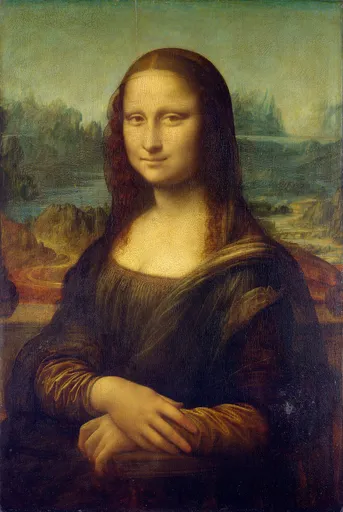
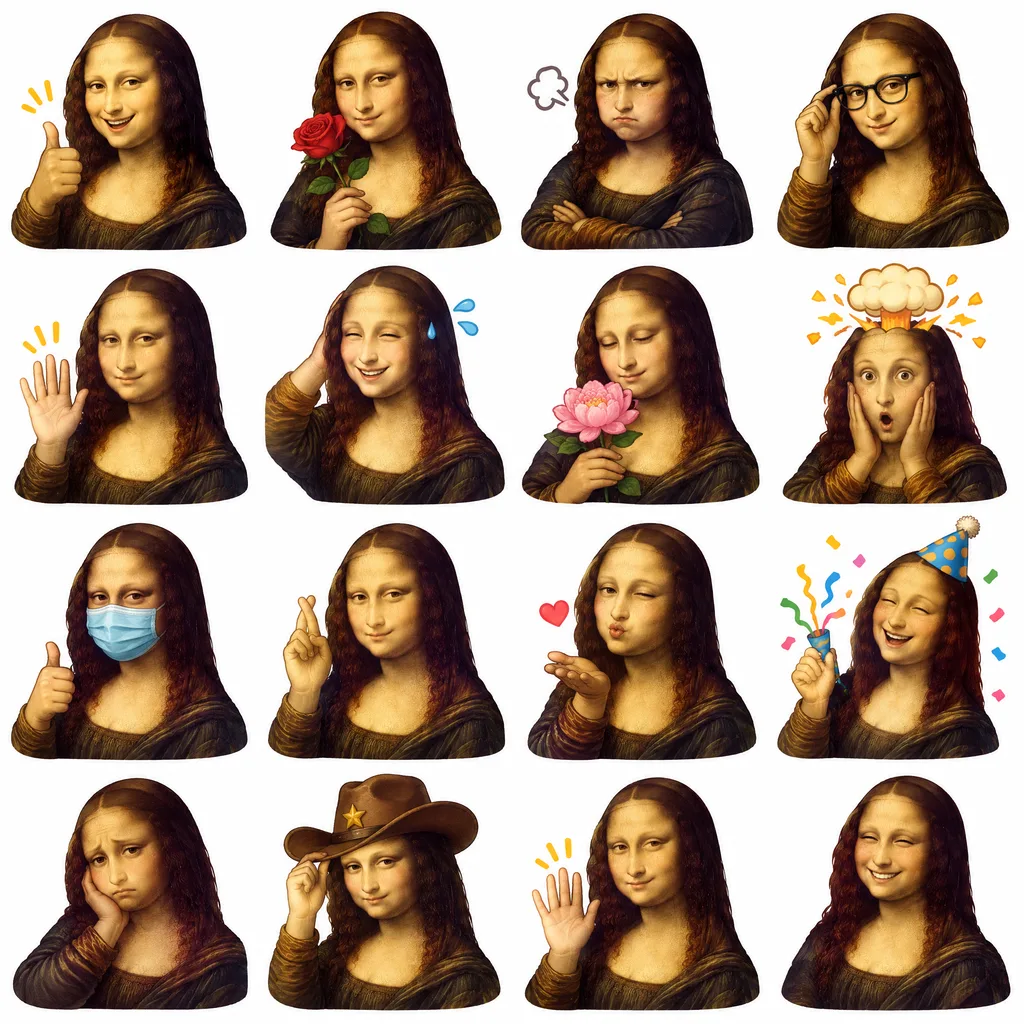
Mona Lisa, sixteen moods
Turn one subject into a set of reaction stickers
Review results, manage assets and access generation history in AI Studio.
Build a static reaction set around a person, pet or illustrated character. Each cell expresses a different mood or response; this scene does not create motion.
Upload at least one clear image of the subject. Use the brief controls to choose style, background and expressions, or start with the defaults.
The model produces a 4×4 sheet. Use the result tools to inspect the cuts and download the 16 static cells; check edges and any text first.
Choose a clear face or character silhouette. Avoid a source where the subject is too small to recognize.
Set the moods, visual style and background in the brief. Use short text if you want captions in the stickers.
Generate the sheet, inspect each cell and use the download tools. Check that cropping does not cut off the face, hands or captions.
Every card below is a real job run here. Tap one and the source photos and prompt load — run it yourself.
RegenerateMona Lisa, sixteen moods
 Regenerate
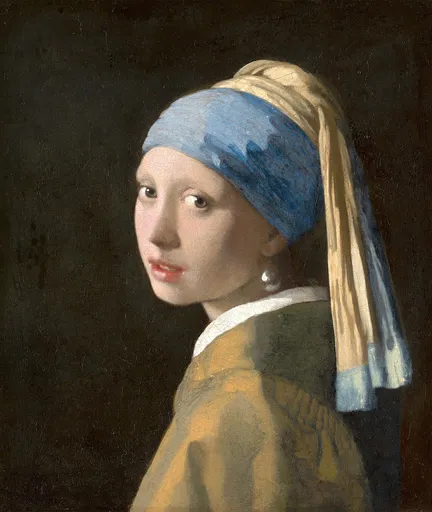
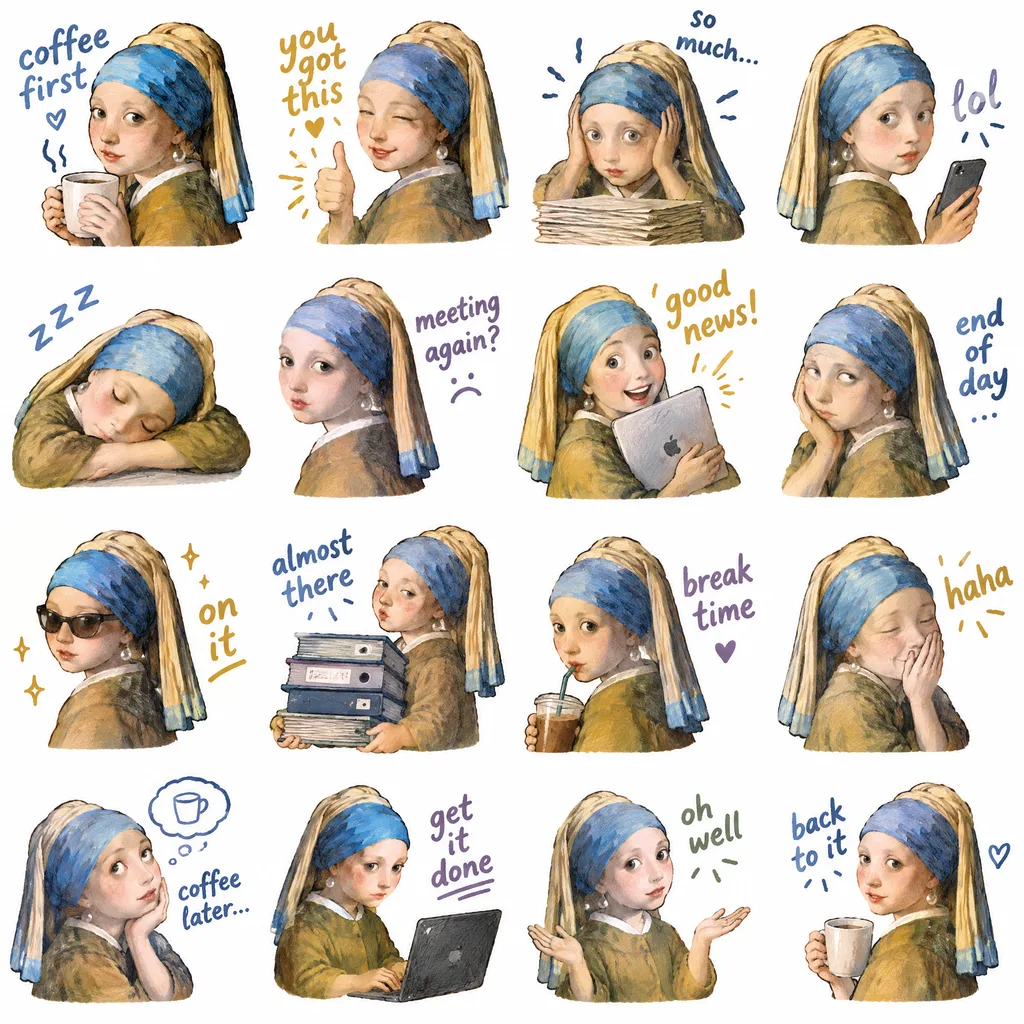
Pearl Earring girl at the office

 Regenerate
Chibi tabby for the group chat
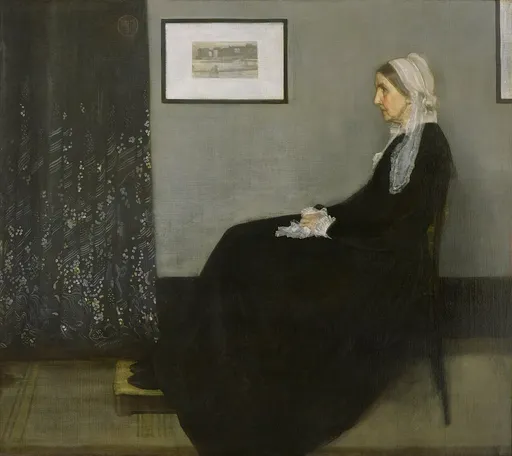
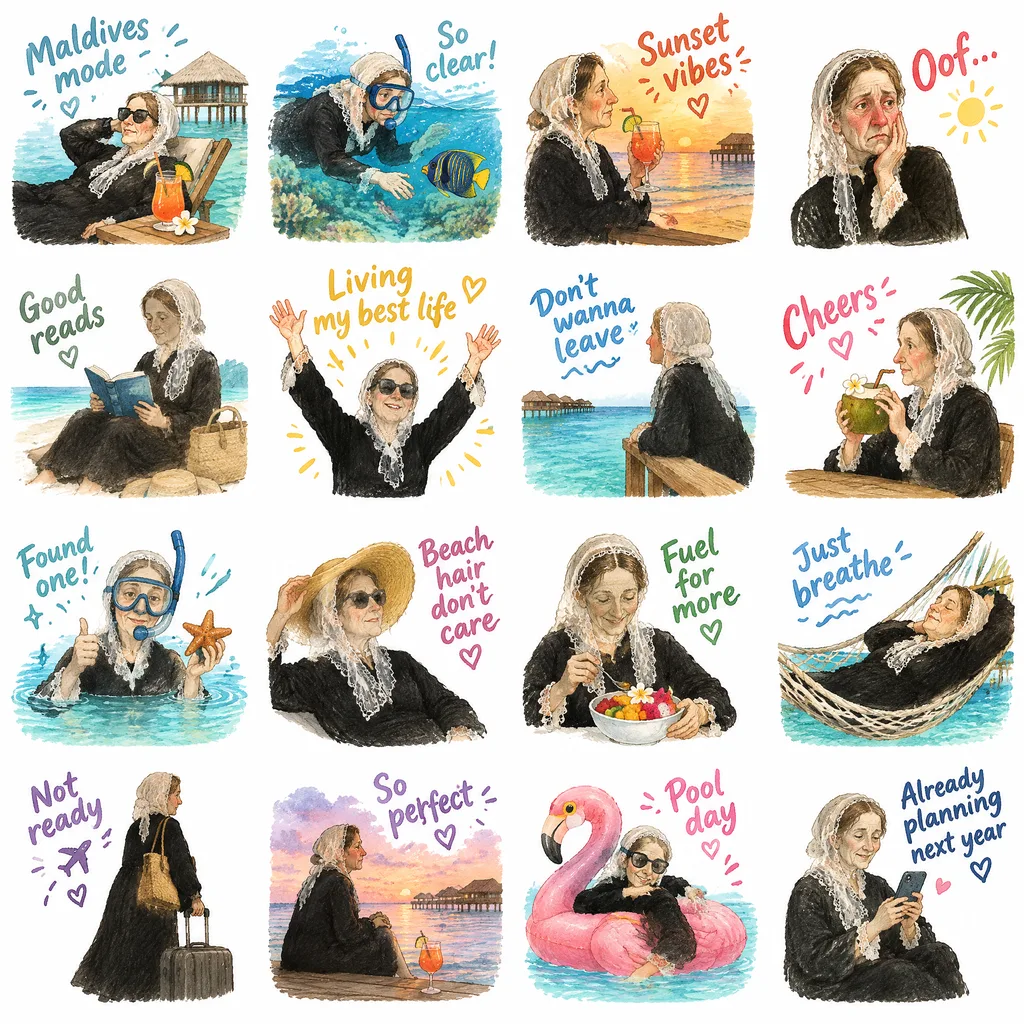 Regenerate
Whistler's Mother in the Maldives


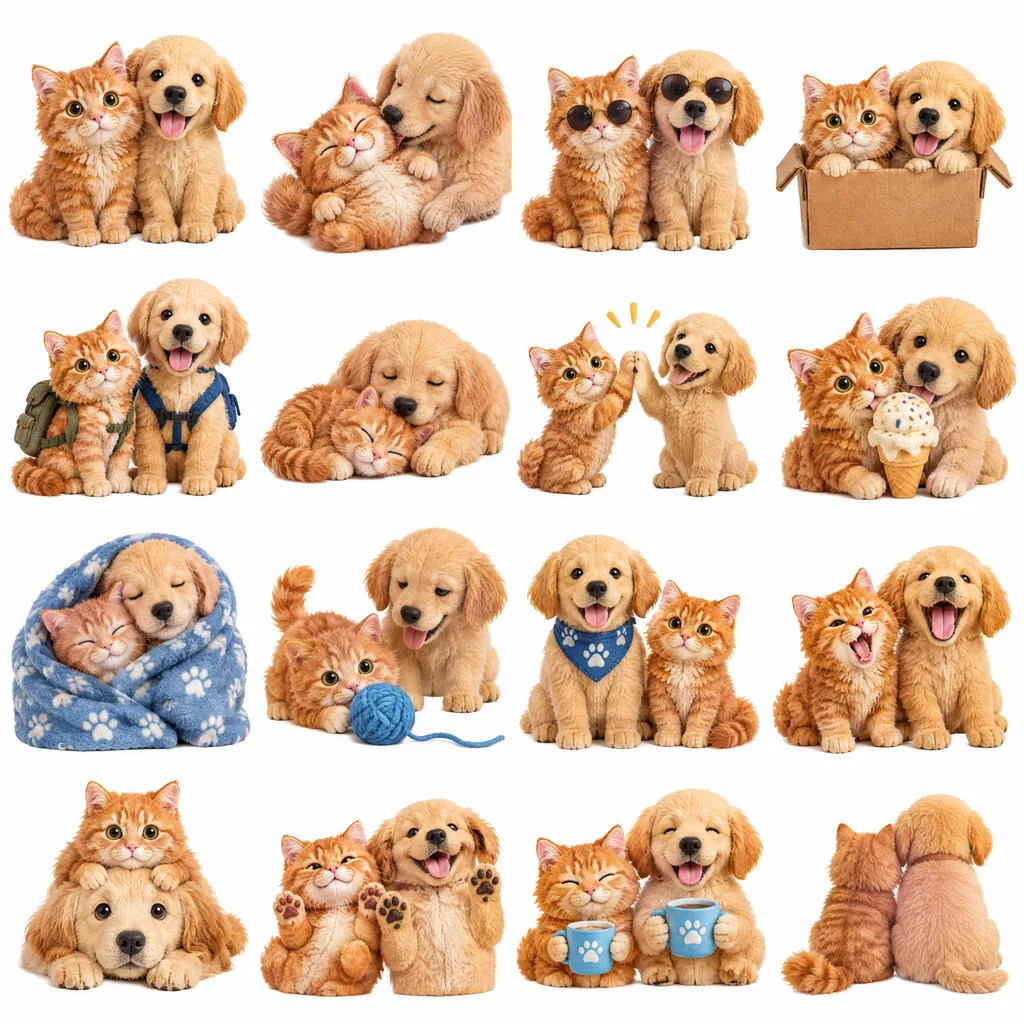 Regenerate
Plush tabby and puppy, best friends


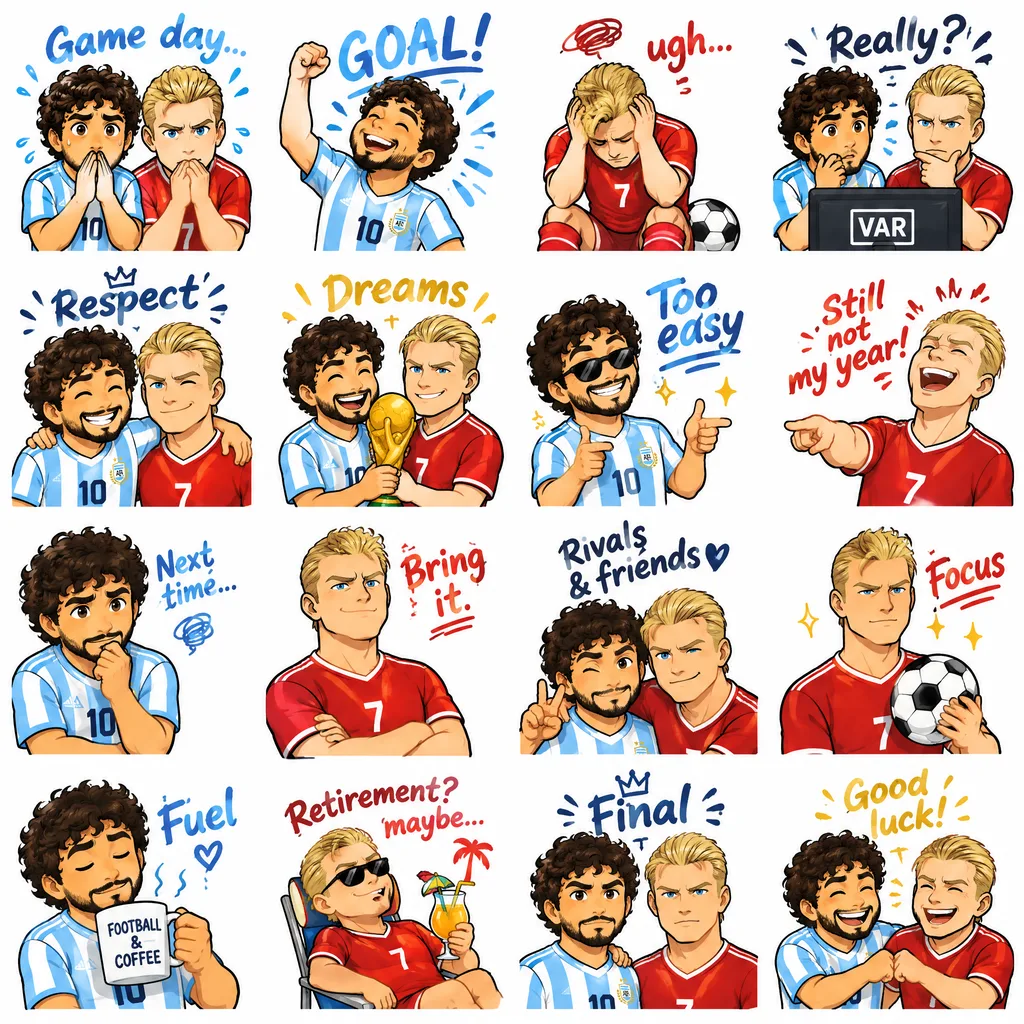 Regenerate
Two rivals at the 2030 World Cup
RegenerateMona Lisa, sixteen moods
RegeneratePearl Earring girl at the office
RegenerateChibi tabby for the group chat
RegenerateWhistler's Mother in the Maldives
RegeneratePlush tabby and puppy, best friends
RegenerateTwo rivals at the 2030 World Cup
Everyday reactions for a cat
A sticker set of this cat: happy, surprised, sleepy, thankful and cheering; simple cartoon style, white background, no captions.
Upload a cat photo and express these choices in the brief controls. The model fills a 16-cell sheet; individual reactions can vary.
Get StartedThe initial output is one 4×4 sheet. The result tools split it into static cells for download. Inspect the crop before using them.
The default is a white background. Other available background options can be selected, but inspect the actual edges and transparency in the result.
Use the GIF sticker scene. It creates a sequence of frames for animation, whereas this scene creates separate static reactions.