




 Regenerate
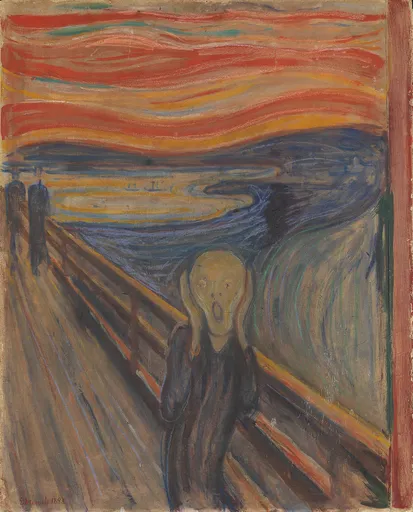
The Scream, 16 frames of shock
Give your character one short looping action
Review results, manage assets and access generation history in AI Studio.
Create an animated sticker from a photo and a simple movement. The image model draws a frame sheet, then the GIF tools turn those cells into an animation you can review.
Upload at least one subject image. Describe one action such as a wave or nod, then choose the style, background and number of cells.
You receive a frame sheet and can export it as a GIF after previewing. Motion continuity, subject stability and clean edges need checking.
Upload the subject and describe one movement with a clear start and return. Leaving the action blank uses the current greeting preset.
Start with the default 16 cells, or select 9 or 36. More cells do not guarantee smoother motion and can increase export size.
Open the animation controls, inspect frame alignment and adjust playback. Check the exported file against the limits of your intended chat app.
Every card below is a real job run here. Tap one and the source photos and prompt load — run it yourself.
RegenerateThe Scream, 16 frames of shock
 Regenerate
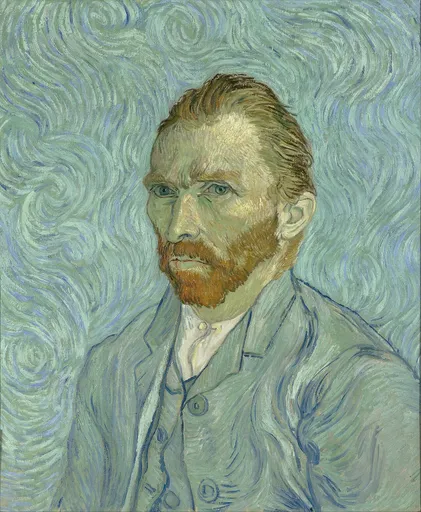
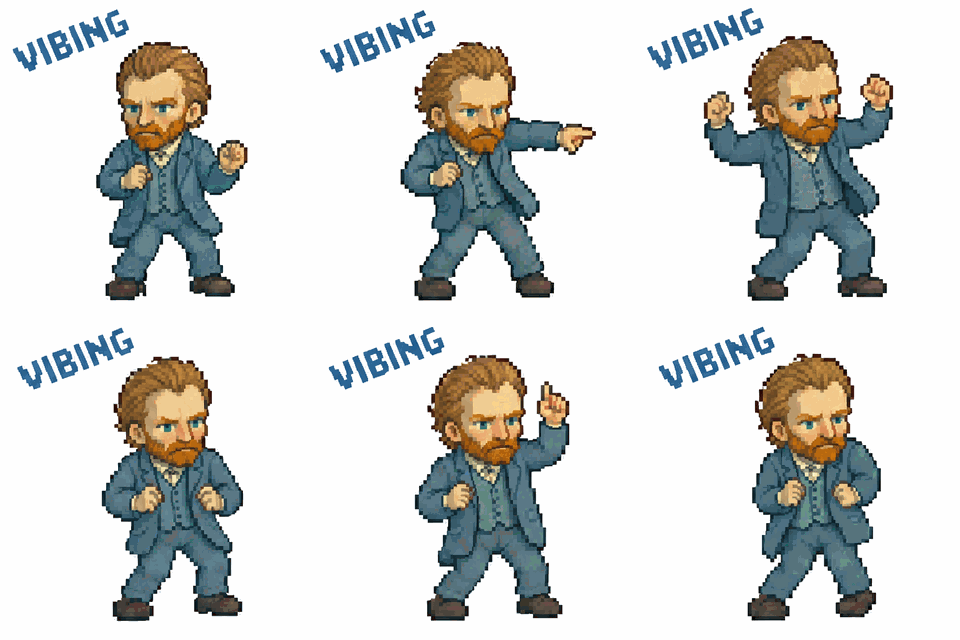
Pixel Van Gogh dancing, captioned VIBING

 Regenerate
Clay puppy, sleepy to furious
 Regenerate
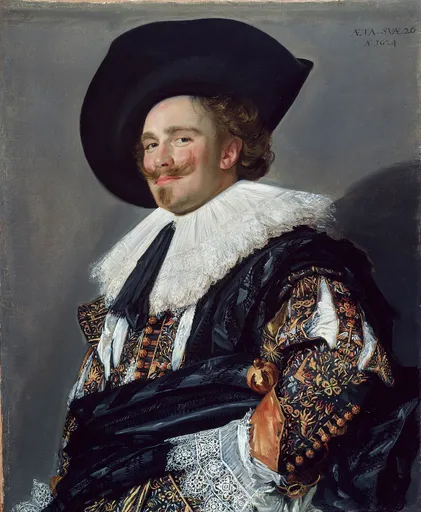
The Laughing Cavalier scores
 Regenerate
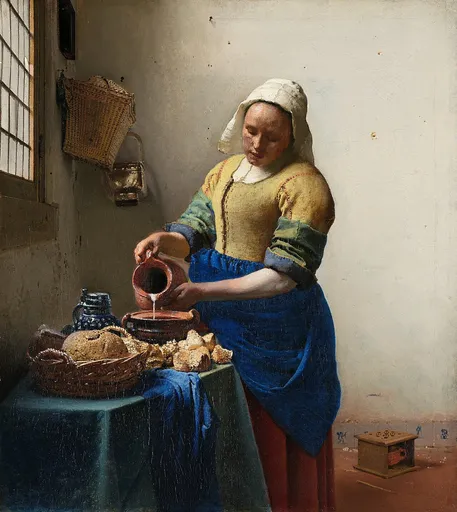
The Milkmaid rolls her eyes


 Regenerate
Tabby and puppy party, 16 frames
RegenerateThe Scream, 16 frames of shock
RegeneratePixel Van Gogh dancing, captioned VIBING
RegenerateClay puppy, sleepy to furious
RegenerateThe Laughing Cavalier scores
RegenerateThe Milkmaid rolls her eyes
RegenerateTabby and puppy party, 16 frames
A dog waving hello
The dog raises one front paw, waves gently twice and returns to the starting pose. Keep the body in the same place and the camera still.
Upload a clear dog photo. This describes a motion sequence, not a promise of a flawless loop; preview the generated frames.
Try this exampleNo. This workflow generates an image sheet and assembles its cells into a GIF. Use a video scene for a continuous video clip.
The default is 16; 9 and 36 are alternatives. Try a short, readable action first. The best result depends on the generated frames and playback settings.
Not automatically. Apps differ in accepted formats, dimensions and file sizes. Review the exported file and the destination app requirements.