




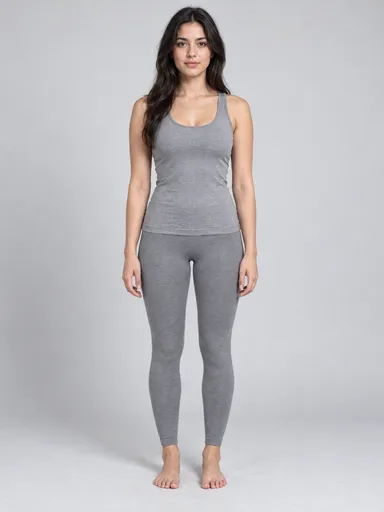
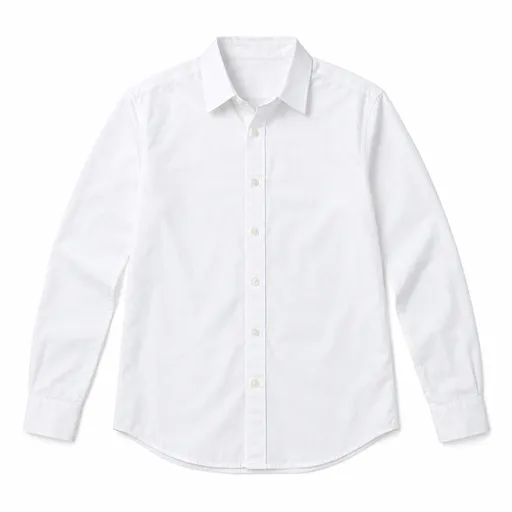
 Regenerate
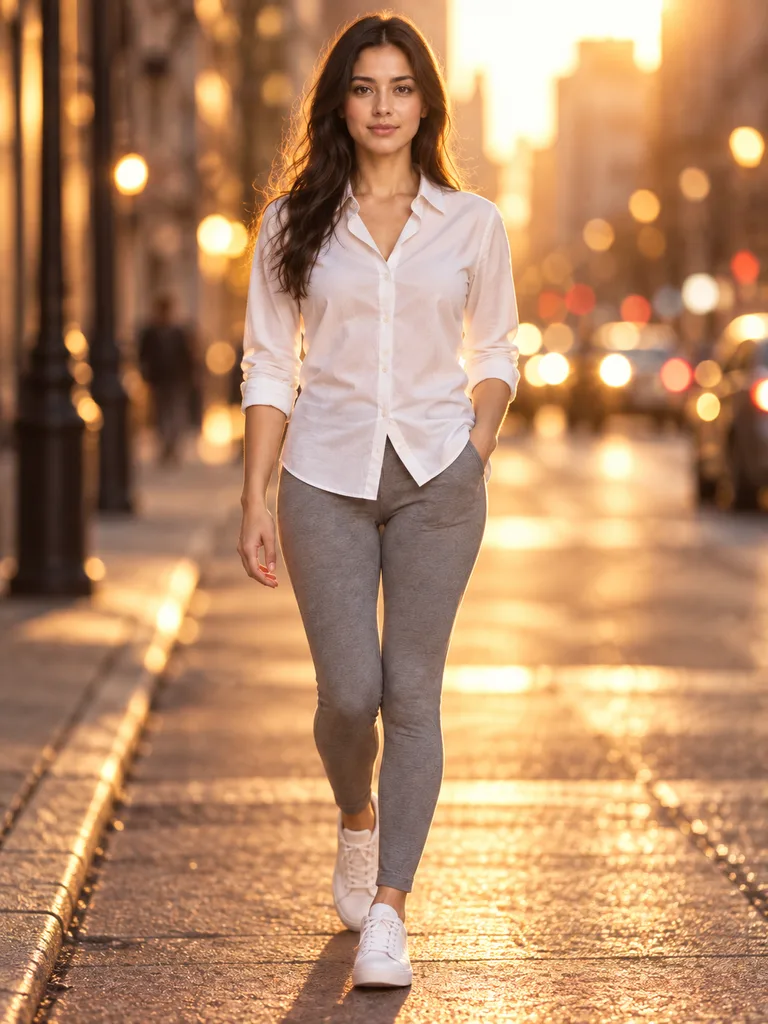
White shirt, backlit city street at dusk
See an outfit on your model or an AI model
Review results, manage assets and access generation history in AI Studio.
Create an apparel image from garment references. Choose your own model photo when identity matters, or the AI-model option when you only have clothing photos.
With your own model, upload the person first and at least one garment image after it. The AI-model option needs at least one garment reference.
You get a visual outfit preview: choose one outfit image or four separately generated poses. This is not a measurement or sizing tool.
Pick your own model photo or an AI-generated model, then upload the references required by that option.
Add an optional pose, setting or styling direction. If you supply several garments, say how they belong together.
Review garment cut, pattern and fit appearance, as well as face and body details. Download only after the preview suits your purpose.
Every card below is a real job run here. Tap one and the source photos and prompt load — run it yourself.
RegenerateWhite shirt, backlit city street at dusk
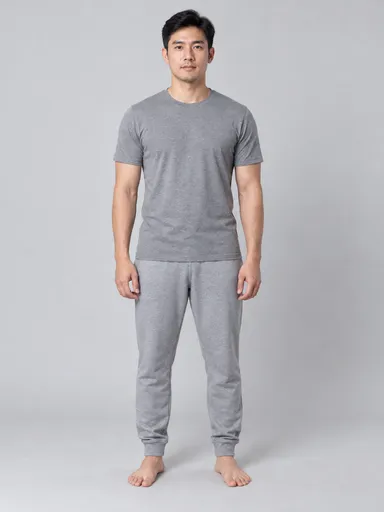
 Regenerate
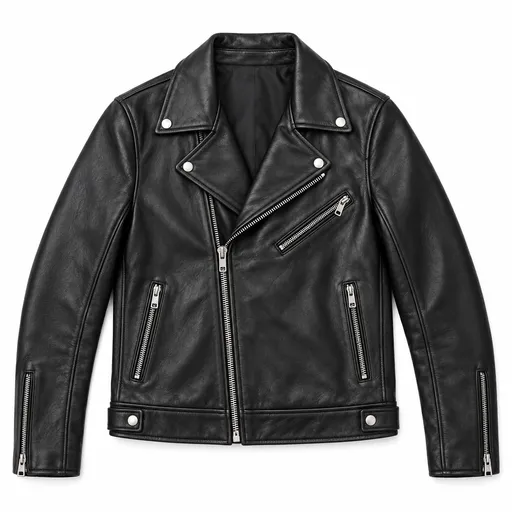
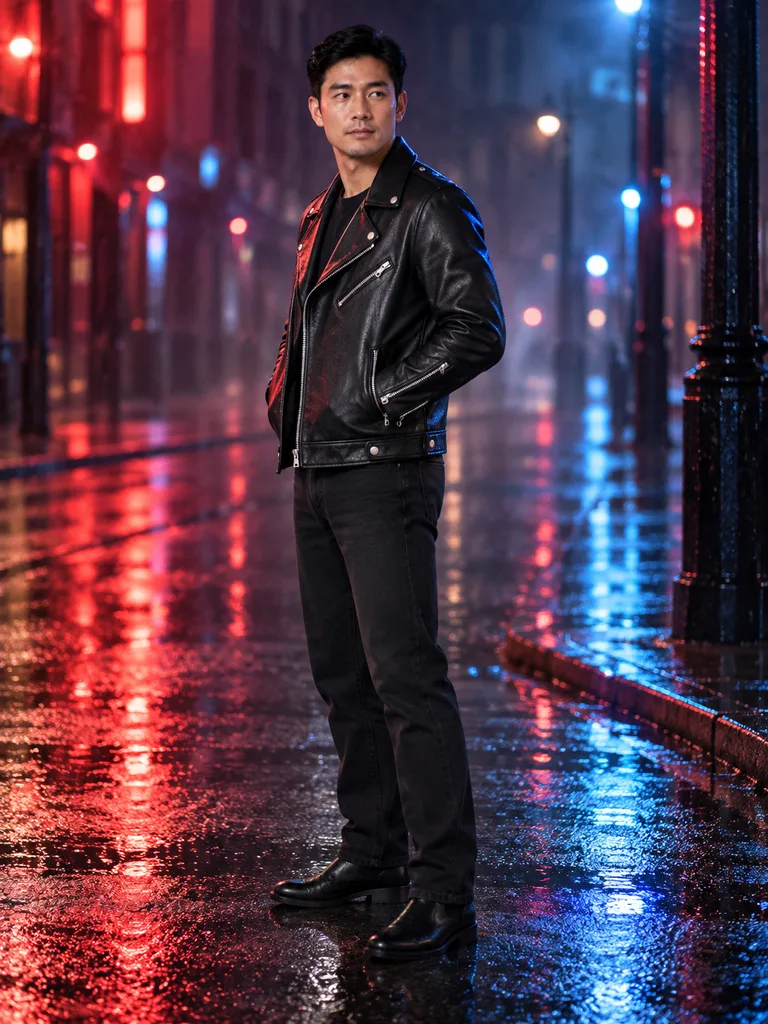
Leather jacket, neon reflections after rain
 Regenerate
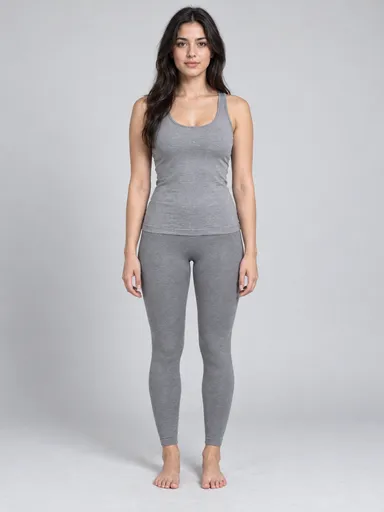
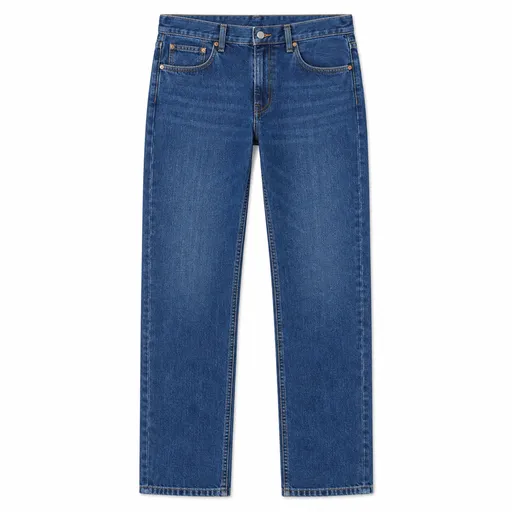
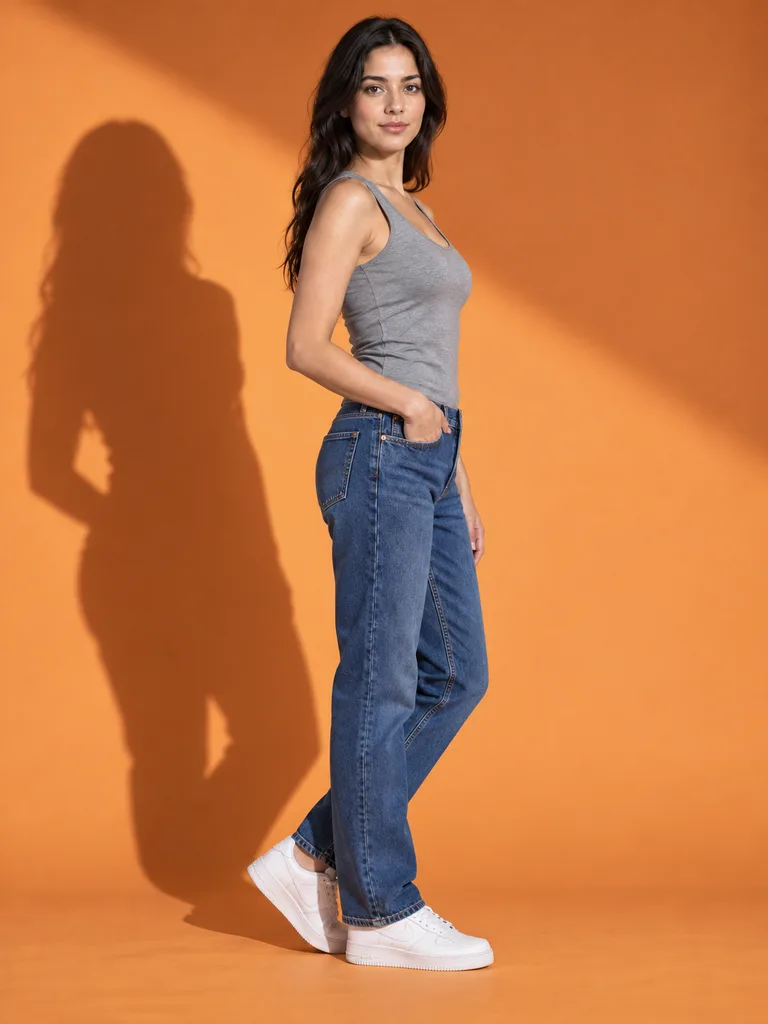
Denim under hard studio light, cast shadow
 Regenerate
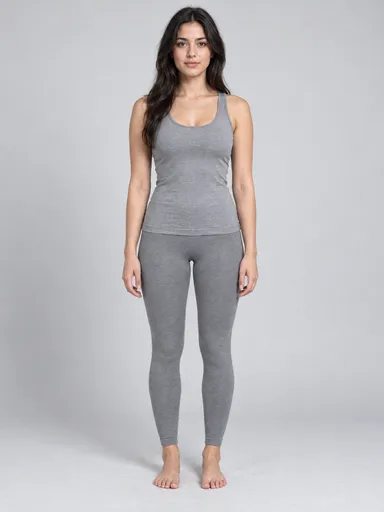
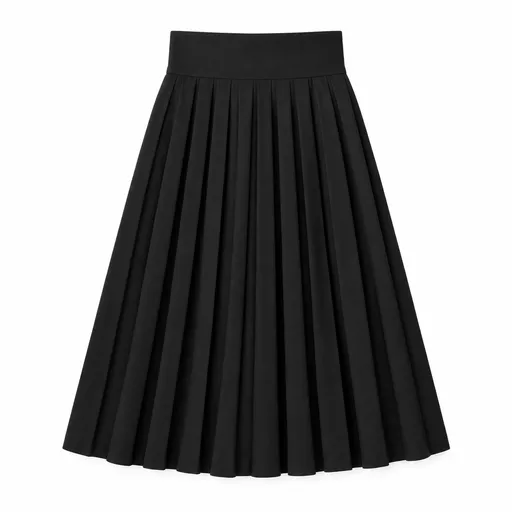
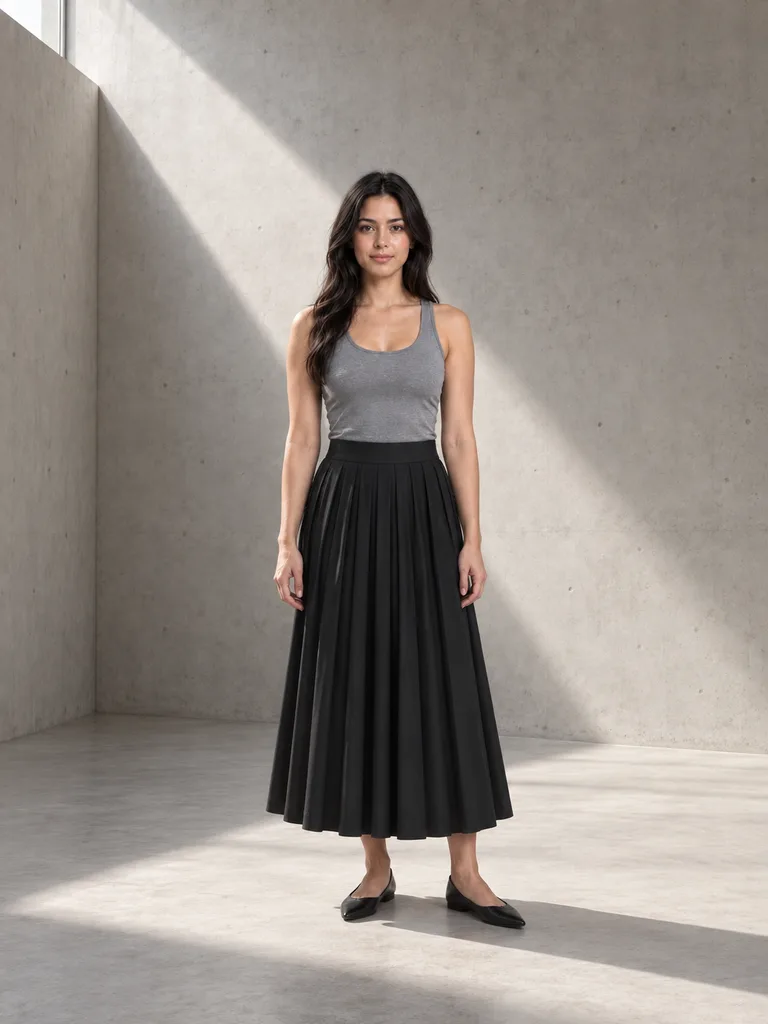
Pleated skirt in a shaft of window light
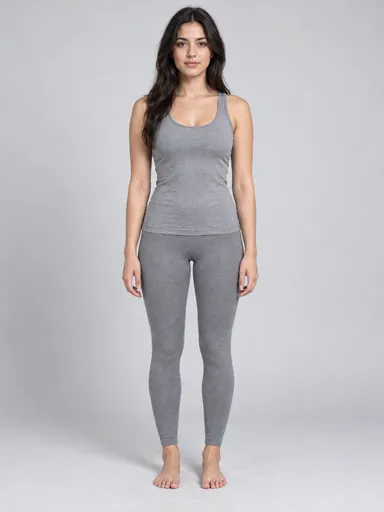
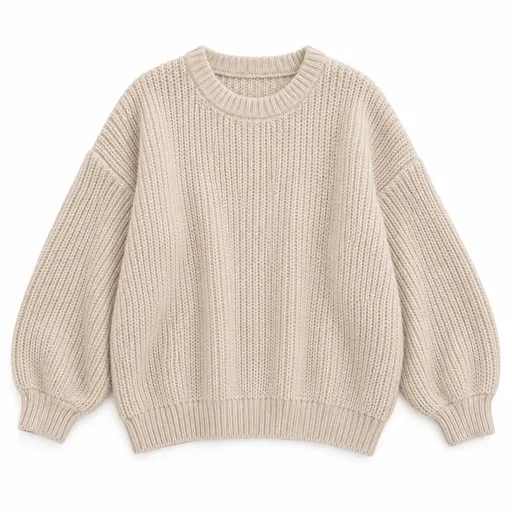
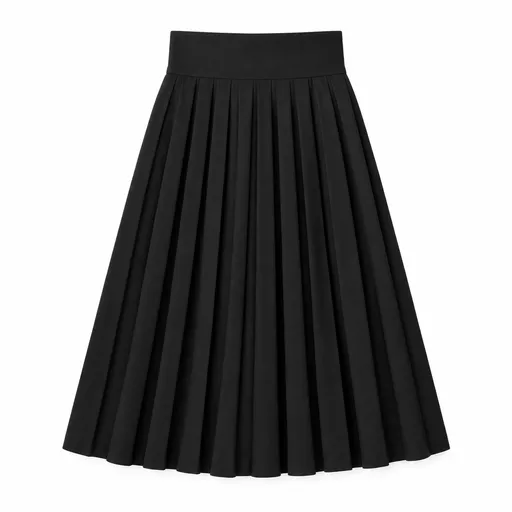
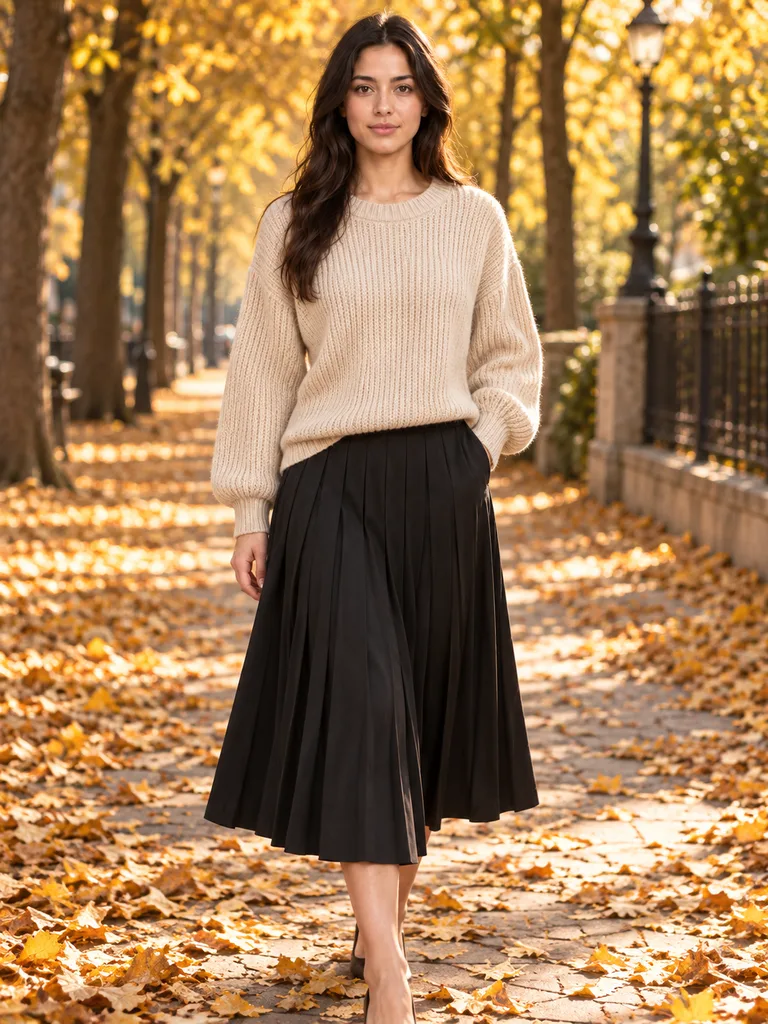 Regenerate
Knit and skirt on a leaf-strewn avenue
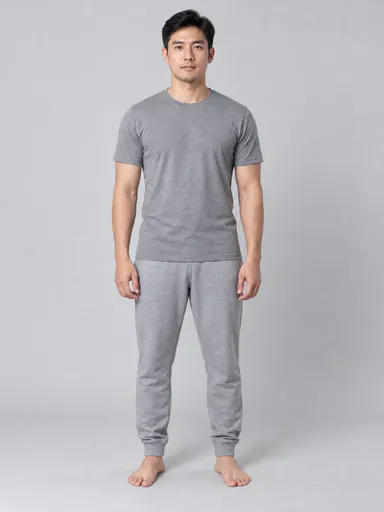
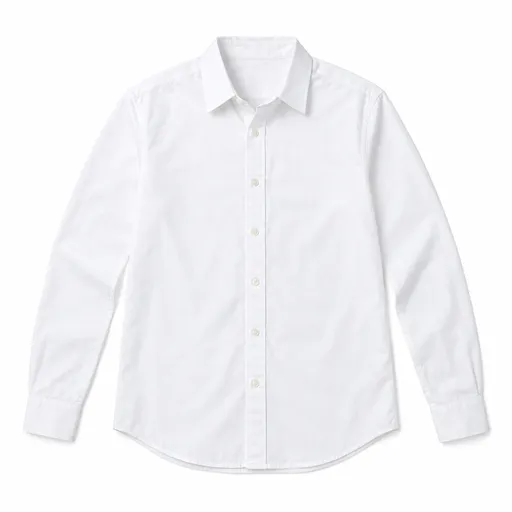
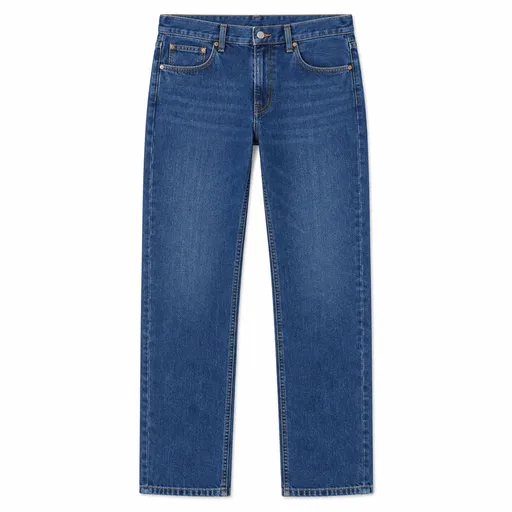
 Regenerate
Shirt and jeans by the sea at sunset
RegenerateWhite shirt, backlit city street at dusk
RegenerateLeather jacket, neon reflections after rain
RegenerateDenim under hard studio light, cast shadow
RegeneratePleated skirt in a shaft of window light
RegenerateKnit and skirt on a leaf-strewn avenue
RegenerateShirt and jeans by the sea at sunset
A cardigan with your model photo
An apparel photo of the person in the first image wearing the cardigan in the second image, standing beside a plain wall in soft daylight.
Use the own-model option and upload the person before the cardigan. The result is an appearance preview, not proof of real-world fit.
Try this exampleYes. Switch the model source to AI-generated and upload garment references. The person will be generated instead of preserving a supplied identity.
The references guide the result, but exact identity, fabric texture, patterns and accessories are not guaranteed. Compare them with the originals.
No. It makes a visual image and does not measure the person or simulate garment construction. Use actual size information for that decision.