AI viral videos from TikTok trends
Trends going viral on TikTok, with you, your friends or your pet in them. Upload a photo and get a video in a few minutes.

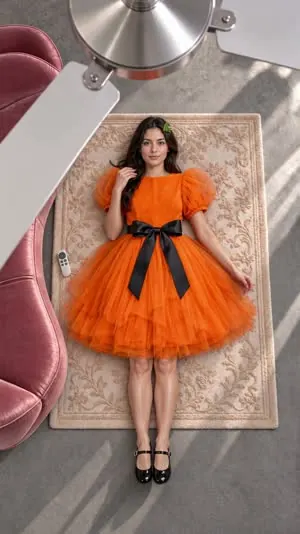
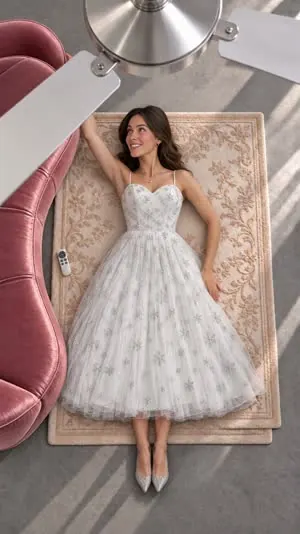
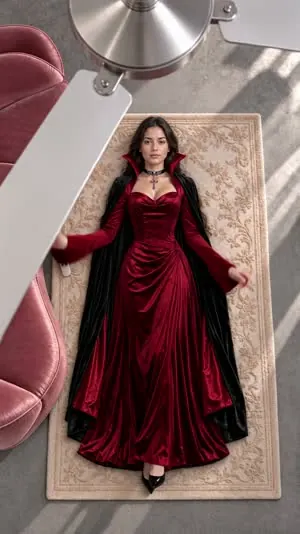
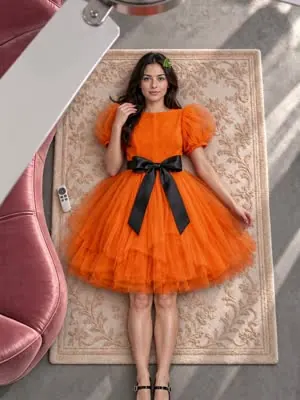
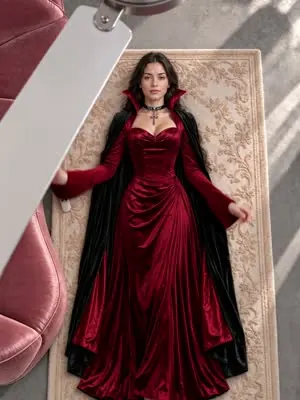
Ceiling Fan Transition AI Video
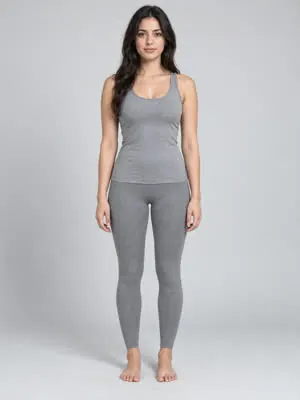
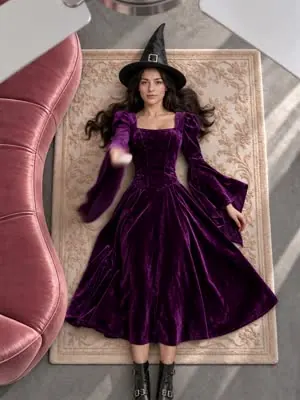
Overhead shot, a new outfit every time the fan blade passes.
- Photos
- 1 or 2 photos
- Video
- 15 s
- Credits
- 3,680
All AI viral videos
 1 photo10 sTesla Roadster AI VideoYou or your pet at the wheel, launching off a ramp and flying.
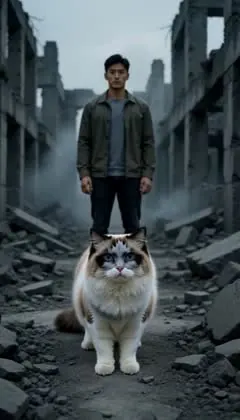 Photo or group photo5 sZombie AI VideoOne continuous shot from normal to full zombie look.
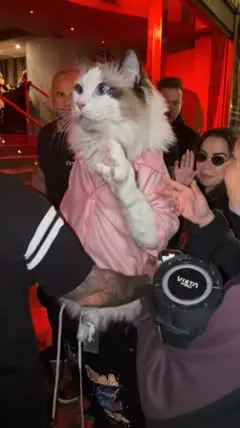 1 photo10 sBulin 47 AIA person or pet freestyling on the street.
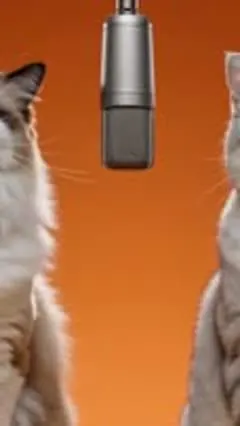 2 photos10 sHotel Lobby AI VideoTwo characters trading verses at the mic in the orange studio.
Past trends stay online, and their pages keep working.
Pick a trend by what you want
Make your own version from a photo
Each trend already has its shots, moves and pacing worked out. Pick one, upload a photo, leave the extra idea empty if you like, wait a few minutes and download the MP4 for TikTok, Reels or Shorts.
Trends need different photos: the ceiling fan transition and Tesla Roadster need one, Hotel Lobby needs two, and zombie works with a group photo where you choose who changes. Each trend page lists the photos, the default length and the credits, and the exact cost shows again before you submit.
For a first try, pick a shorter length to check how your photo works, then make the full version. People, pets and original characters can all be the star. Photos of children, celebrities and public figures are not supported.
AI viral videos FAQ
No. Upload a photo and generate. To change the scene or style, write one line in the extra idea.
Yes. Trend pages stay online after a trend cools down.
When a new trend takes off on TikTok, we add it here. New ones are marked New.
Only your own photo or one of an adult who agreed. Photos of children, celebrities and public figures are not supported.
Start with the ceiling fan transition
One photo, four outfits in 15 seconds. Works for people and pets.
Make a ceiling fan transition