

 10 postersRegenerate
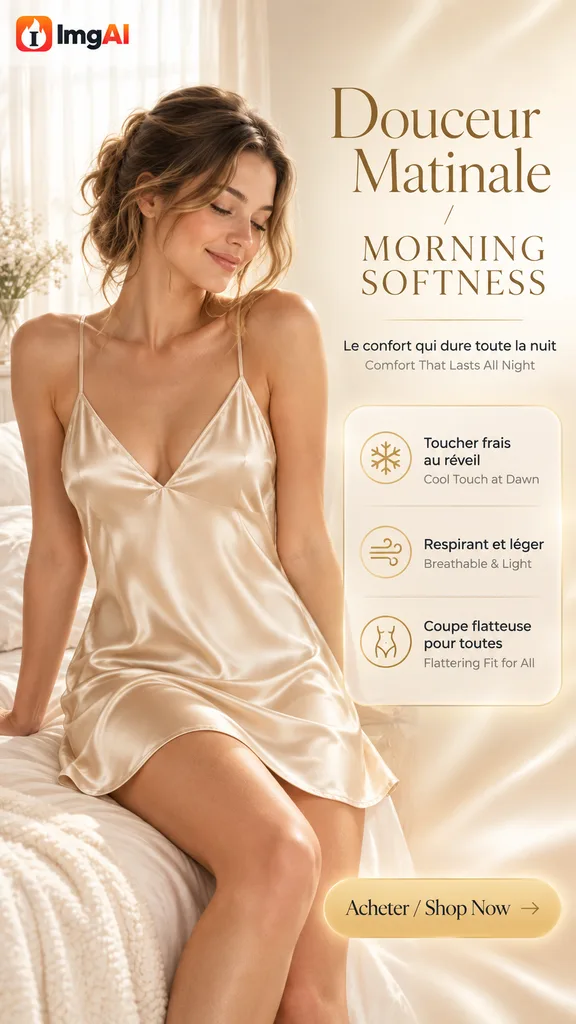
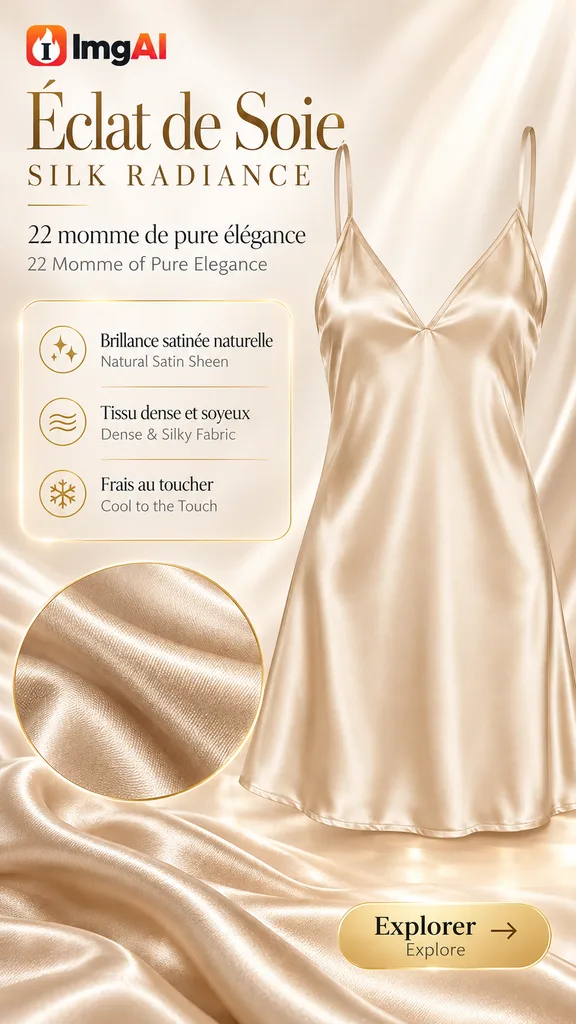
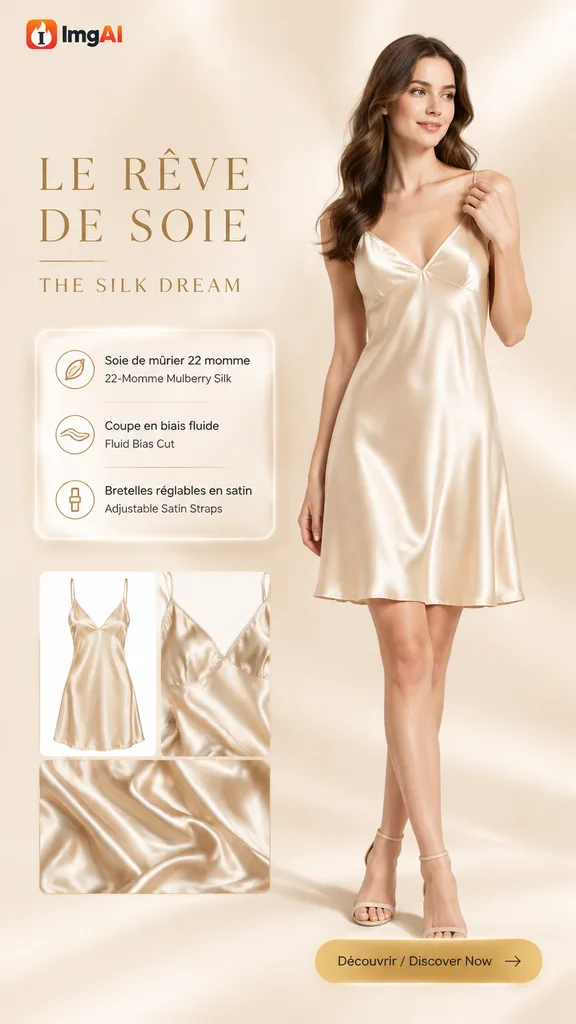
10-poster listing, French + English
Plan your product story before making the images
Review results, manage assets and access generation history in AI Studio.
Use this scene when one product photo cannot explain the whole offer. A planning step organizes the visual style and the purpose of each poster before generation.
Upload at least one product reference and describe the product, audience and facts you want to communicate. Include exact wording when it matters.
You receive a plan and, after generating it, a set of poster images. These are image assets for a detail page, not a deployed storefront or editable web page.
Describe the product and its selling points without inventing specifications. Add reference images for appearance.
Read the proposed style, text and purpose of each image. Adjust the set before choosing to generate it.
Generate the planned images, then inspect product consistency and written claims across the set. Download the versions you want to use.
Every card below is a real job run here. Tap one and the source photos and prompt load — run it yourself.
10 postersRegenerate10-poster listing, French + English
 8 postersRegenerate
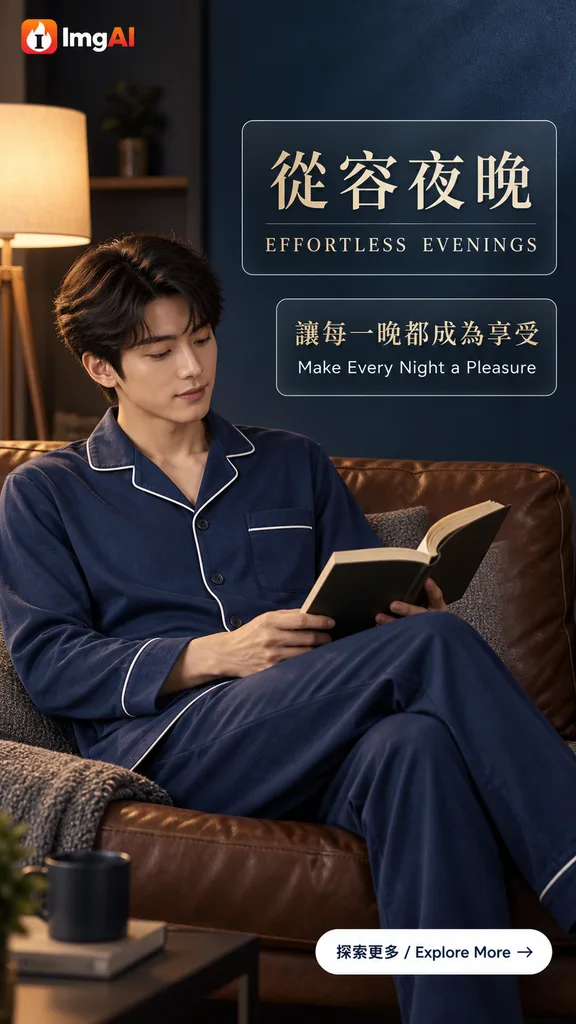
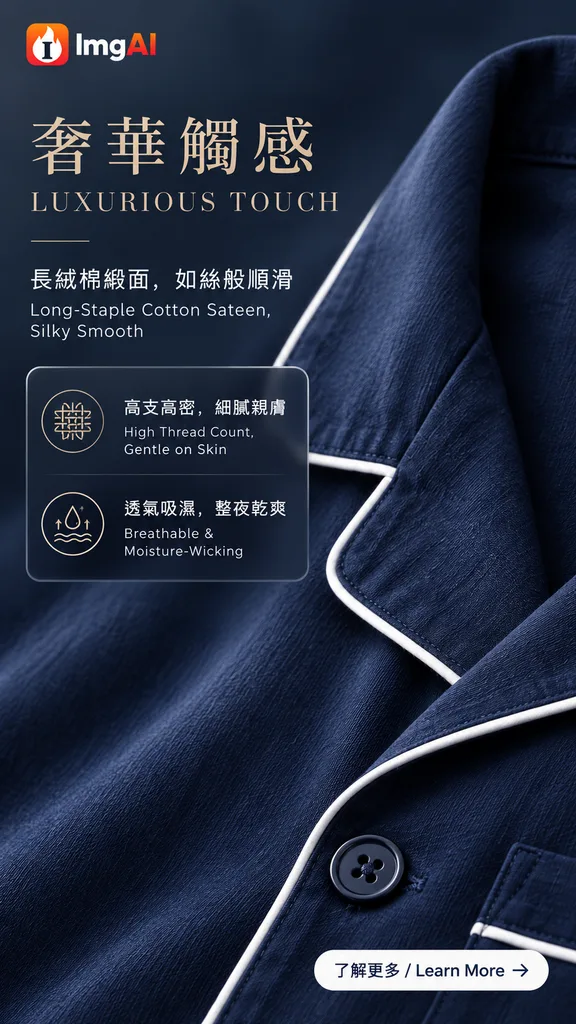
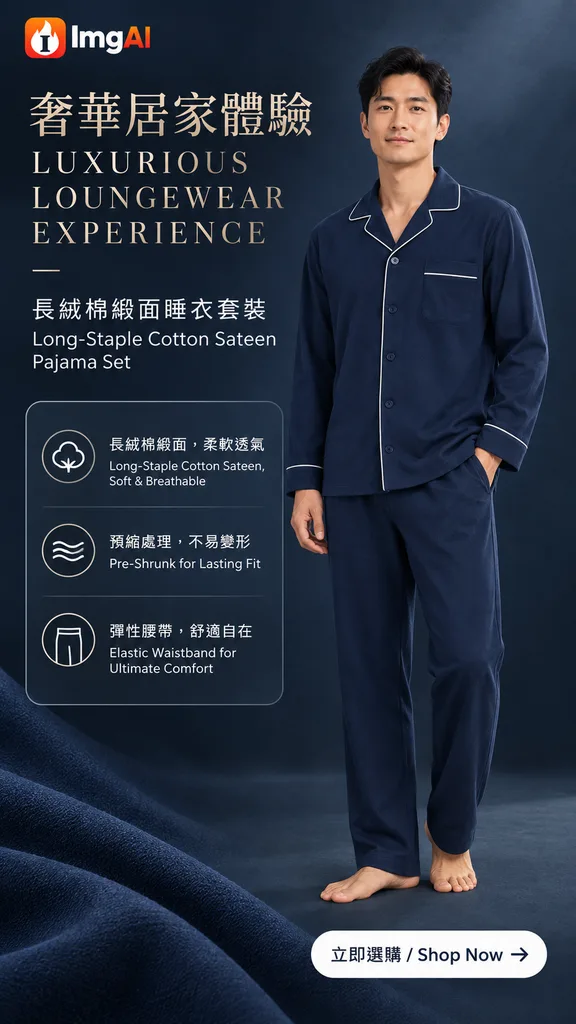
8-poster listing, Traditional Chinese + English
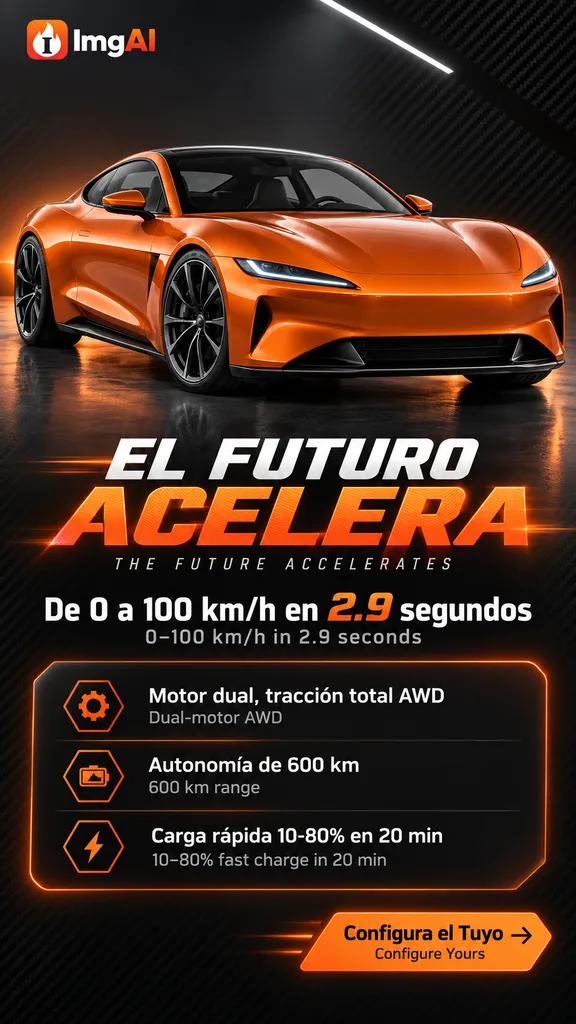 8 postersRegenerate
8-poster listing, Spanish + English
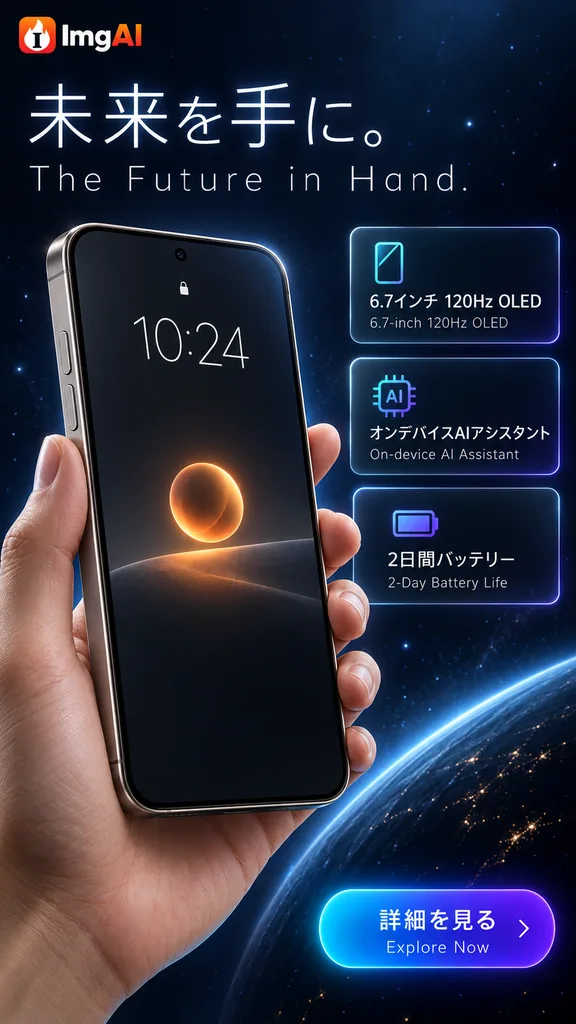 6 postersRegenerate
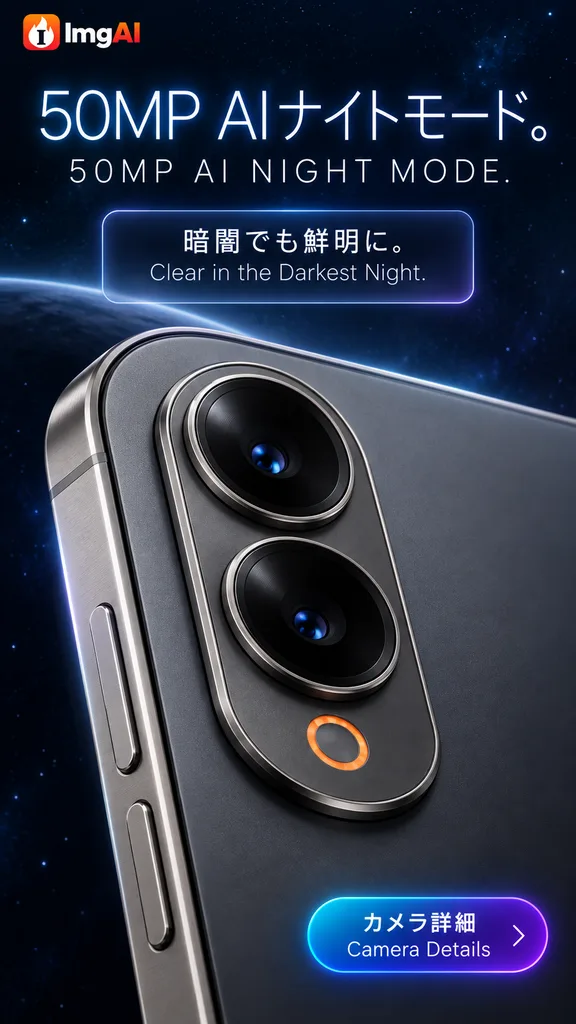
6-poster listing, Japanese + English
 6 postersRegenerate
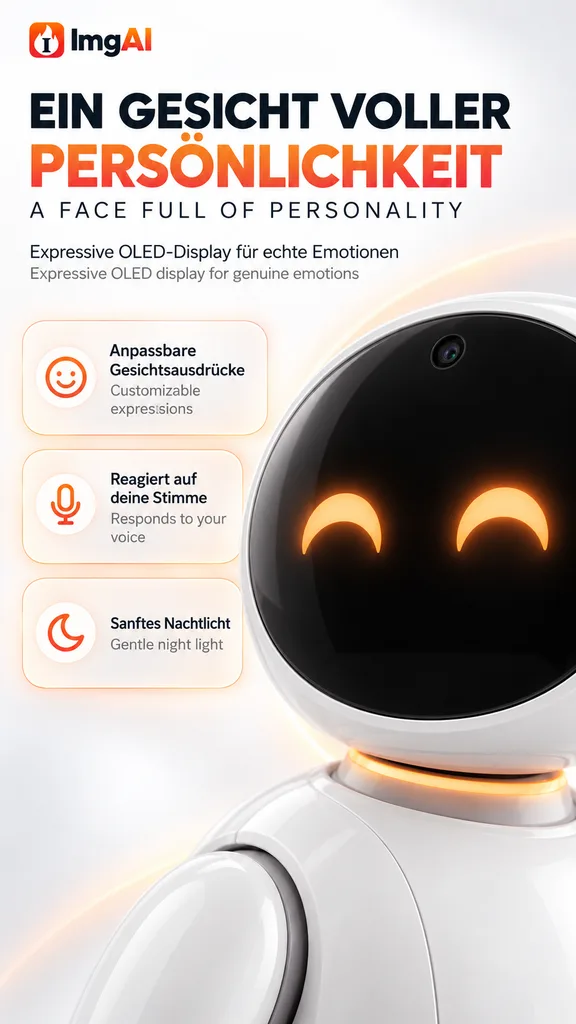
6-poster listing, German + English
 4 postersRegenerate
4-poster listing, Korean + English
10 postersRegenerate10-poster listing, French + English
8 postersRegenerate8-poster listing, Traditional Chinese + English
8 postersRegenerate8-poster listing, Spanish + English
6 postersRegenerate6-poster listing, Japanese + English
6 postersRegenerate6-poster listing, German + English
4 postersRegenerate4-poster listing, Korean + English
An earbud product story
Create a detail poster set for these wireless earbuds: a hero image, a close-up of the charging case and a daily-use scene. Do not add unprovided specifications.
Upload the earbuds and case. Review the proposed plan before generating; this brief is not a claim about a particular product.
Get StartedThe current planner supports sets of 1 to 12 images. Choose the number for your actual story; more images are not automatically more useful.
Yes. The planning step lets you inspect and adjust the proposed posters before sending them for image generation.
No. The output is a set of images. You still arrange and publish them in your shop or page editor, and verify the text and product details.