 Ceiling Fan TransitionRegenerate
Halloween set
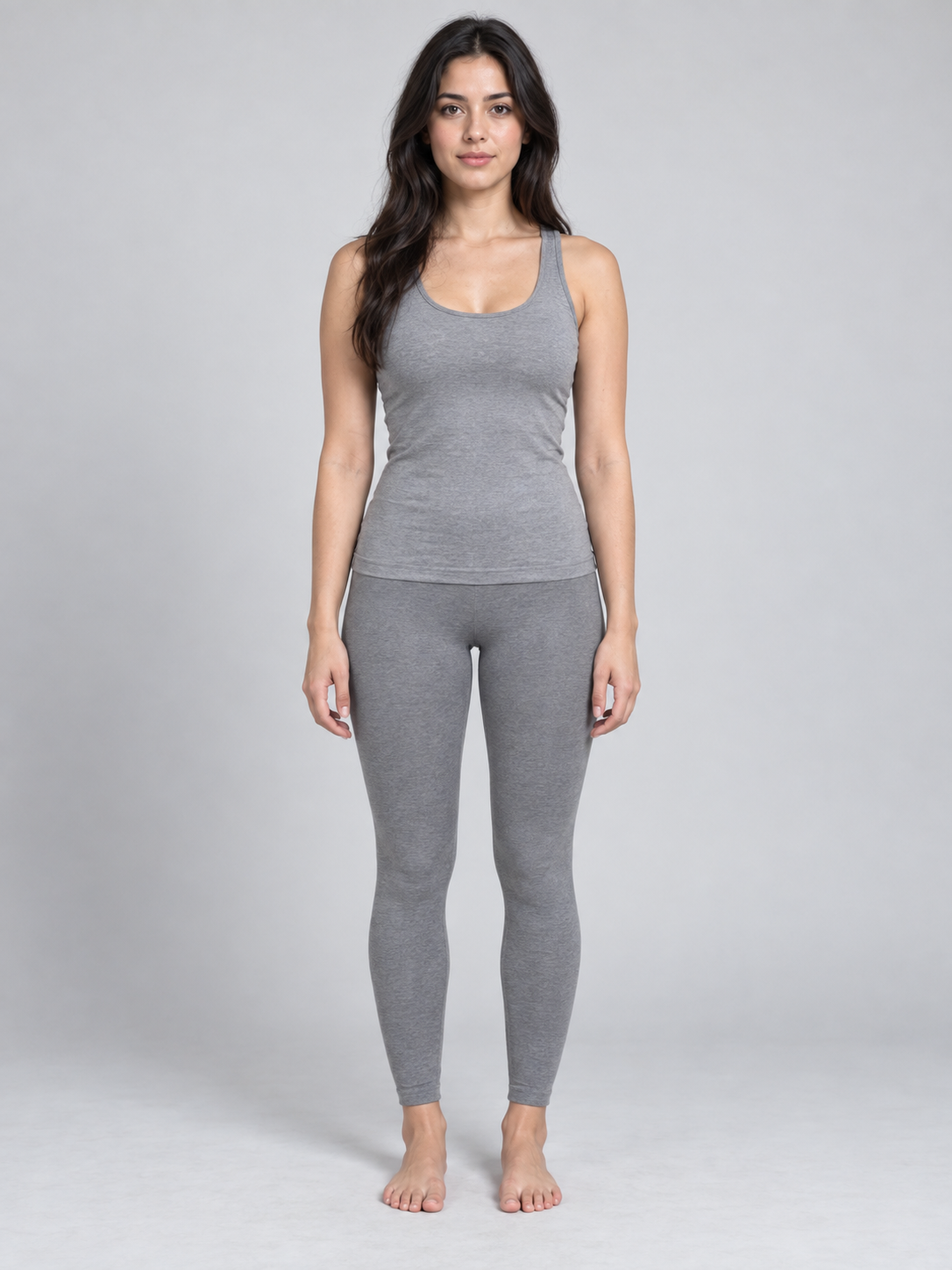
Upload one photo and get your own outfit-change video. No filming, no editing. Works for people and pets, and you can use your own clothes.
 Ceiling Fan Transition AI Video
New fit every blade
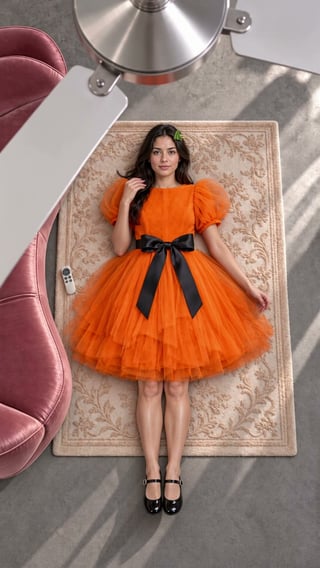
You or your pet lie on a rug, and every sweep of the ceiling-fan blade reveals a new outfit: four looks in one shot.
Four looks in order. Replace any with a photo of your own clothes; a flat-lay or product shot works best.
You can change the room, the clothes, colours, look and who is on which side. Type @ to point at a photo. The first photo goes on the left by default. The fan-sweep outfit change is the template and stays; the number of outfits follows the length: 2 at 5s, 3 at 10s, 4 at 15s.
Review results, manage assets and access generation history in AI Studio.
The camera looks straight down from the ceiling. You lie on a rug while a fan turns above you, and each blade pass reveals the next outfit: four outfits in 15 seconds. The video comes with music. Label it as AI when you post.
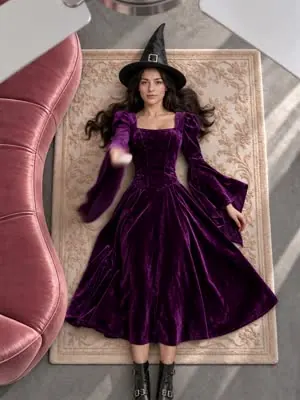 0 to 4 sLying on the rug in the first look: the witch.
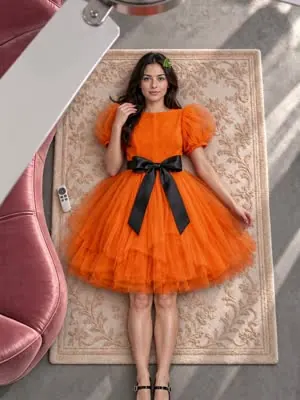 About 4 sA blade passes. Now an orange pumpkin tutu.
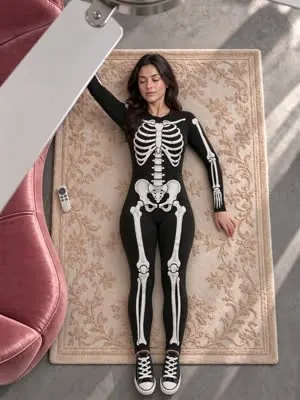 About 8 sAnother pass. A skeleton jumpsuit.
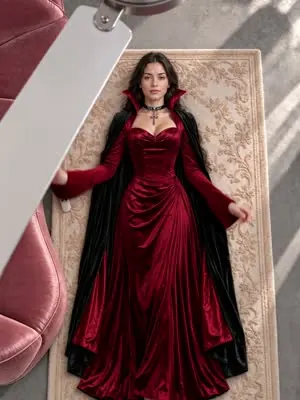 About 11.5 sThe last look, the vampire, holds to the end.
This sample uses the Halloween set. 15 seconds gives four outfits, 10 seconds three, 5 seconds two.
Use a photo of yourself, an adult who agreed, or your own pet. Keep the face clear and include some of the body. JPG, PNG or WebP, up to 10 MB.
Keep the four default looks (champagne puff sleeves, burgundy velvet, emerald halter, ivory tweed) or upload your own: one flat-lay or hanging photo per outfit. 5 seconds gives two outfits, 10 seconds three, 15 seconds four.
Watch it through and check the face and clothes in each look, then download the MP4. To change the music, swap it in the app where you post.
Many similar tools take one solo photo only. Here one photo makes a solo or pet video, two photos put two people side by side, and you can use your own clothes. With two people, each outfit is a matching pair and the first photo goes on the left.
Two people lie side by side and change into matching outfits on every blade pass.
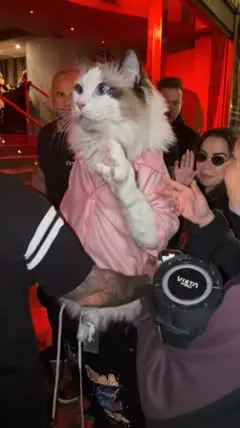
Start makingYour cat or dog wears pet-size outfits and keeps four paws and a tail throughout.
Cat ceiling fan transition sampleYou and your cat or dog lie together in matching outfits, the pet in a small size.
Ceiling fan transition tutorialPick a photo with the whole animal in frame: head, body and tail. Front-facing works best, with clear eyes and markings. It does not need to be lying down; sitting or lying on its front is fine. One pet per photo.
Videos our team made with this tool. Compare the input photo, length and settings. Previews start muted; you can turn the sound on.
Ceiling Fan TransitionRegenerateHalloween set

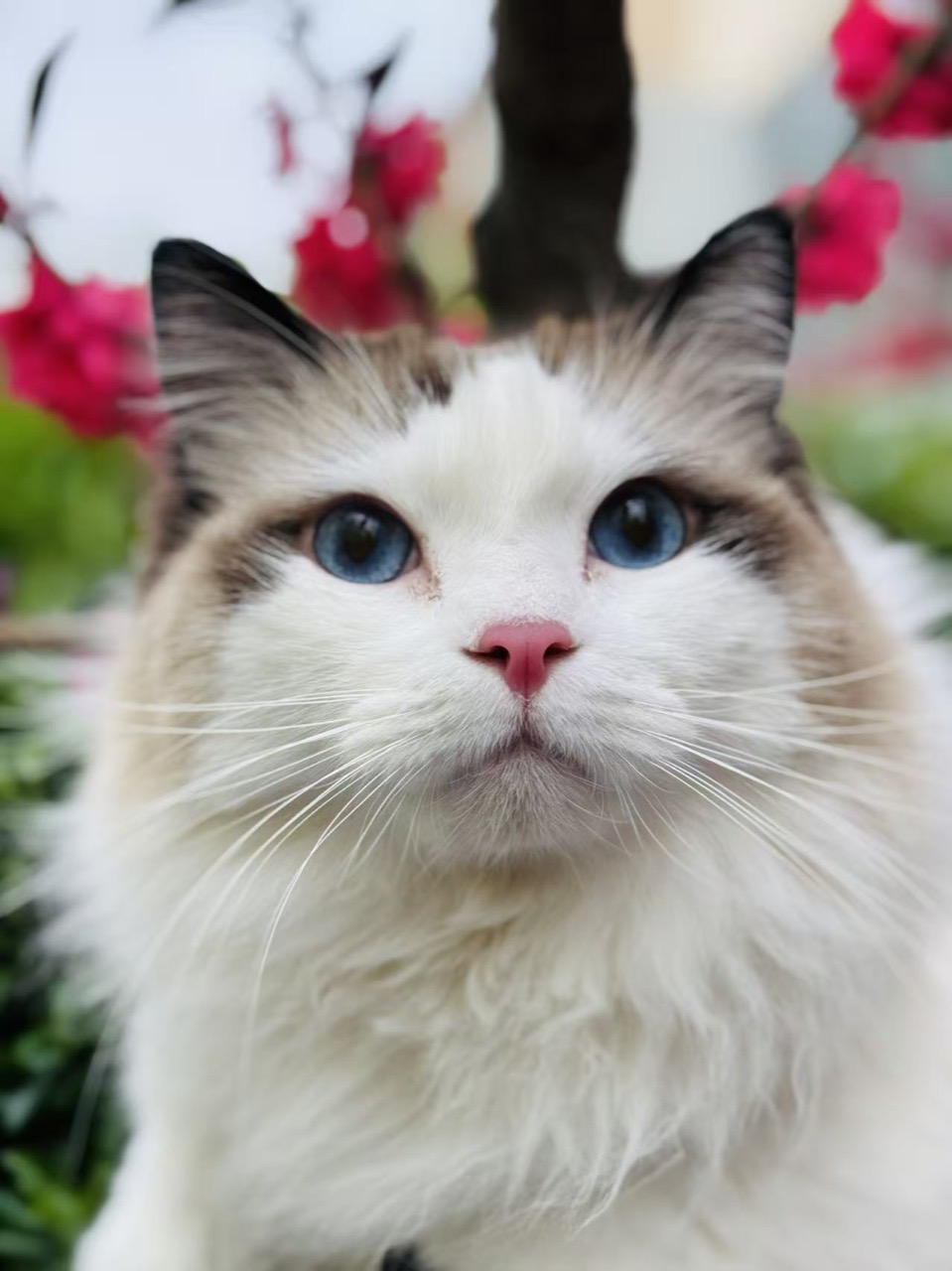 Ceiling Fan TransitionRegenerate
You and your cat
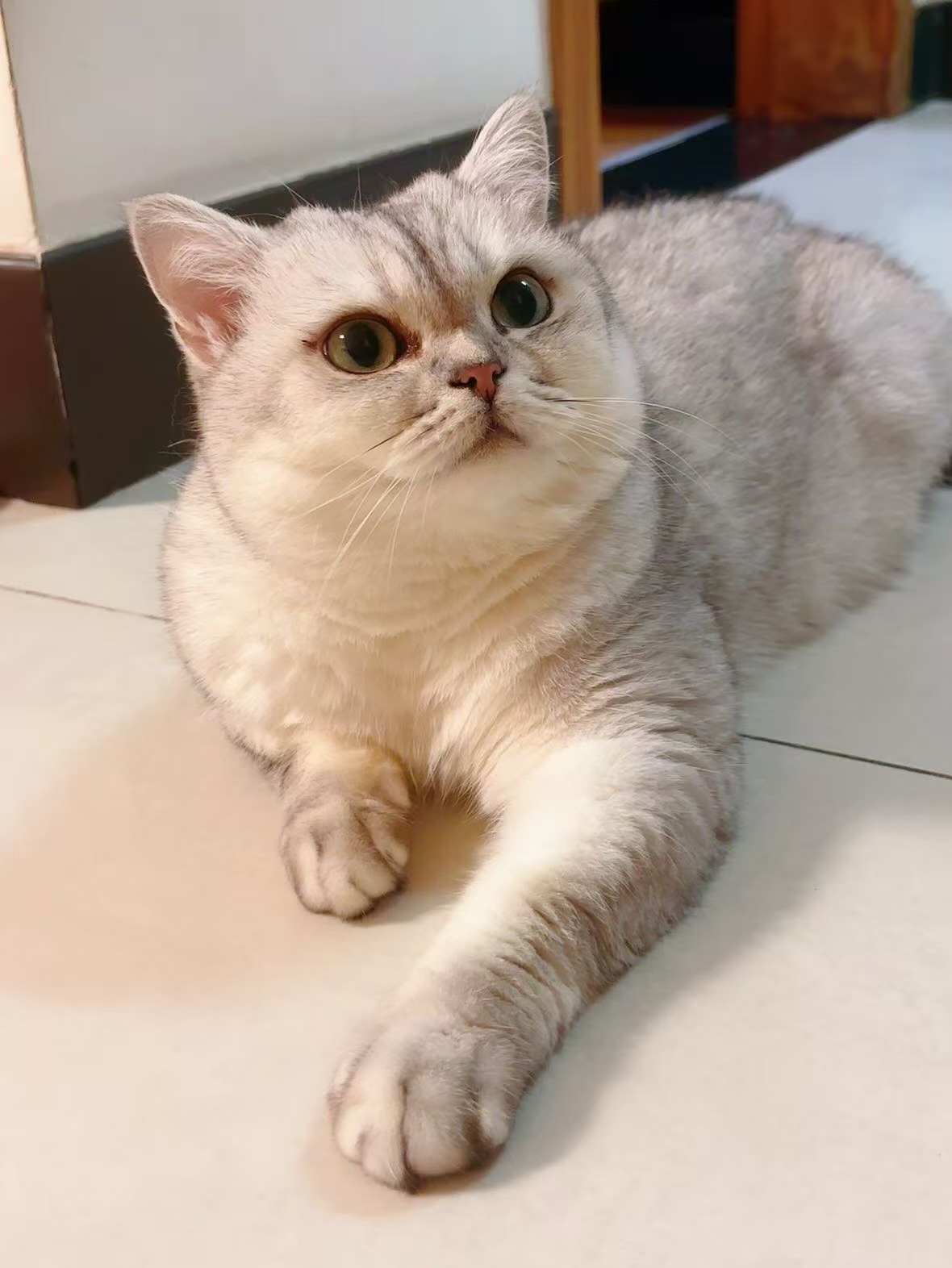 Ceiling Fan TransitionRegenerate
Cat transition
The same trend goes by several names. In English it is usually called the ceiling fan transition, and also the fan outfit trend, ceiling fan trend or fan transition. Search #ceilingfantransition on TikTok to see videos in this trend.
Names, when it took off, filming it yourself vs AI.
Photos, clothing photos and checking the result.
Input photo, settings and the four looks.
| Length | Outfits | Credits |
|---|---|---|
| 5 s | 2 outfits | 1,248 |
| 10 s | 3 outfits | 2,464 |
| 15 s | 4 outfits | 3,680 |
No subscription needed; buy a credit pack when you need one. The exact cost appears before you submit.
No. You only need one photo.
Yes. Any of the four outfits can be replaced with a photo of your own clothes; the rest stay as the defaults. Flat, complete clothing photos give the closest result.
Yes. 5 seconds gives two outfits, 10 seconds three and 15 seconds four.
Yes. The video comes with music, ready to post. To use a different sound, swap it in TikTok or wherever you post.
Yes. Upload a photo with the whole pet in frame and the four outfits are made in pet size.
Only your own photo or one of an adult who agreed. Photos of children, celebrities and public figures are not supported.
Usually a few minutes, longer when there is a queue. You can leave the page and find the video in your creations when it is ready.
One photo, four outfits in 15 seconds. Use the default looks or your own clothes.
Upload a photo