 Bulin 47 street freestyleRegenerate
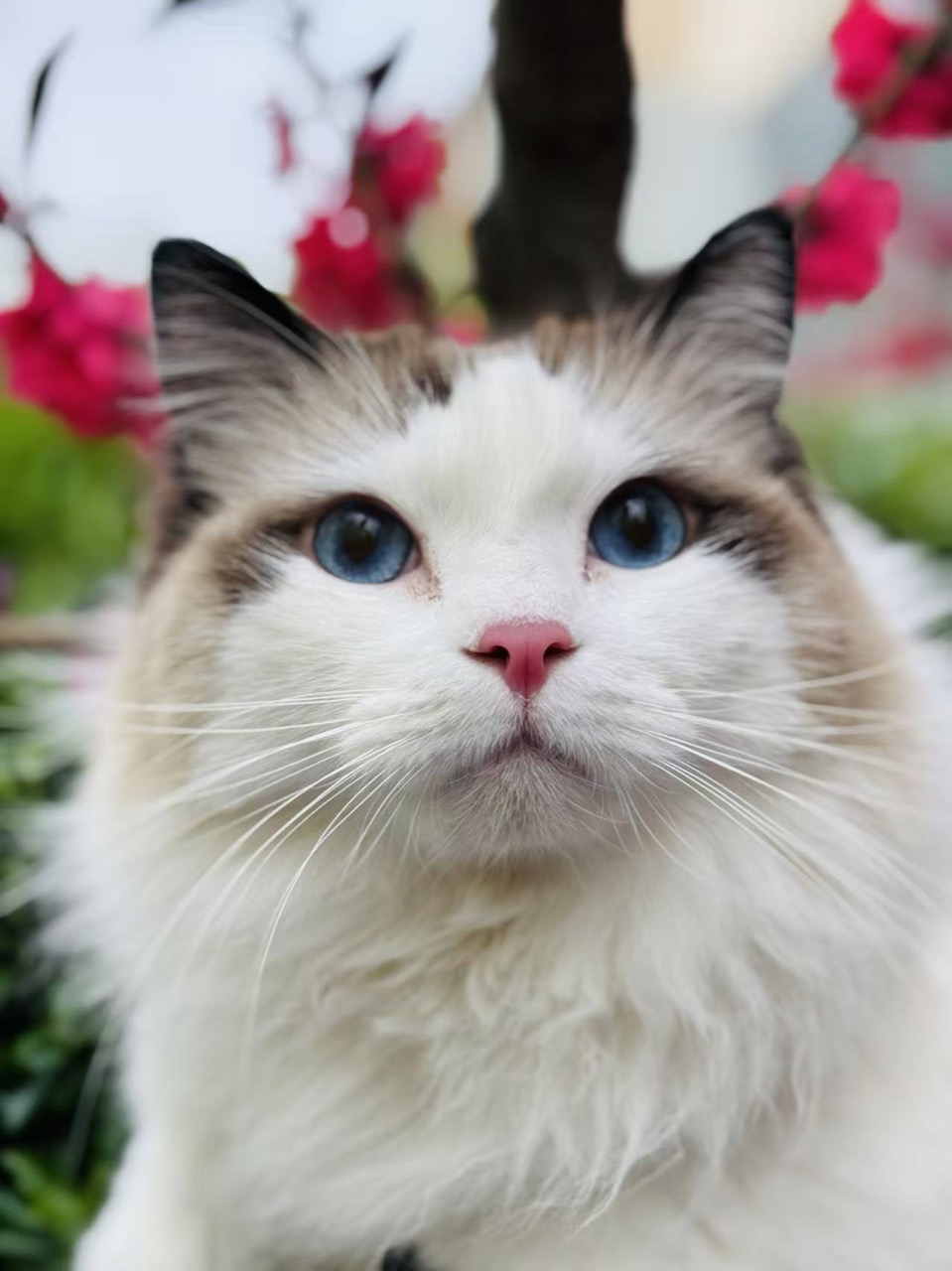
Cat street freestyle
One photo · Street freestyle
Upload a person, pet or original character. The street-performance reference and prompt are ready; WAN 3.0 creates your own freestyle clip.
Review results, manage assets and access generation history in AI Studio.
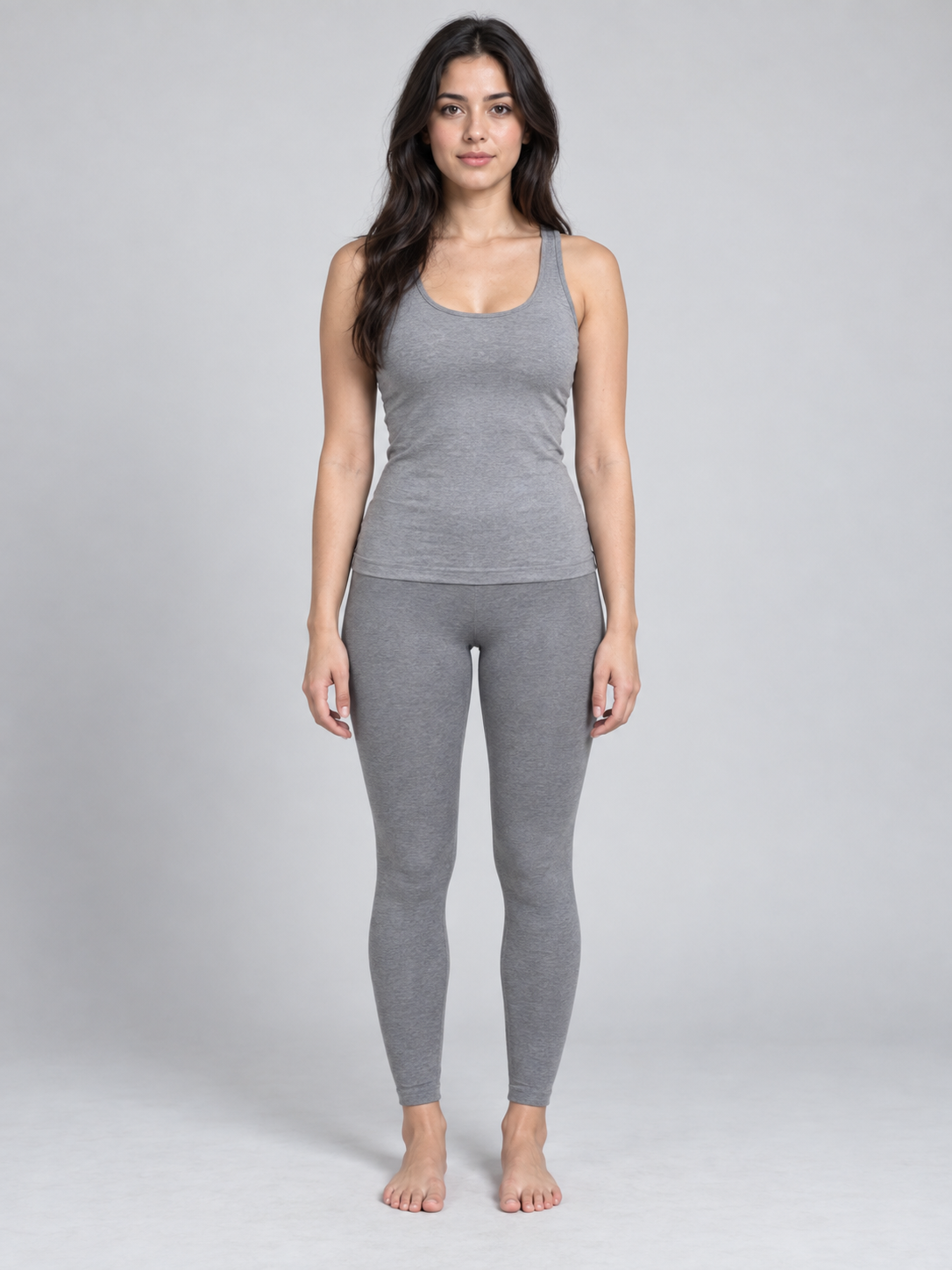
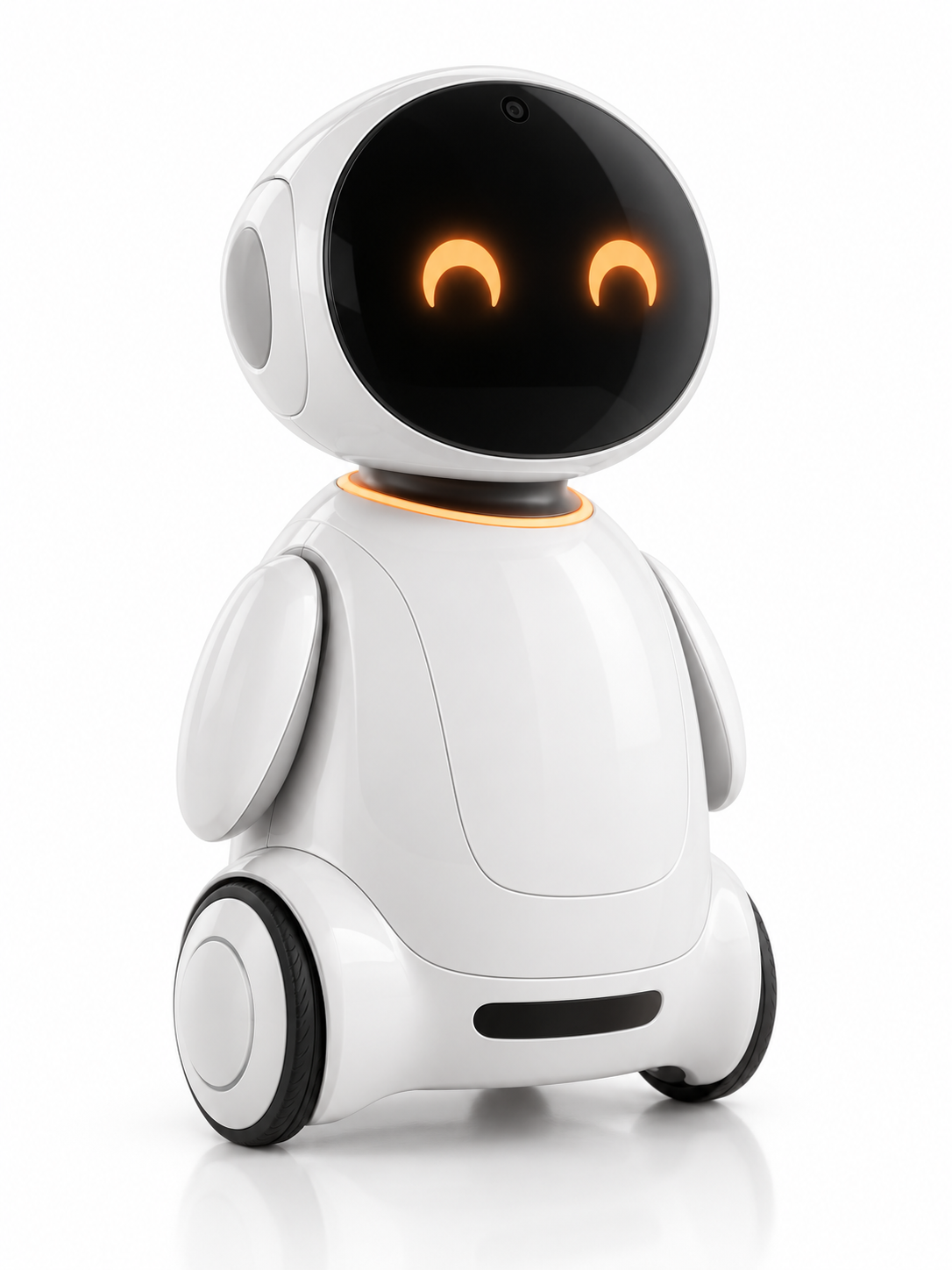
Real ImgAI outputs: a pet, a fictional adult and an original character. Compare the input photo with each clip before making yours.
Every clip below is a real job run here. Tap one and the prompt and stills load — run it yourself.
Bulin 47 street freestyleRegenerateCat street freestyle
 Bulin 47 street freestyleRegenerate
Human street freestyle
 Bulin 47 street freestyleRegenerate
Robot street freestyle
A photo-to-video template for a street freestyle scene, with one lead performer, a surrounding crowd and red stage lighting.
Bulin 47 AI on ImgAI uses a preset street-performance reference. Add one photo to reinterpret the lead performer while keeping the scene as a guide.
Use a clear portrait, a pet photo or an original character image. One recognizable subject gives the model a clearer identity to work with.
The result is an AI-generated interpretation. Motion, clothing, crowd details and identity can vary; the reference guides the performance rather than fixing every frame.
Choose a clear image with one person, pet or original character. Keep the face visible and avoid busy foregrounds.
Start with WAN 3.0, vertical 9:16, 480P, 10 seconds and generated audio. Review the current credit cost before generating.
Generate your clip, open it in your workspace and check the face, motion and sound. Download the result when it fits your idea.
Put a portrait in the spotlight and make a short freestyle clip for your profile or friends.
Turn your cat or dog into the lead performer and compare its familiar features with the new performance.
Give a mascot, robot or illustrated character a new role in a street-performance scene.
Use a clear portrait with even lighting. The person shown in our example is a fictional adult.
Use a photo where the eyes, muzzle and fur are easy to see. The performance may give an animal a stylized, humanlike body.
Choose a character with distinct features and a readable silhouette. Strong shapes and simple backgrounds make the reference easier to interpret.
Check the whole clip, including hands, face changes and crowd details. A successful generation can still need another attempt to match your taste.
Video generation requires an account and credits. The cost depends on the model, output duration, resolution and inputs such as reference video. Try a shorter clip to check the shot before choosing a longer or higher-resolution version. The generator shows the cost before submission; credits are available through subscriptions or one-time packs.
It turns one character photo into a new street freestyle video using a preset performance reference and WAN 3.0. You can upload a person, pet or original character without writing a prompt.
Yes. The template accepts people, pets and original characters. Results depend on the photo and generation; our examples show the input and actual output.
WAN 3.0 supports 2–30-second outputs without a video reference. With a reference, total input and output duration must stay within 30 seconds. This template uses 6 seconds of reference and defaults to 10 seconds of output; the available duration choices respect that limit.
The default preset generates a new audio track. It does not restore or preserve the original song. Review the generated voice, rhythm and sound together with the video.
The default preset currently starts at 928 credits, including the video-reference duration. The creator shows the actual cost for your settings before generation. The current signup reward is 50 credits; available rewards depend on the published conditions.
No exact match is promised. WAN 3.0 uses the photo for character appearance and the reference for the performance. Facial likeness, anatomy, timing and background details can change; review the result before sharing it.