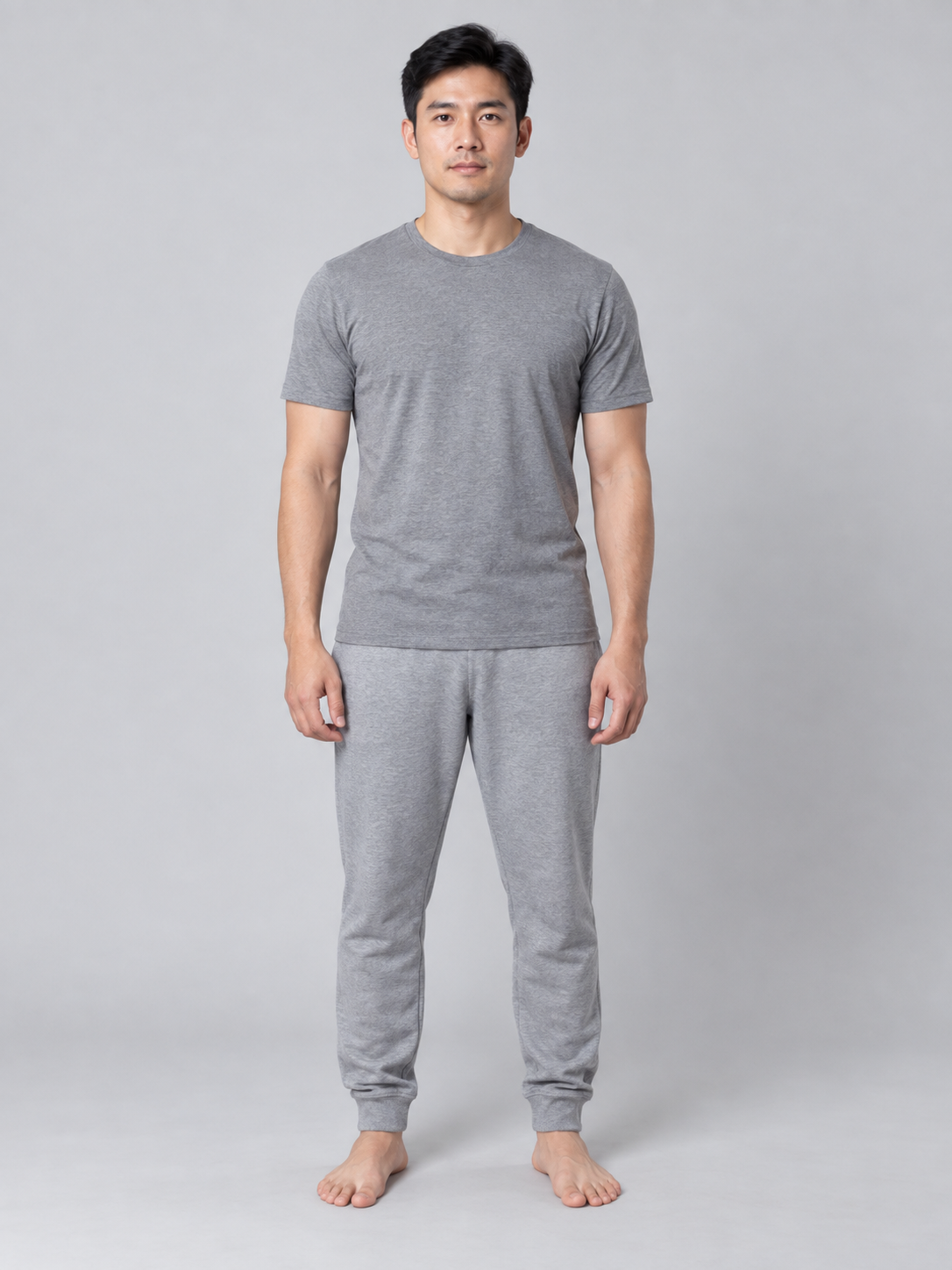
 Reference to VideoRegenerate
A continuous solo zombie transformation
Your photo. A zombie transformation on camera.
Upload normal-looking portraits or a group photo and choose who transforms. The default 5 seconds show a continuous change in eye sockets, gray-white skin, cheek contours, expression and movement, while preserving intact skin and identity, followed by a clear final action. Choose 10 or 15 seconds to continue into recognition, an embrace and a warm memory.
Start with normal-looking photos and choose who transforms. The default 5 seconds focus on a clear gradual change and a final action; 10 or 15 seconds continue into recognition, an embrace and a warm memory.
Upload at least one reference photo.
Review results, manage assets and access generation history in AI Studio.
The solo example is a new 5-second result: a visible continuous transformation, then an open-mouth forward lean. The rainy-city couple, snow-cabin friends, and owner-and-pet examples remain actual 15-second reunion videos. The solo example restores one photo and an editable prompt; all examples restore their actual generation settings, and reunion examples also restore roles and story.
Every clip below is a real job run here. Tap one and the prompt and stills load — run it yourself.
Reference to VideoRegenerateA continuous solo zombie transformation
 Zombie AI Video GeneratorRegenerate
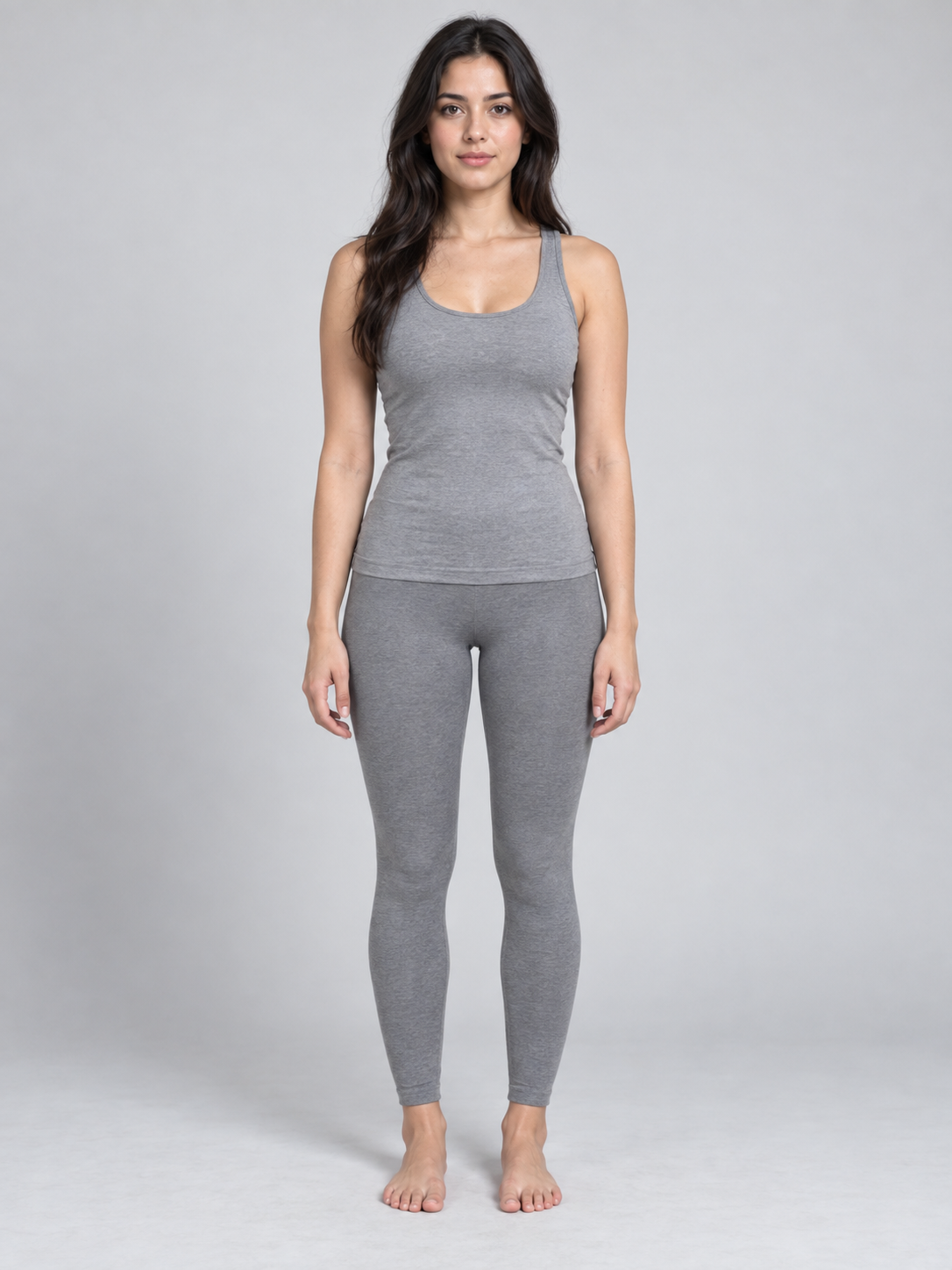
A couple transforms and reunites in the rain
 Zombie AI Video GeneratorRegenerate
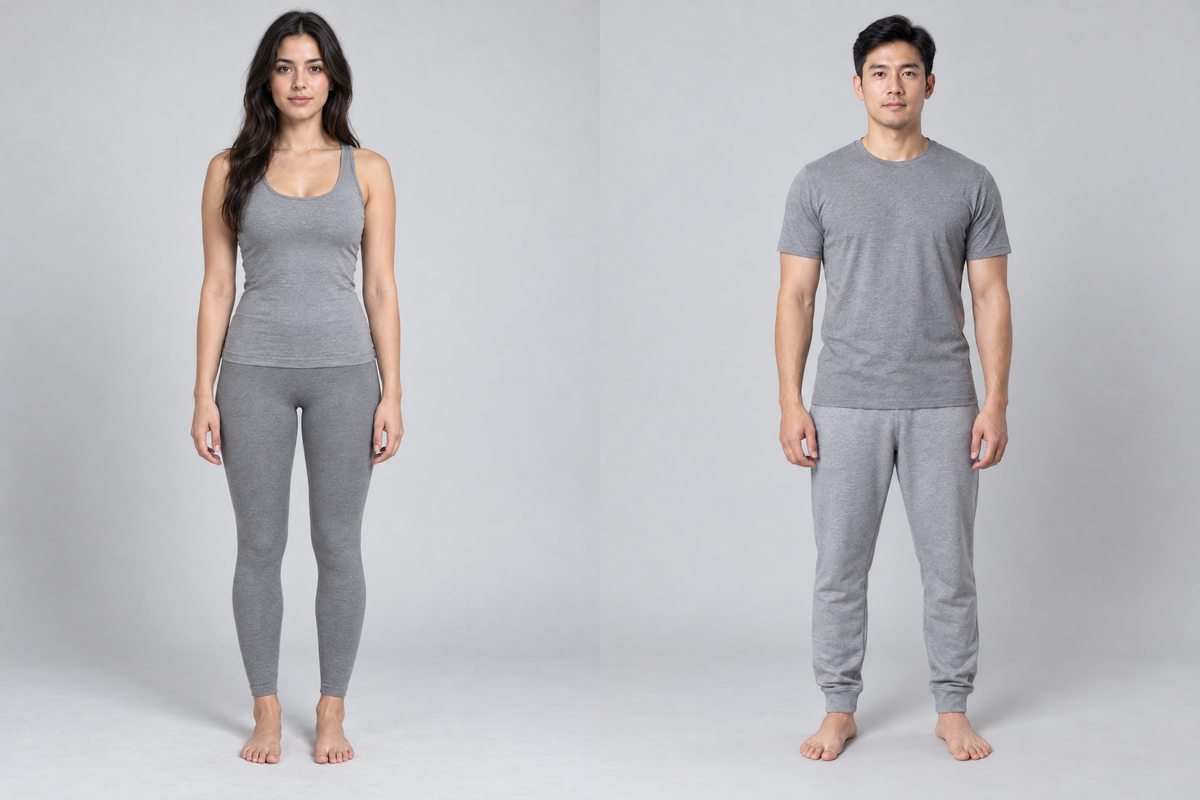
Friends transform and reunite at a snowy cabin
 Zombie AI Video GeneratorRegenerate
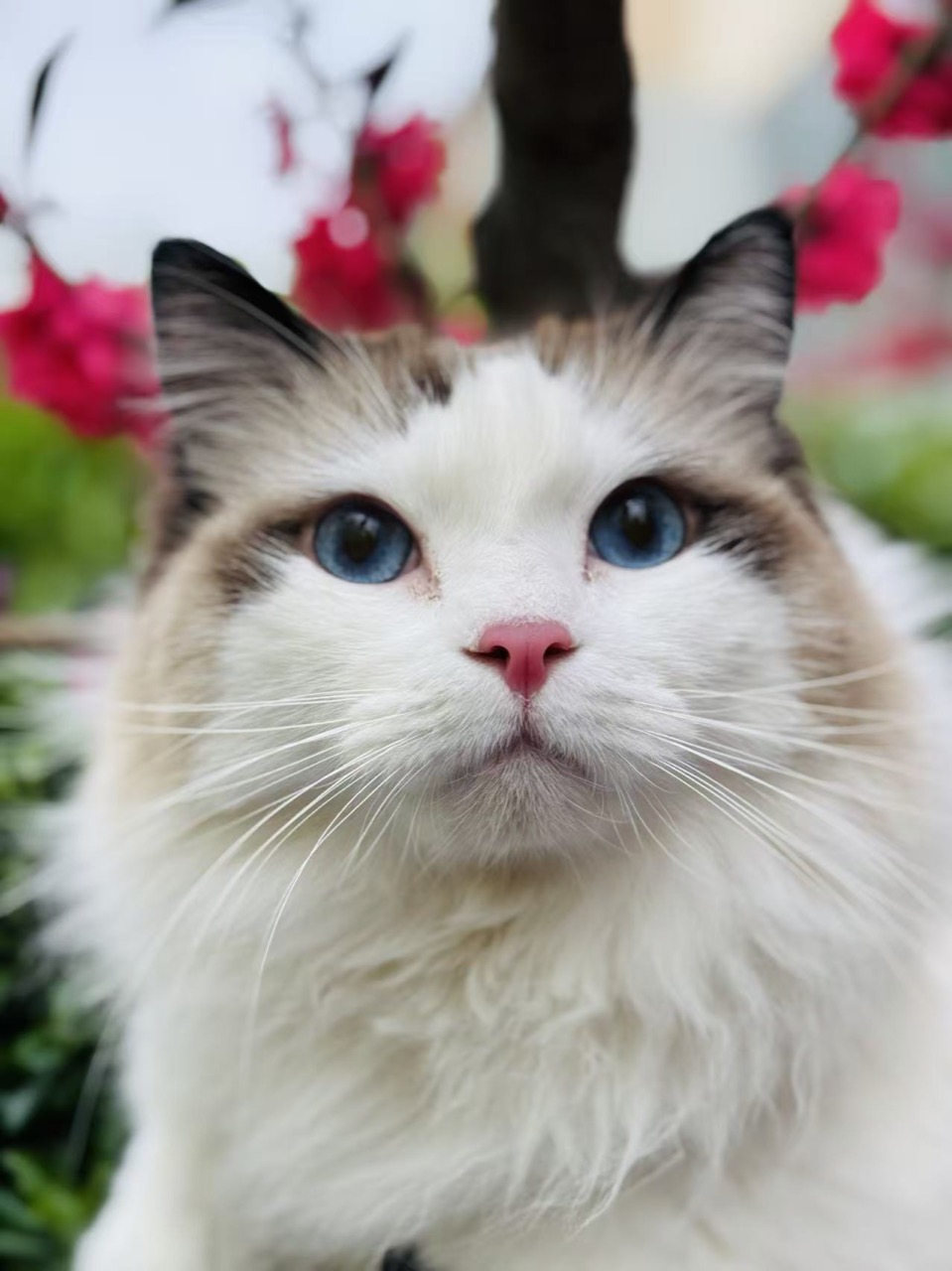
A pet’s costume transformation and reunion
The default 5-second sequence focuses on a normal opening, a visible continuous transformation and a final action. At 10 or 15 seconds, the story continues into recognition, an embrace and a warm memory. Photos guide identities; AI generates shots and movement.
Use separate normal-looking portraits for both subjects, or assign two subjects in a group photo by position or appearance. The selected role transforms during the video.
Start with the normal appearance, then show sunken eye sockets, gray-white skin, changing cheek contours, expression and movement in the same continuous shot. Keep skin intact and the selected identity recognizable. After the completed look, perform a clear action. At 10 or 15 seconds, continue into recognition, an embrace and a warm memory.
People gradually develop sunken eye sockets, gray-white skin and more defined cheek contours while retaining intact skin and their recognizable identity. Pets stay healthy: only their Halloween styling and costume change. The longer 10- or 15-second story adds recognition and an embrace.
Upload normal-looking portraits or one clear group photo. Assign the role that stays normal and the role that transforms; add appearance details when needed.
Choose partners, friends, or an owner and pet, then a rainy city, snowy cabin or ruins. The default 5 seconds focus on transformation and a final action; 10 or 15 seconds continue into a reunion and warm memory. Extra requests are optional.
Generate a 5-second clip with sound at default settings. Check the normal opening, continuous visible transformation and the final action; at 10 or 15 seconds, also review recognition, the embrace and the warm memory before downloading or adjusting your request.
Use photos with normal appearances, clear faces and even light. Pet photos should show their natural coat and body shape before the costume change.
Distinguish similar subjects by position and clothing. Choose who gradually transforms; the other stays normal. The two roles must refer to different subjects.
Check that the selected subject changes continuously from their normal appearance in the same shot and performs a clear action after the zombie look is complete. At 10 or 15 seconds, also review the reunion and memory. Identity, detail and timing can vary.
Video generation requires an account and credits. The cost depends on the model, output duration, resolution and inputs such as reference video. Try a shorter clip to check the shot before choosing a longer or higher-resolution version. The generator shows the cost before submission; credits are available through subscriptions or one-time packs.
A photo-based video with a visible zombie transformation. By default, 5 seconds cover the normal opening, continuous changes to the eyes, skin, cheek contours, expression and movement, and a clear action once the look is complete. Choose 10 or 15 seconds for recognition, an embrace and a warm memory. Human skin remains intact; pets stay healthy with changing Halloween styling.
Yes. Use separate normal-looking photos, or choose left, center, right or appearance descriptions in a group photo. Assign who transforms. Review the output because role control depends on model interpretation.
No reference video is required. Add photos and assign roles to use the preset: a 5-second transformation and final action by default, or a longer reunion story at 10 or 15 seconds. The solo example supplies a photo and an editable prompt with its original settings. Describe ambience, sound effects, music or dialogue in the prompt or extra requests.
MiniMax H3 generates sound to suit the scene. Describe ambience, sound effects, music or dialogue in your prompt or extra requests—for example rain, breathing and a rising low sound. The result depends on generation.
Default settings cost 408 credits per video. Duration and resolution change the cost; check the generate button. Confirmed failed tasks return credits under the site rules.
Exact matches are not guaranteed. Faces, bodies, transformation, movement and transition timing may vary. Examples show actual results with their own settings. Check the continuous change and final action, plus the reunion and warm memory when you choose 10 or 15 seconds.