 Tesla Roadster flying carRegenerate
Ramp jump and a mid-air roll
Your photo. A fictional flying-car stunt.
Upload a photo of yourself, your pet or your friends — they're the driver. Leave the prompt empty for the default story: speeding down a desert highway, launching off a ramp, rolling in mid-air on multi-jet thrust like the reveal footage and landing in a burst of vapor. Add a photo of your own car, or keep the default white roadster.
Review results, manage assets and access generation history in AI Studio.
Each example was generated on this site from the reference photo shown. Reuse loads the photo, the scene and the settings into the creator so you can edit them.
Every clip below is a real job run here. Tap one and the prompt and stills load — run it yourself.
Tesla Roadster flying carRegenerateRamp jump and a mid-air roll
 Tesla Roadster flying carRegenerate
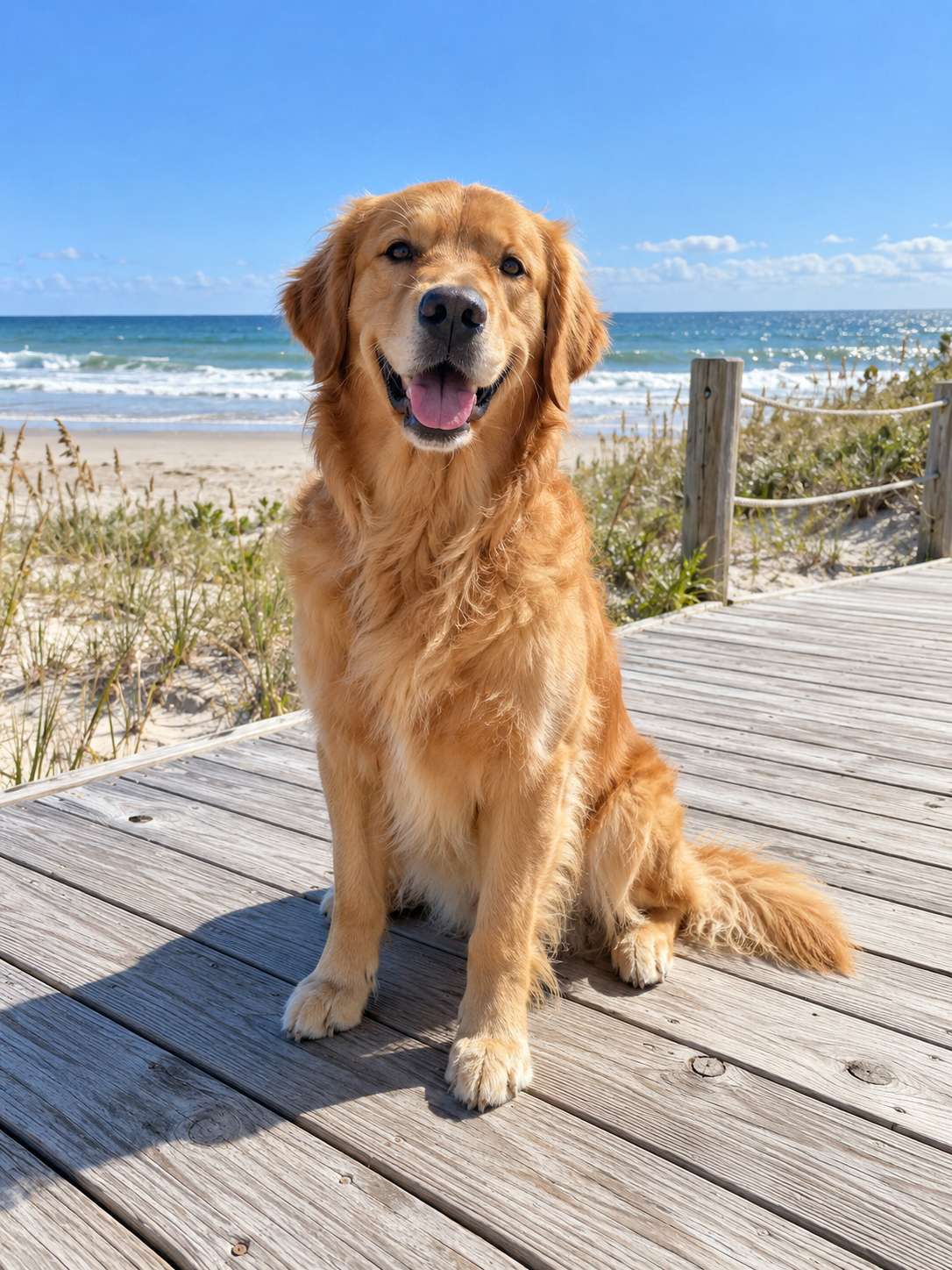
A dog takes the dune jump
 Tesla Roadster flying carRegenerate
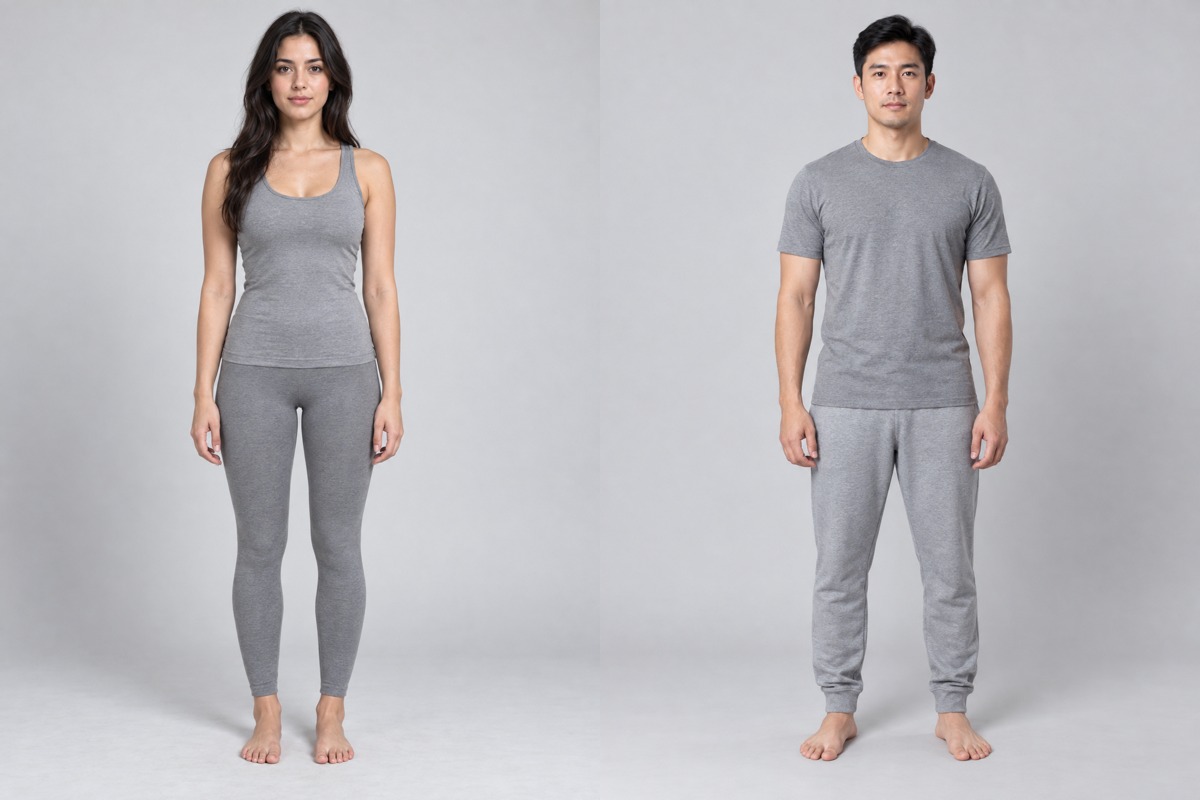
Two friends clear a broken bridge
At Tesla's Roadster reveal on October 15, 2026, reports describe an uncrewed prototype hovering on thrusters and pulling a kickflip over a row of vehicles. Flying-car clips spread fast, and so did the question of whether the Tesla Roadster video is real. This tool makes clearly fictional scenes from your own photo.
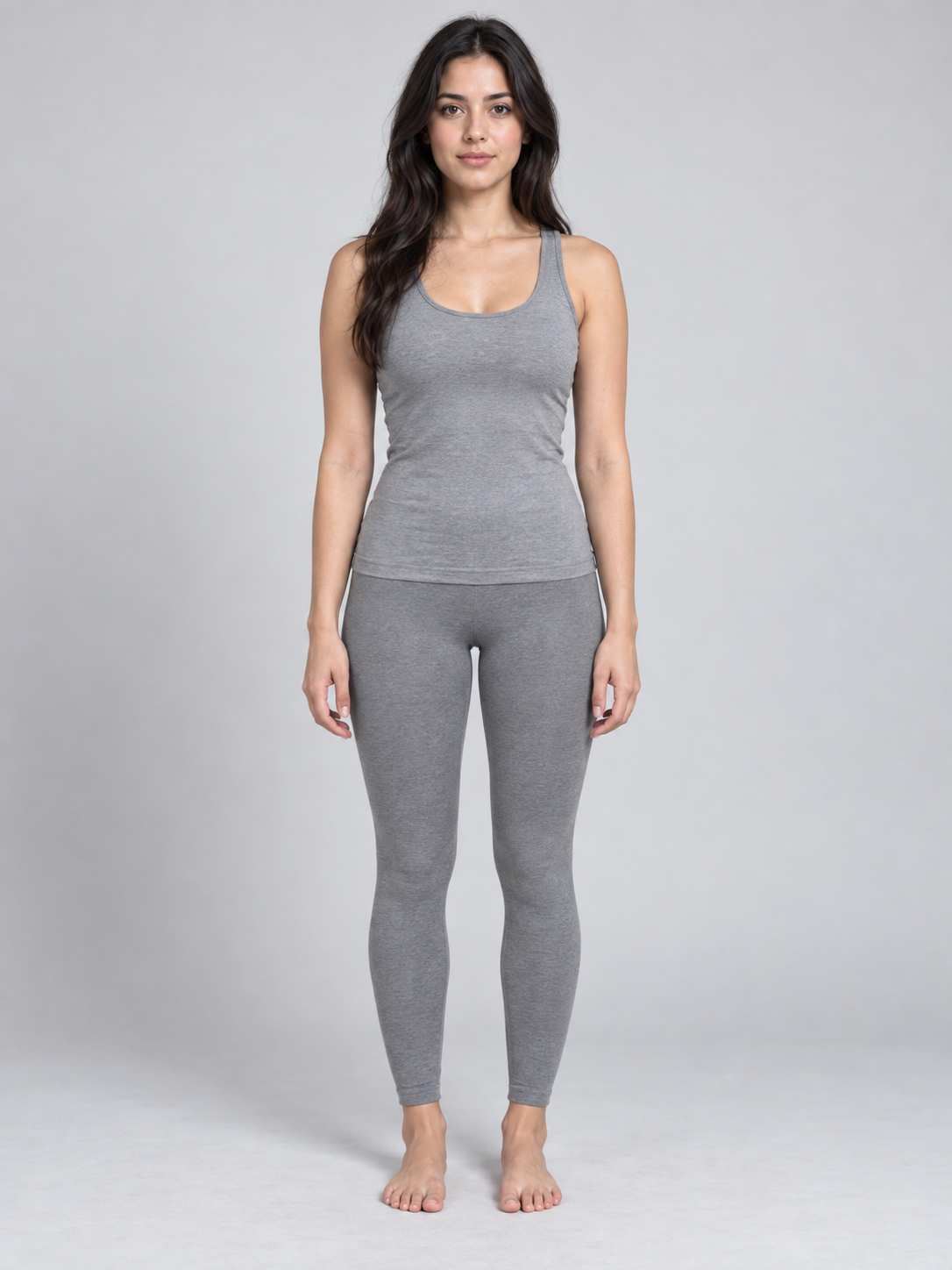
Your photo sets the faces, hair or fur of the cast — one person, a pet, or two friends in one photo. Add your own car's photo if you want; otherwise the default white roadster flies.
The reveal's look comes from several thrusters firing at once: thin blue-white jets push down to hold the car up, short side bursts keep it level, and the ground disappears under white vapor. Every scene here uses that thrust system, whatever car you upload.
Generated clips are not footage of a real vehicle or event. Label them as AI-generated and don't present them as news, ads or proof of performance.
Use a clear, well-lit photo of yourself, your pet or friends. Optionally add a photo of your own car as the second image.
Leave the prompt empty for the ramp-jump story, reuse an example below, or write your own scene: one place, one stunt, one landing.
Generate a 10-second clip with sound at the default settings. Check the car's shape, wheels and take-off before you share it.
The default: a ramp at full speed, a mid-air roll balanced by side jets and a cushioned landing.
A ramp, a row of trucks and one slow mid-air roll at dusk — the Tesla Roadster kickflip from the reveal, on your car.
Golden light, a skyline and a smooth tracking shot as the car floats above the traffic.
Upload your dog or cat and let it take the jump — one of the examples is a golden retriever.
Use a photo where every face (or your pet) is sharp and unobstructed. Avoid sunglasses, heavy filters and photos of more than two people.
One take-off, one roll or one landing reads better than a montage. Fast spins can bend the car's geometry.
Check faces, the car's shape and the jets through the whole clip; simplify the scene if the car changes shape.
Video generation requires an account and credits. The cost depends on the model, output duration, resolution and inputs such as reference video. Try a shorter clip to check the shot before choosing a longer or higher-resolution version. The generator shows the cost before submission; credits are available through subscriptions or one-time packs.
A short fictional clip where you — or your pet — drive a car that launches, flies and lands on thrusters. This page uses Wan 3.0 and a preset story, so an empty prompt still produces a complete jump with sound.
Both exist. Tesla held a Roadster reveal on October 15, 2026, and reports describe an uncrewed prototype that hovered on thrusters and did a kickflip. Many viral clips, though, are AI-generated or edited, so check Tesla's own channels for original footage. Videos made here are always fiction.
No. This tool is independent and is not affiliated with, sponsored by or endorsed by Tesla, Inc. Tesla and Roadster are trademarks of their owner and are used here only to describe the topic.
No. Upload a photo of yourself or your pet and the default white roadster is used. To fly your own car, add its photo as the second image.
Yes. What you write replaces the default story: describe the place, the stunt, the camera and the sound. Your photo, the thrust effect and the safety defaults still apply. Leave it empty for the ramp jump.
Default settings cost 1150 credits per video. Duration and resolution change the cost; check the generate button. Confirmed failed tasks return credits under the site rules.
Yes, if you have the rights to the photo. Label the clip as AI-generated and don't present it as real footage, a Tesla ad or proof of what a car can do.