How to do the window dance trend with one photo
Upload a photo, press generate, wait a few minutes. This tutorial covers which photo to use, what to write, how to check the clip and what to do if it fails.
ImgAI · 2026-11-09
One photo, ready in minutes, no filming or editing
Upload a photoStep 1: Pick a photo that works
- Works well
- One person or one pet, clear face, even light, full body or upper body.
- Works poorly
- Group photos, tiny faces, side profiles, sunglasses, a pet only half in frame.
- Not allowed
- Children, celebrities and public figures; anyone who didn't agree.
Dancing as two: add a second photo
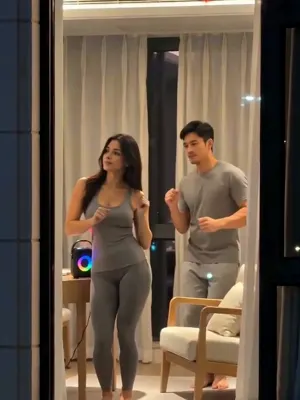
There are two photo slots; the second is optional. With two photos, you both dance facing the window and the first photo closes the curtain. Two people or a person and a pet both work. Keep one star per photo.
Step 2: Write an idea, or don't
Empty means the classic scene: night zoom, dance, curtain. To change something, write one sentence in Your idea.
- Change the outfit
- "Wear gray pajamas", "a witch costume". Whole outfits show best; hair clips and earrings can be too small to see.
- Change the room
- "Warm Christmas lights all over the room", "a neon bedroom". The window, speaker and curtain stay.
- Add one move
- "Wave at the camera before closing the curtain". Moves you write are the moves you get.
Step 3: Check four moments in the clip
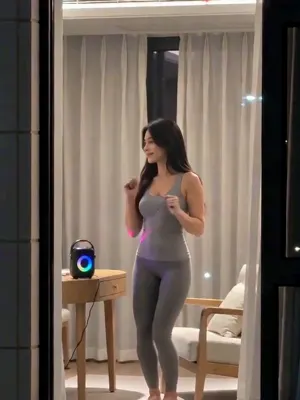
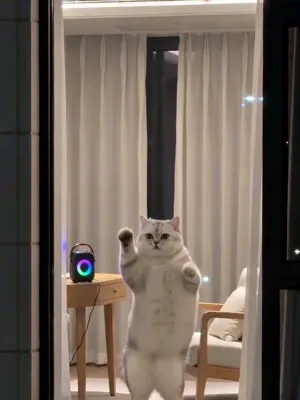
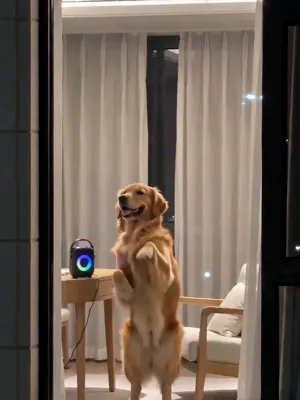
In order: the lit window in the opening shot, the face and hands while dancing, the arms-open move around 7 seconds, and whether the curtain closes at the end.
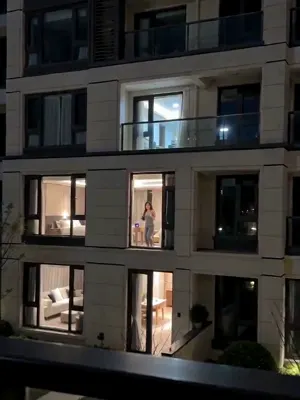 0 to 1 s
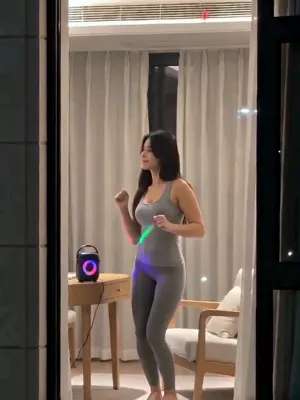 1 to 6 s
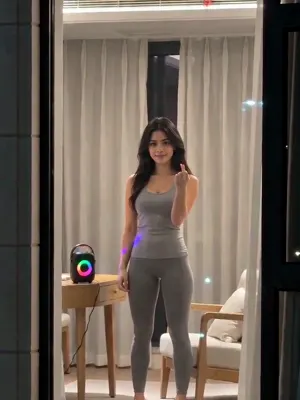 About 7 s
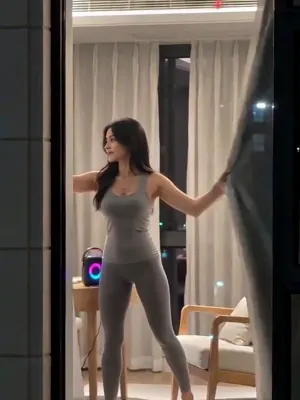 8 to 10 s
Window dance tutorial FAQ
Usually a few minutes. You can leave the page and find it in your creations when it's done.
There's one length, 10 seconds. The dance and the curtain are timed to it.
Technical failures refund your credits automatically. Just try again.
Results depend on your photo, and a result you don't like isn't refunded automatically. Try a clearer photo, or write exactly what to change.
Make your own window dance
One photo, 10 seconds, caught by the building across the street.
Upload a photo