How to Make a Ceiling Fan Transition AI Video
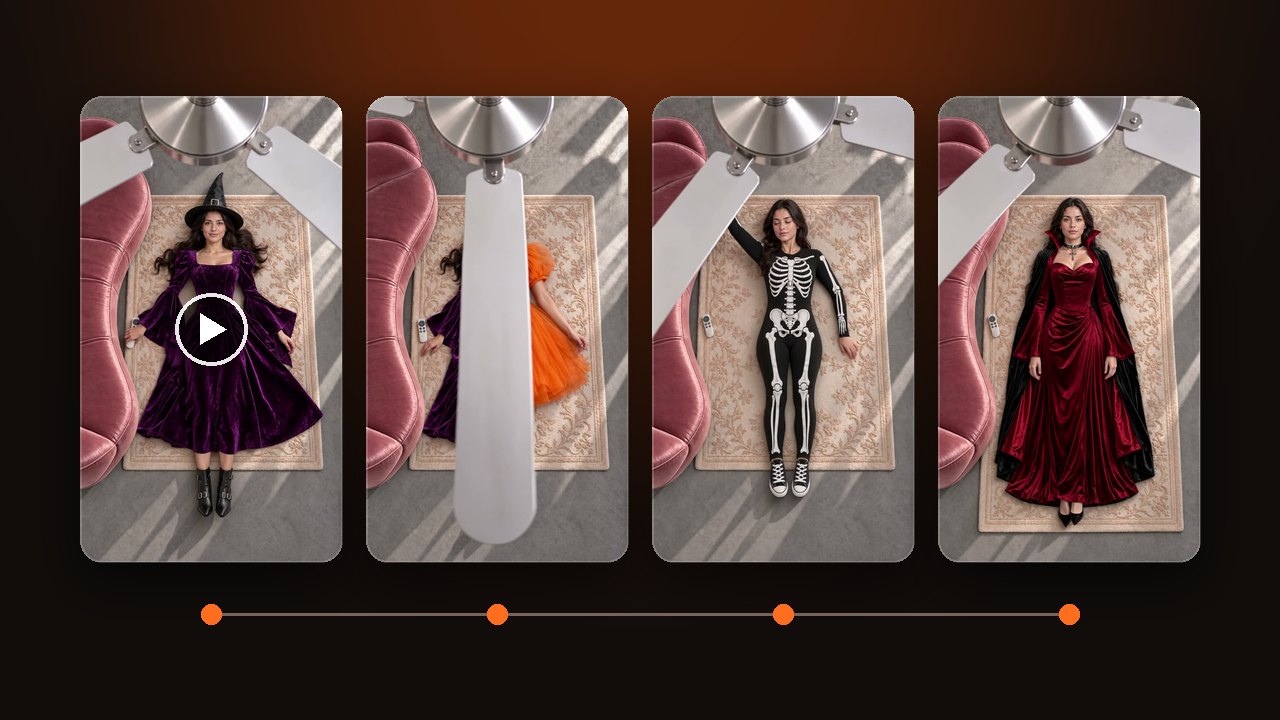
Make a ceiling fan transition, also called the fan outfit trend, from one photo. Pick the outfits first: 15 seconds fits four, 10 fits three, 5 fits two.
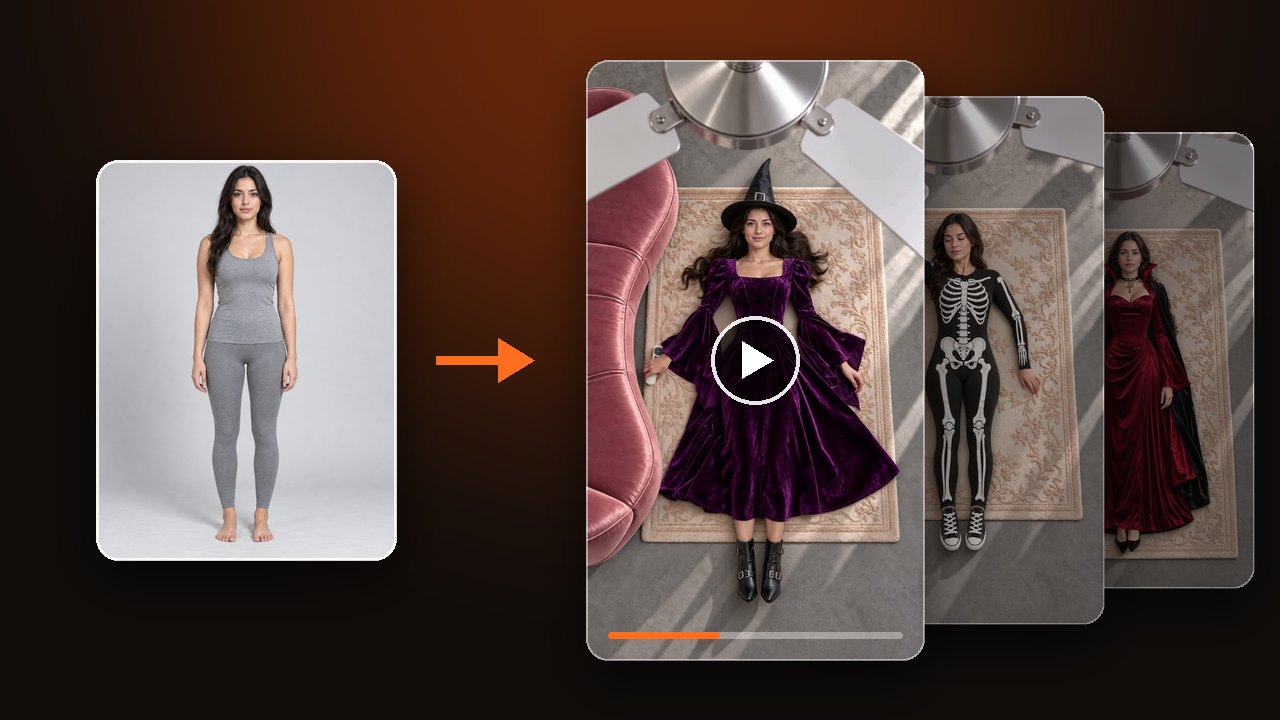

Upload one photo, settle on four outfits, and you have a ceiling fan transition: the camera looks down from the ceiling, you lie on a rug, and every blade pass puts you in the next outfit. You do not need a ceiling fan, and the photo does not have to show you lying down.
Pick the four outfits and the length first
The length sets how many outfits you get: four in 15 seconds, three in 10, two in 5. There is always one blade pass fewer than there are outfits.
Leave the clothes alone and you get the four default looks: champagne puff sleeves, burgundy velvet, emerald halter, ivory tweed.
For a theme, tap "Pick a set", choose Halloween, Christmas, Lunar New Year or Wedding, then tap "Use whole set". All four slots fill at once. The video below uses the Halloween set: witch, pumpkin, skeleton, vampire.
To wear your own clothes, upload one photo per outfit. Lay the piece flat or hang it up, and keep it in frame from neckline to hem. The order of the slots is the order of the changes. You can swap just one or two slots and keep the defaults in the rest.
Upload a photo and make your ceiling fan transition AI video
Choose a photo that holds up across four outfits
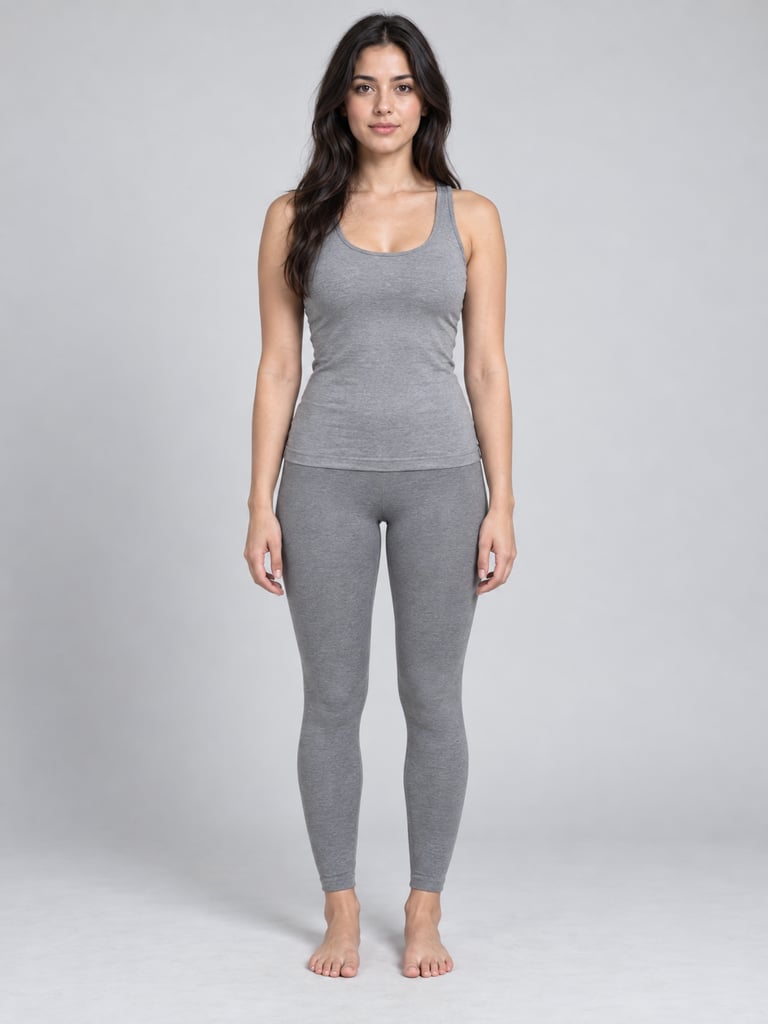
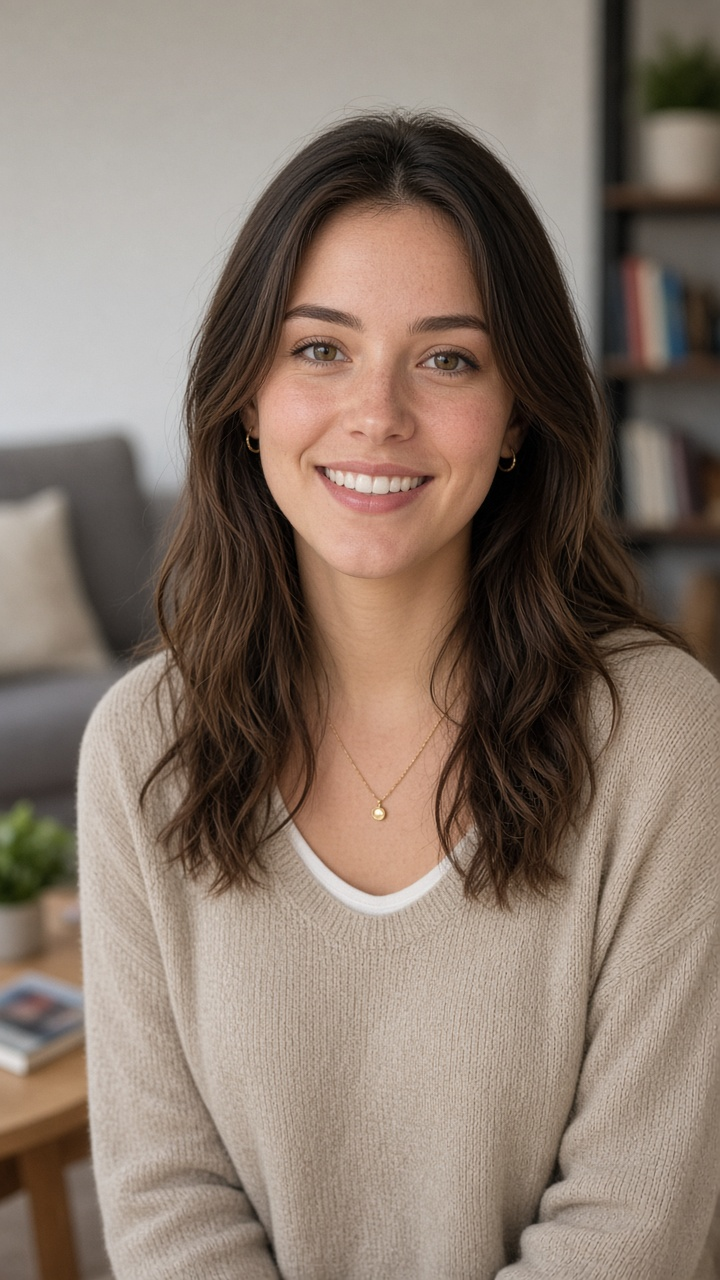
A standing full-body photo works best. The lying pose in the video is generated, so you do not need a photo taken on the floor.
- Works
- Standing full-body shot, face to camera, even light
- Half-body shot: legs and shoes are generated to match each outfit
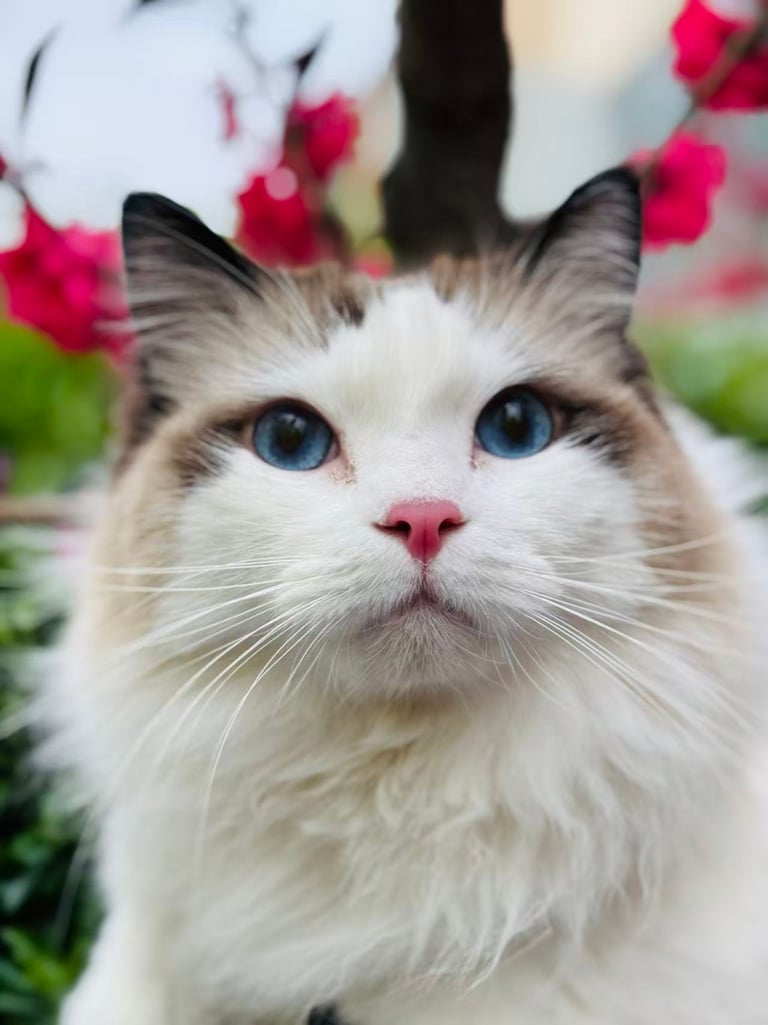
- A cat or dog with the whole body in frame
- Weak result
- Sunglasses, heavy filters, backlight, blur
- Several people in one photo
- A pet photo that shows only the head
- Not allowed
- Children
- Celebrities and public figures
- Anyone who has not agreed
One face has to survive four outfit changes. If the face is unclear in the photo, it starts to drift by the third or fourth look.
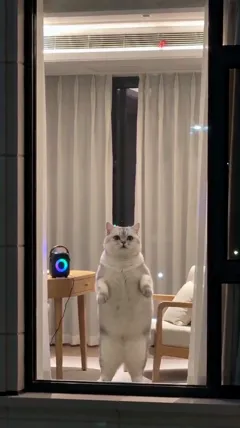
For a pet, the whole animal matters: head, body and tail in frame, lying or sitting is fine. The cat below wears the four default looks, sized for a cat. The first dress sits a little like a blanket; from the second look on, the clothes fit the body.

Add a second subject, or change the room and colours
For two subjects, upload two photos. The first one you upload lies on the left, and both change into matching outfits on every blade pass. A person and a pet can share the rug too. The pet gets the small size.
Leave "Your idea" empty and the story is the standard one: roll off the sofa onto the rug, click the remote, the fan starts to turn. To change it, write one short line:
- Rose petals on the rug
- Snow outside the window
- All four outfits in red
- Vintage film look
Three things stay fixed: the fan, the top-down angle, and the rule that clothes only change behind a blade. The number of outfits follows the length, so leave it out of your idea.
Count the blade passes before you download
A 15-second video has three blade passes, at about 4, 8 and 11.5 seconds. A 10-second video has two, a 5-second video has one.
On each pass, check that the new outfit appears while the blade covers the body. If two outfits show at once, that take did not work.
Then check that all four looks have the same face, and that the outfits come in the order you set. A pet should keep four legs and a tail the whole way through.
If a render fails for a technical reason, the credits for that run are returned. Not liking the result is not refunded. Try a different photo or a different set.
The video comes with music. To use another sound, swap it in the app where you post, and label the post as AI-made.
The videos in this guide are samples made by our team, not user results. Watch three ceiling fan transition AI video samples