How to Make a Zombie AI Video From Photos
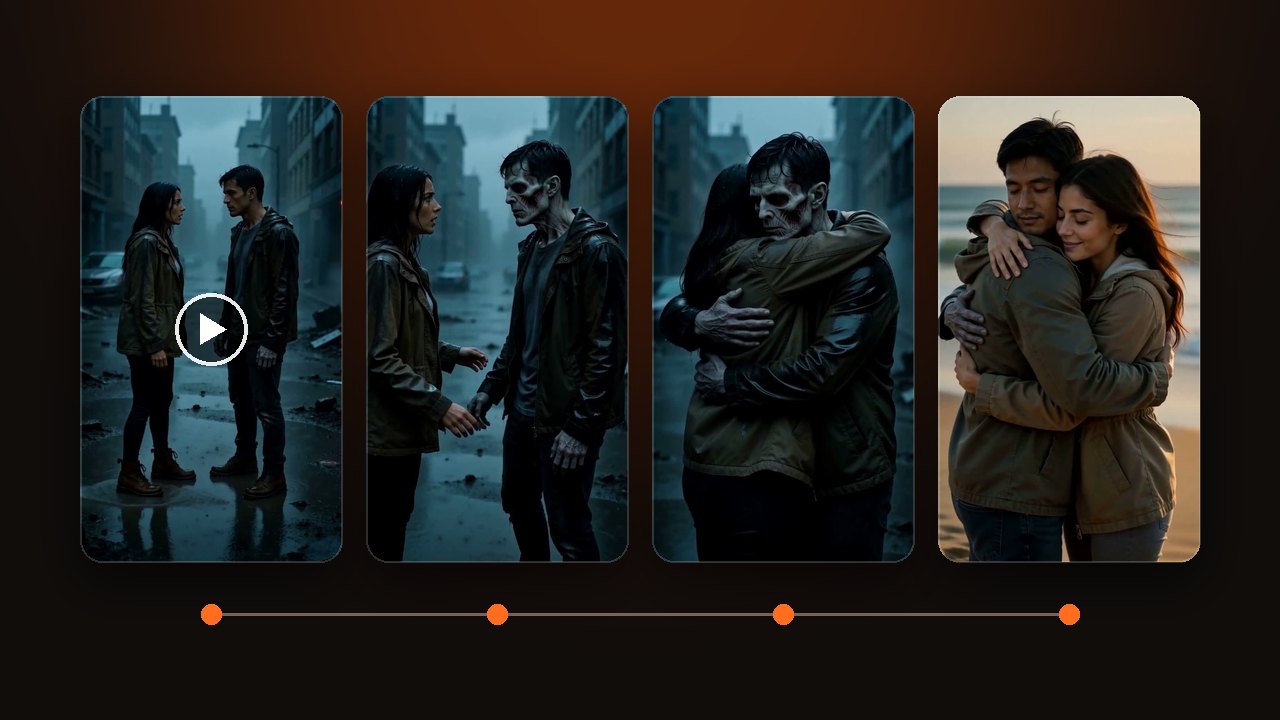
Make a zombie AI video, also called the zombie couple trend, from two photos. Choose who transforms. 5 seconds ends at the change. 10 or 15 add the hug.
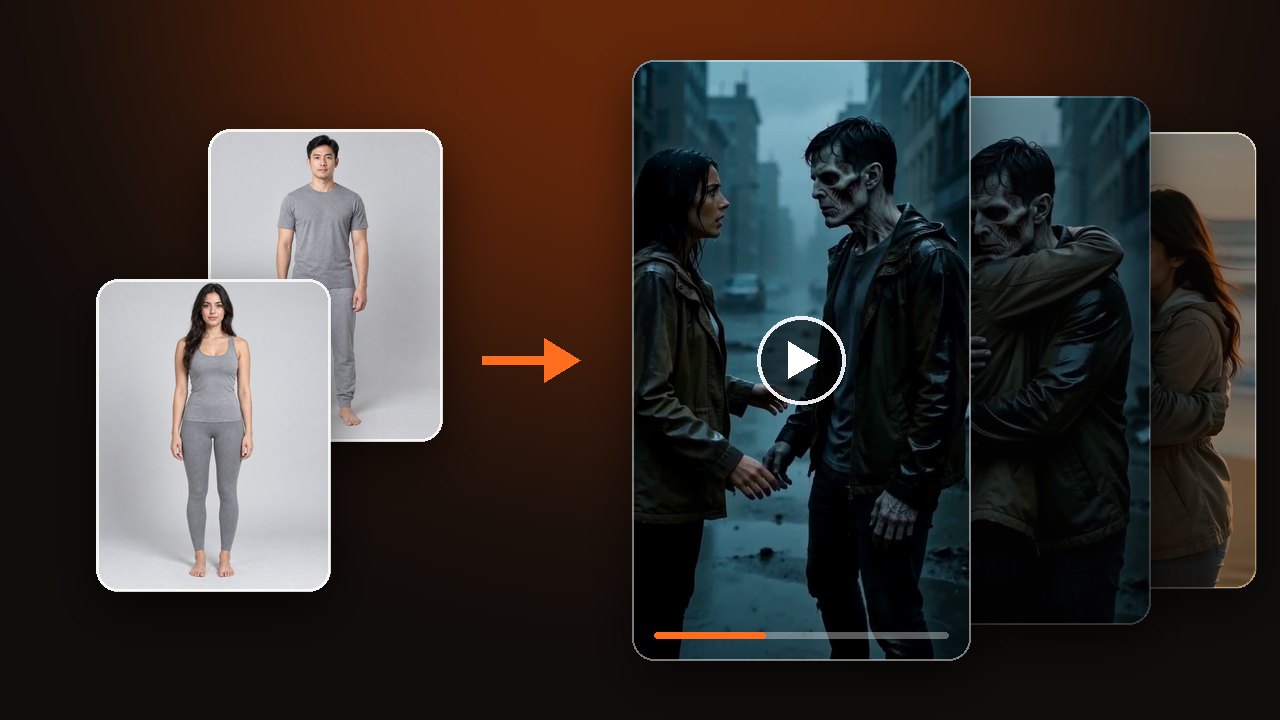
Upload photos of two subjects from before the change, choose who transforms, then pick a relationship, a scene and a length. 5 seconds ends when the change is done. 10 and 15 seconds continue into the hug and a warm memory. For the name and the story behind it, read what is the zombie AI trend.
Choose who turns into the zombie
The Your idea step has two roles: Role that stays normal and Role that transforms. Only the second one changes on camera.
- Two separate photos: the first photo stays normal, the second transforms. Swap roles flips them.
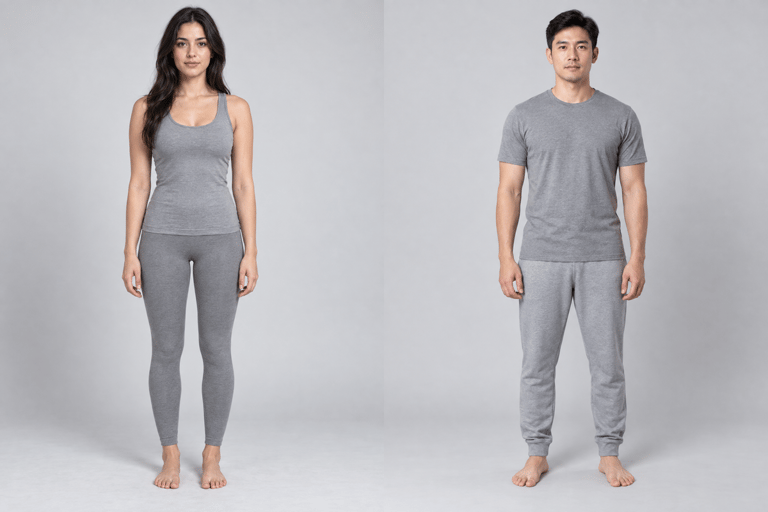
- One shared photo: the person on the left stays normal, the person on the right transforms. You can pick Left, Center or Right, or choose Specify by appearance and write something like "the person in a red jacket".
Both roles cannot point at the same person.
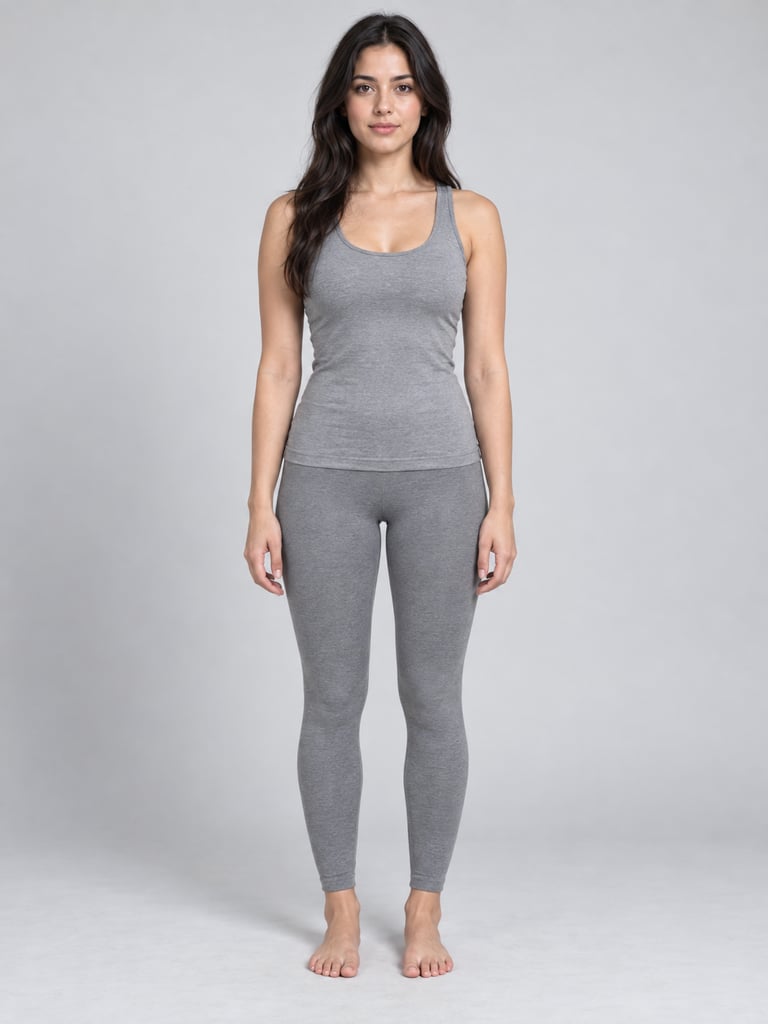
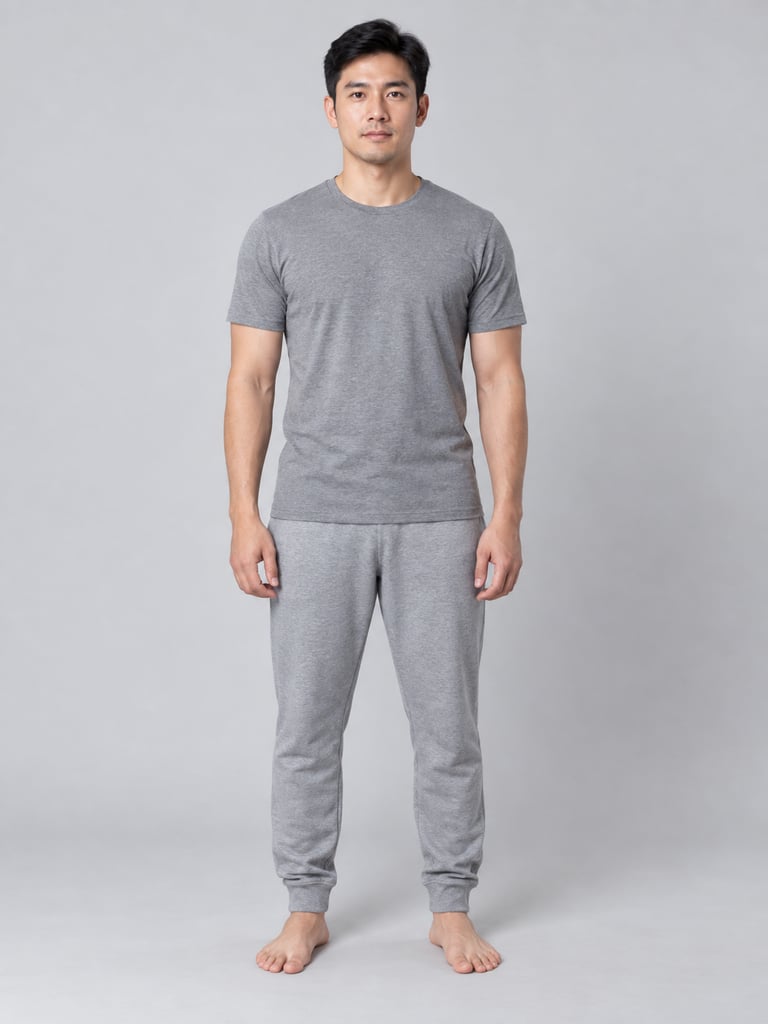
Upload photos and make a zombie AI video
5 seconds ends at the change, 10 and 15 add the hug
A 5-second video holds three things: an ordinary opening, the change, and one move after it. In the 5-second clip below, the face starts to change at about second 1. By second 4 the mouth is open and he leans into the camera. There is no hug at this length.
10 and 15 seconds spend the first half on the change. The second half is a reach, a hug, and a cut to a warm memory where both look well again. Set the length in the settings, not in Extra details.
Use photos taken before any zombie makeup
Each photo should show the person as they look on a normal day. The video opens on that face, then the change begins.
- Works
- An everyday look with a clear front face. Two separate photos, or one photo where the two stand apart.
- Comes out worse
- A face already in zombie or Halloween makeup, sunglasses, a side face. Two people who overlap or dress alike in one photo.
- Not allowed
- Children, celebrities, public figures, or anyone who did not agree.
A face that is already made up does not open as normal, so the change does not show. Sunglasses hide the eyes, and the eyes turning cloudy is one of the things you would see. When two people overlap in one photo, the wrong one may change.
This is what one shared photo gives you: the person on the left stays the same, the person on the right changes.
Set the relationship, the scene and extra details
Pick Partners, Friends, or Owner and pet. Then pick Rainy city, Snowy cabin or Ruins.
On 10 or 15 seconds, each scene leads to its own memory. The rainy city goes to a sunset beach, the snowy cabin to a sunny snowfield, the ruins to a sunlit meadow.
Clothes, sound and movement go in Extra details. The partners clip asked for everyday jackets, and both wear jackets in the video. Every video comes with sound. If you want rain, breathing, or no dialogue, write that here too.
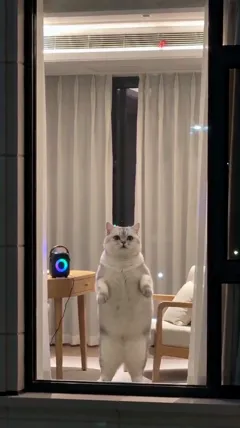
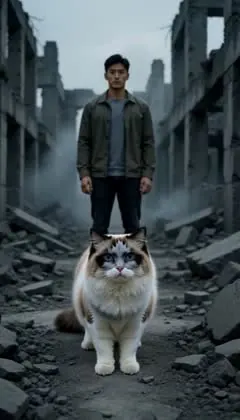
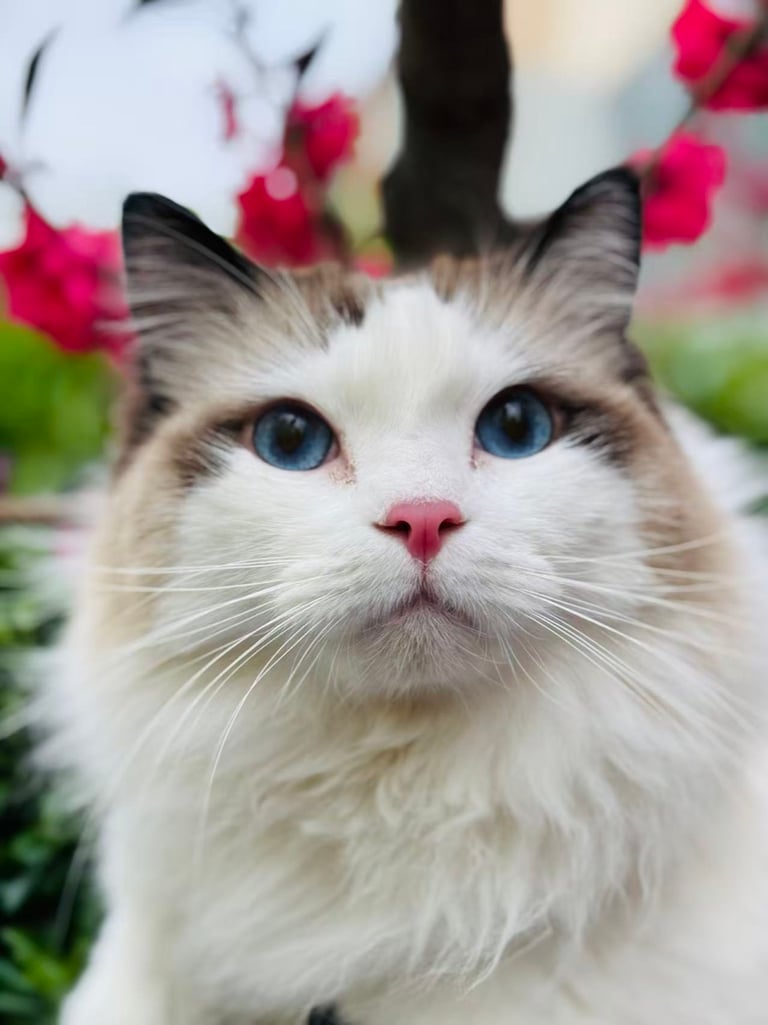
With Owner and pet, the pet stays well. In the clip below the cat only gets dark shading around the eyes and a small dark costume. In the meadow memory the costume is gone. Do not describe the pet as hurt.
Watch the two seconds of the change before you download
Check the first second: both subjects should look like their photos. Then check that the one who changes is the one you chose, and that the other does not change too. The change should happen in one shot, with no cut in the middle.
On 10 or 15 seconds, check that the hug leads into the memory, and that both look normal again there.
A technical failure returns the credits for that try. Disliking the result does not. Use an everyday photo, or choose again who transforms, and make it again.
The clips in this article are samples made by our team, not results from users. Your result depends on the photos you upload.