How to make a Tesla Roadster AI video with one photo
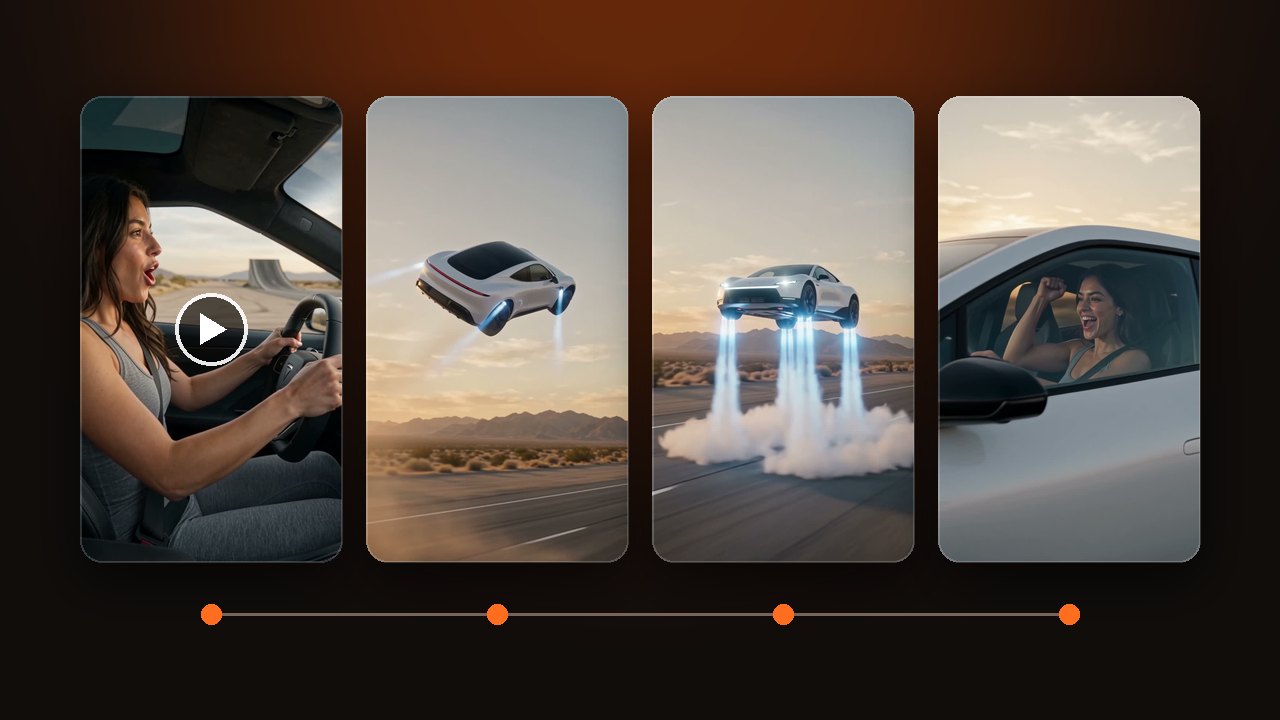
How to make a Tesla Roadster AI video, also called the flying Roadster. Photo one is the driver. Photo two is your car and is optional. 10 seconds with sound.
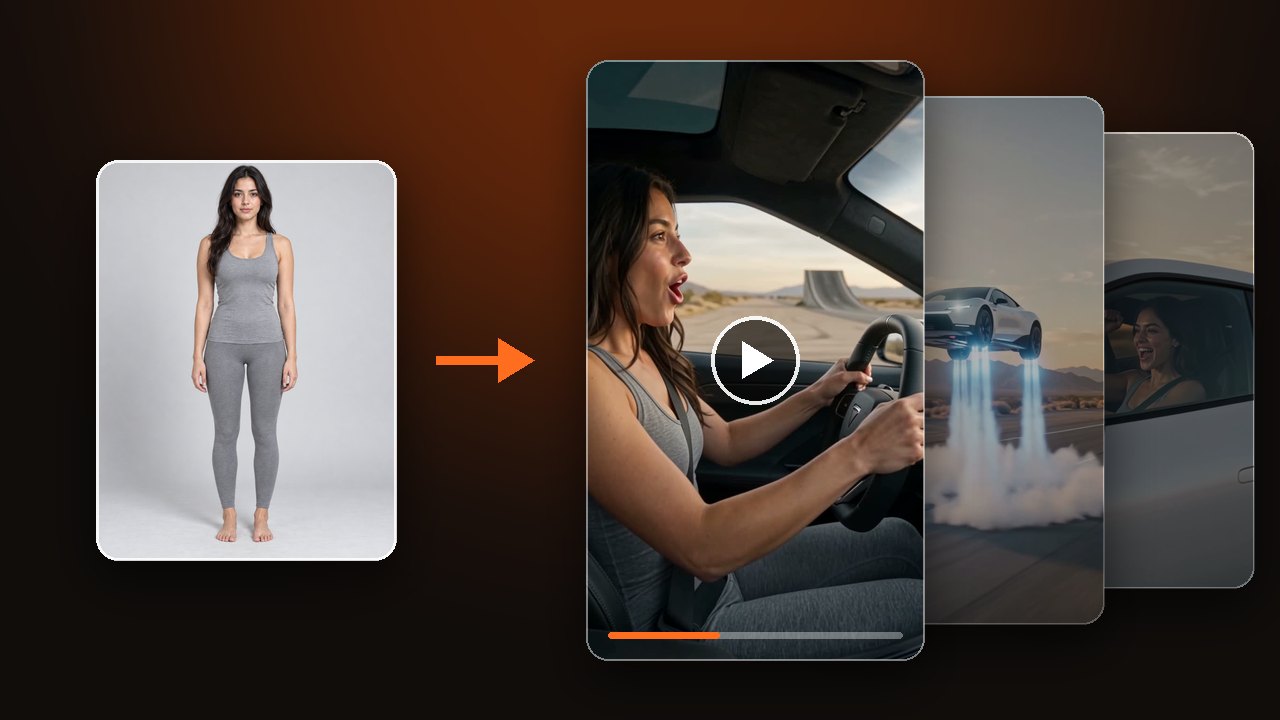
Upload one photo. Whoever is in it drives a flying sports car up a ramp, rolls once in the air and lands on jets, all in 10 seconds. Decide one thing first: whether you add a second photo of a car. For where these clips come from, read What is the flying Tesla Roadster trend.
Decide whether the second photo is your car
The second photo slot is for a car, not for a second person. Leave it empty and the driver gets a white two-door coupe. Add a photo and the clip uses the shape and color of that car.
Show the whole car, from the side or the front corner. A photo cropped to half a hood will not match the body. Keep the car and the driver in separate photos.
Upload a photo and make a Tesla Roadster AI video
The first photo is the driver
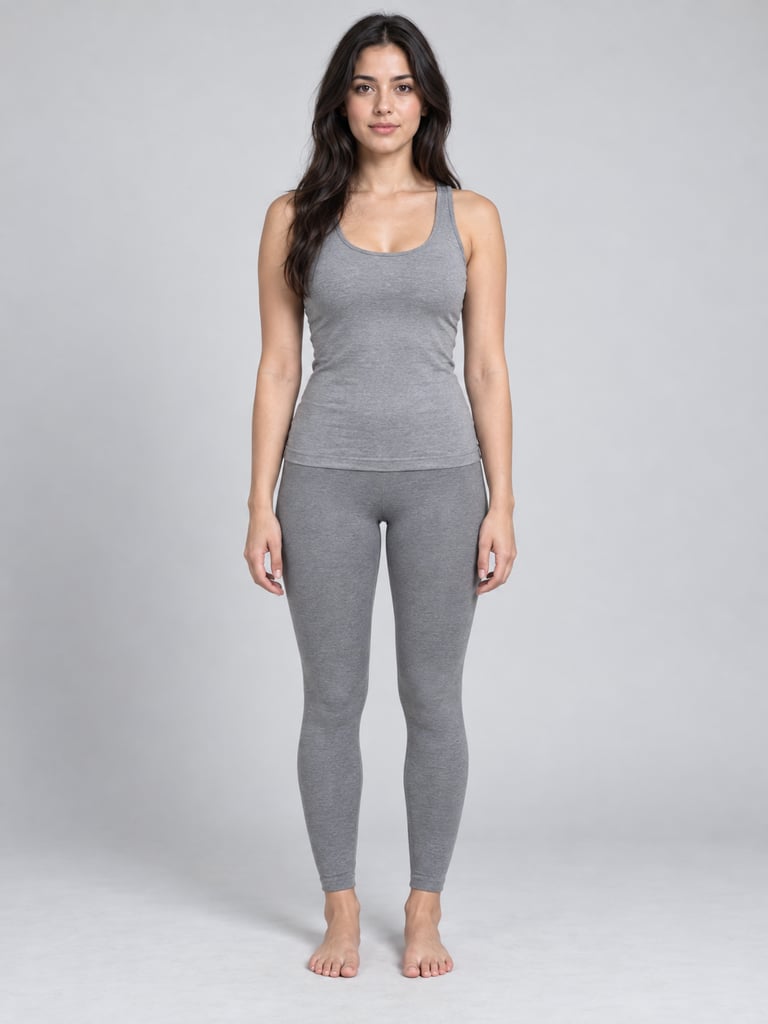
Use a clear face. It shows up twice in the clip: at the wheel in the opening shot, and through the side window at the end.
- Works
- One person, one pet, or one photo with two people in it. Front view, nothing covering the face.
- Weak
- Side profiles, sunglasses, head only. With more than two people the car runs out of seats and the faces blend.
- Not allowed
- Children, celebrities, public figures, and anyone who has not agreed.
For two people in one car, use a single photo that already shows both as the first photo. Do not put the second person in the car slot.
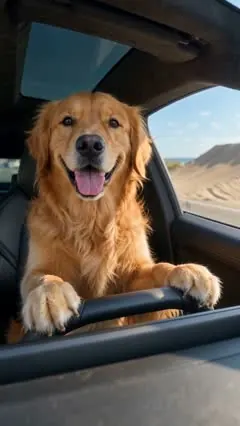
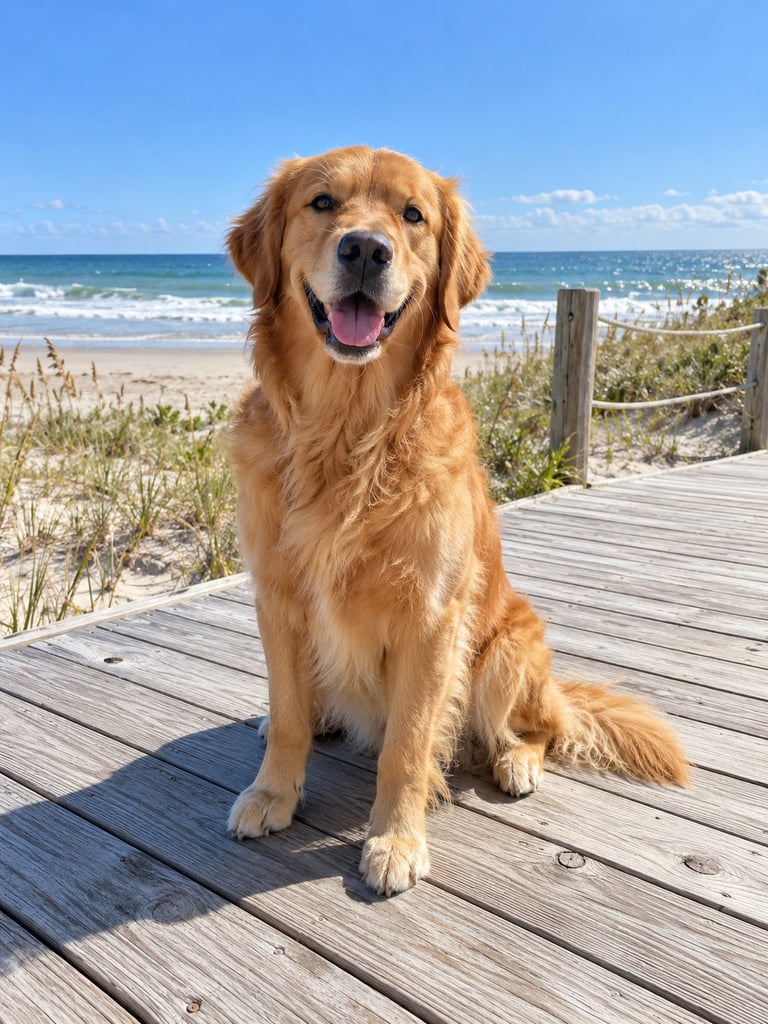
A pet can drive too. Upload a photo of that one pet.
For photos of people, use only yourself or an adult who agreed.
Empty is the desert ramp. Your idea replaces all of it
Leave Your idea empty for a desert highway at dusk. The car goes up a ramp, rolls once in the air, slows on its jets, lands and drives on.
Text in Your idea is not added after the ramp. It replaces the whole story. So write the place, one moment in the air and one landing yourself. If you only write that the car flies, the ending often stays in the air.
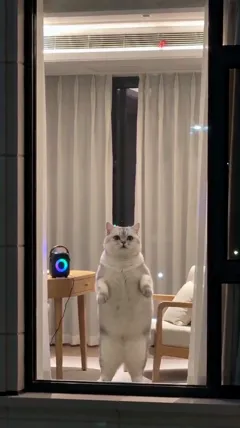
- Change the place: sand dunes by the sea, or a city at night. The retriever clip above is by the sea. The clip below is in a city at night.
- Write one stunt per clip: one takeoff, one roll or one landing. Several spins in a row tend to bend the car.
The default is 10 seconds, 9:16 vertical, with sound. Those live in the settings, not in Your idea.
Check the face, the car and the jets before you download
Start with the face. The driver at the wheel and the driver in the window should still match the photo.
Then the car. The takeoff and the landing should both happen inside the shot, with the body and wheels in shape. Last, the jets. They should come out of the four corners of the car, not float beside it.
A technical failure returns the credits for that try. Disliking the result does not. Use a clearer photo, or write the landing into Your idea, and try again.
Label the clip as AI-generated when you post it. Do not present it as real footage.
Compare yours with the three Tesla Roadster AI video examples: one person, one golden retriever, two friends. Our team made them. They are not user results.