How to Make a Window Dance AI Video From One Photo
Make a window dance AI video, also called the apartment dance, from one photo. Pick one subject or two, use a clear face photo, get a 10-second vertical clip.
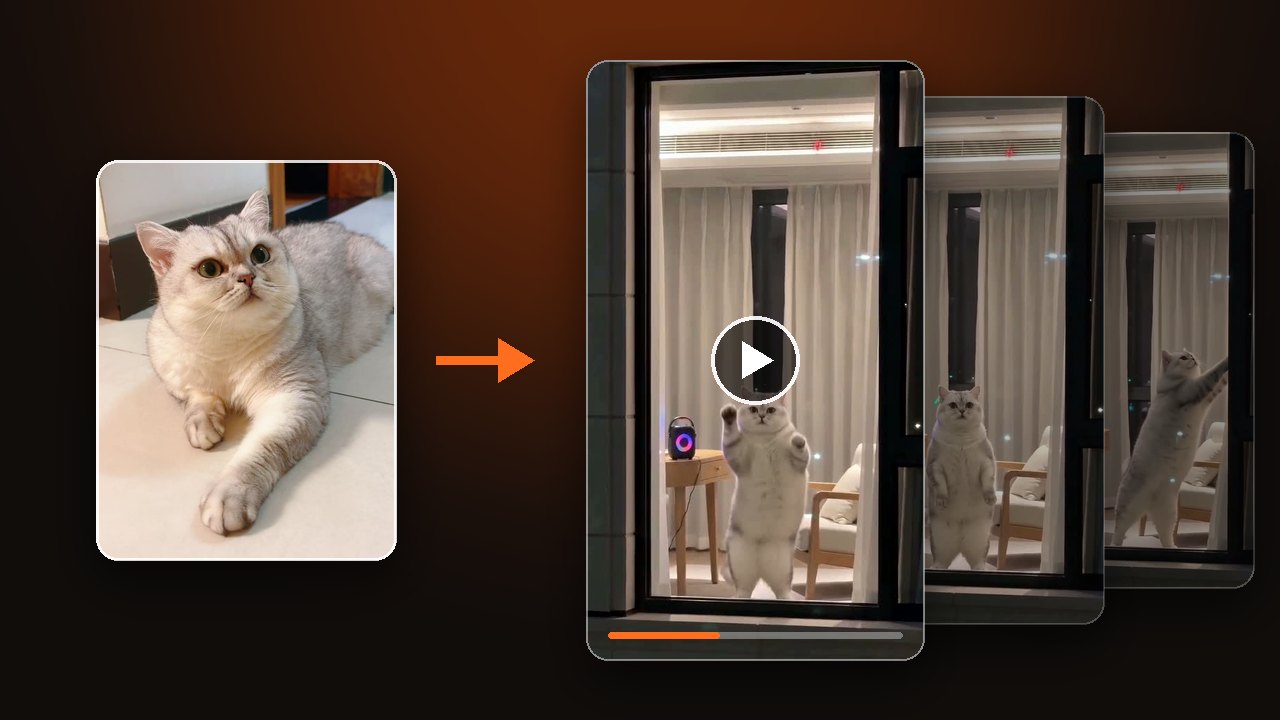
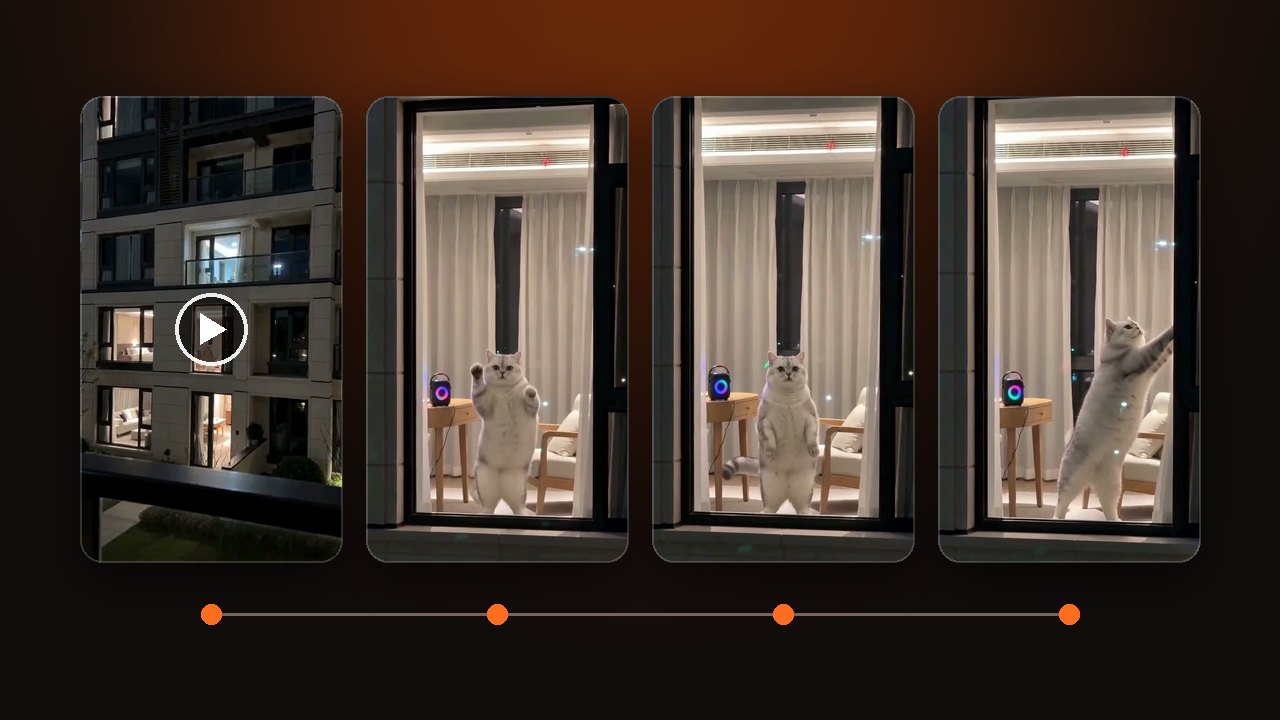
Upload one photo, wait a few minutes, and you get a 10-second vertical clip. The camera pushes in from across the street to a lit window, you dance next to a speaker, then you pull the curtain shut. New to the meme? Read what the window dance trend is first.
Decide if one or two are in the window
Put one subject in the first photo slot and leave the second slot empty if you want a solo clip. That subject can be a person, a cat or a dog.
For two in the window, upload two photos with one subject in each. Two people stand side by side, and the first photo you upload stands on the left. A person and a pet can share the window too.
There is one length, 10 seconds, in 9:16 vertical. The push-in, the dance and the curtain are timed to fill exactly that.
Upload a photo and make a Window Dance AI video
Pick a photo that still reads from across the street
The window fills only a small part of the frame, so use a sharp, front-facing, evenly lit face. Full body or half body both work. Use JPG, PNG or WebP, up to 10 MB.
- Works
- One subject per photo. Clear face, body in view. A cat or dog lying down or sitting is fine.
- Comes out worse
- Group shots, side profiles, sunglasses, head-only crops. At window distance the face stops matching and the body is guessed.
- Not allowed
- Children, celebrities, public figures, and anyone who has not agreed.
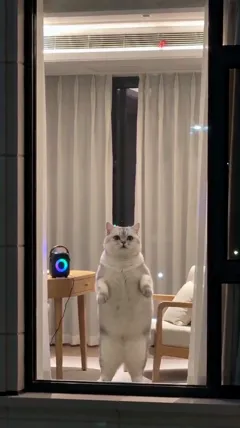
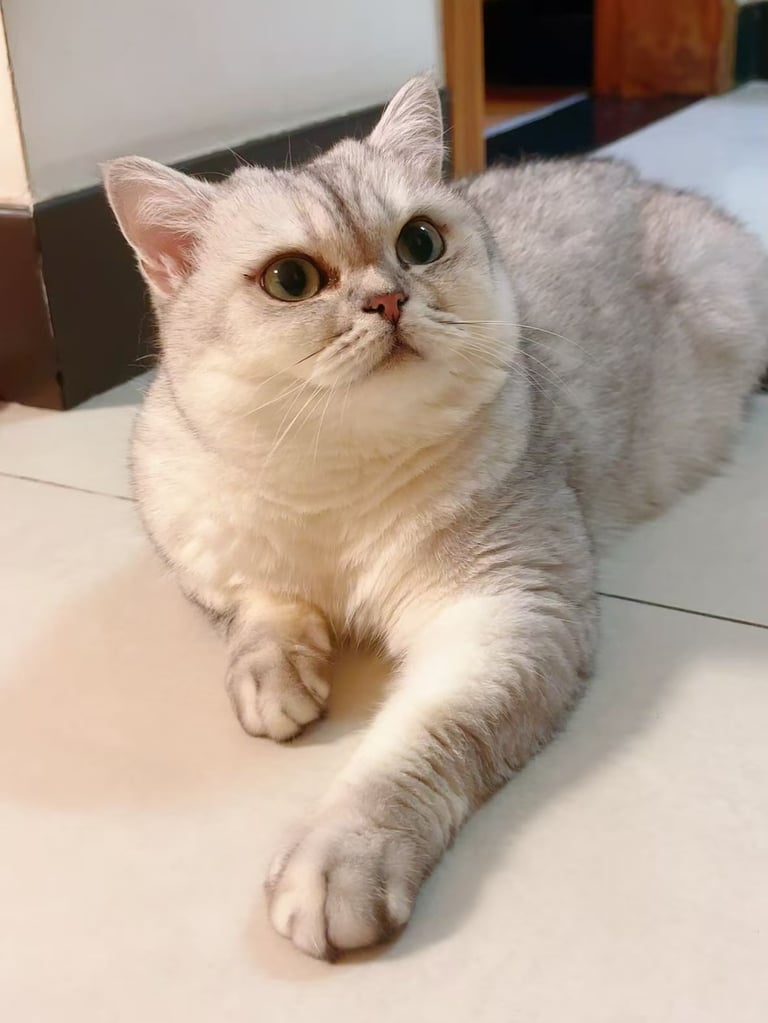
A pet does not need to be standing in the photo. The cat below was photographed lying down. In the clip it stands on its hind legs by the speaker, then reaches up with a paw and pulls the curtain.
Change the clothes or the room in Your idea
Leave Your idea empty and you get warm light, white sheer curtains and a small speaker on a table, with the clothes from your photo. To change something, write one line.
- Clothes: name the whole outfit. The first clip below used "Wearing gray pajamas, with a hair clip". The pajamas show up. The hair clip is too small to see inside the window.
- Room: the second clip used the same cat photo with "Warm yellow Christmas lights all over the room". String lights and a star now hang on the sheer curtains.
You do not need to write the view from across the street or the closing curtain. Both are there when the box is empty.
Watch from the street view to the closed curtain
Watch all 10 seconds, from the building outside to the closed curtain, before you download. The clip should open on the building at night and push toward one lit window. Once the camera reaches the window, check that the face still matches your photo and the hands look right.
At about 6 seconds the dancer stops and looks at the camera. At about 8 seconds a hand reaches for the curtain. The last frames show only a strip of light at the curtain edge. With two photos, also check that the two faces have not blended.
A technical failure returns the credits for that try. Disliking the result does not. Use a clearer photo, or describe the clothes and the room more exactly, and try again.
The clip comes with newly generated music. To use a specific song, swap the sound in the app when you post.
The clips in this article are samples made by our team, not customer results.