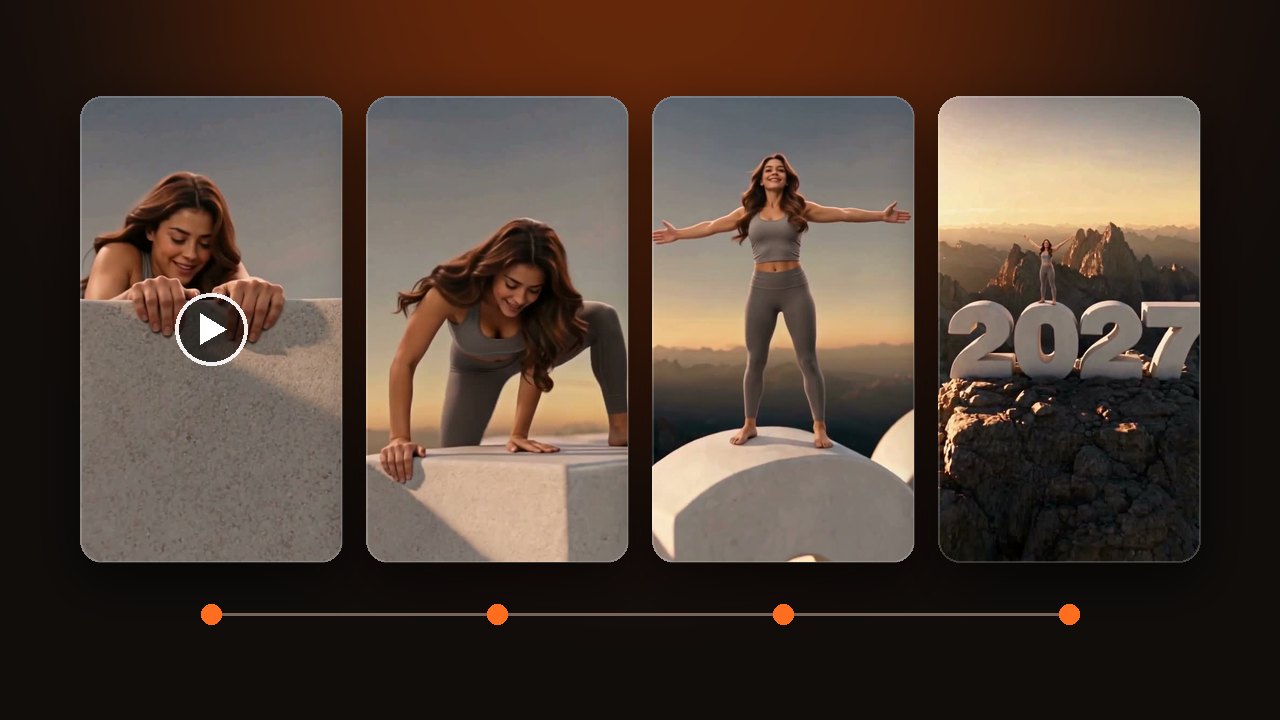
How to Make a Welcome 2027 AI Video From One Photo
Make a Welcome 2027 AI video, also called Hello 2027, from one photo. Pick one climber or two. 10 seconds, vertical. Change the number color or the backdrop.
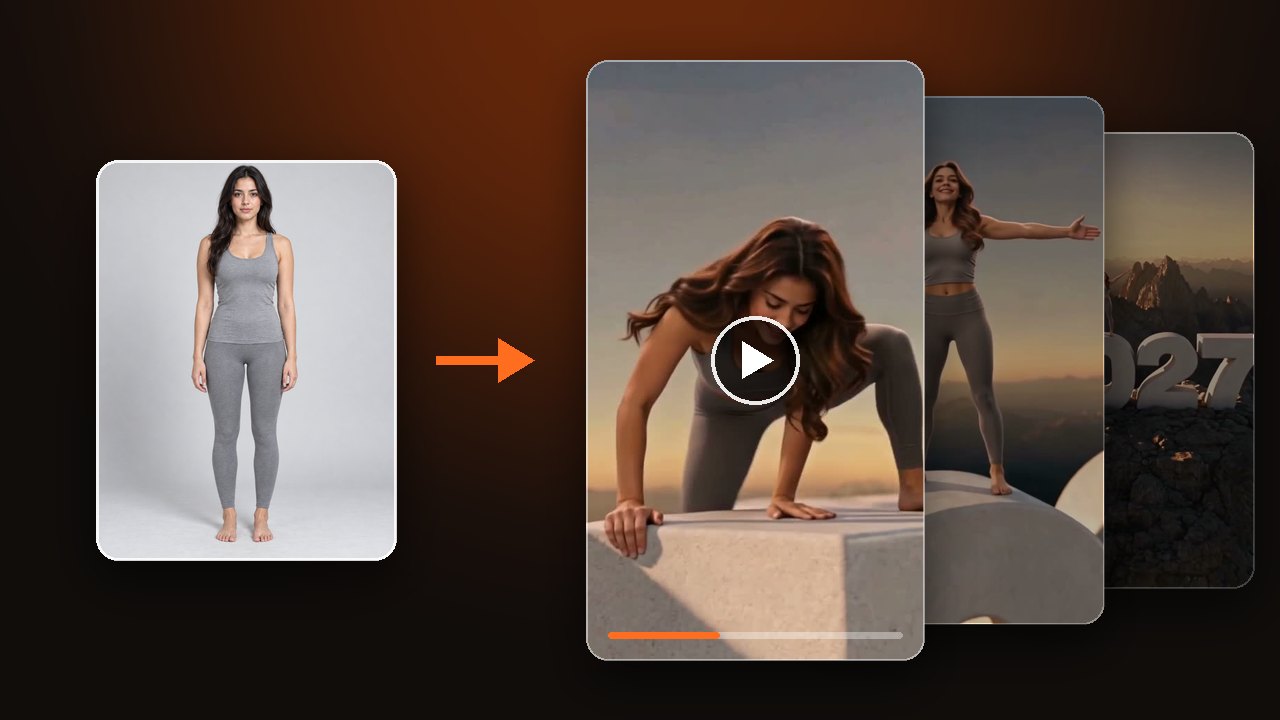

Upload one photo. The person or pet in it grabs the top edge of a giant number, climbs up, and stands on the "0" with arms wide while the camera pulls back to a summit at sunset. The clip runs 10 seconds. For what happens in each beat and what else people call it, read about the Welcome 2027 trend.
Decide how many climb the 2027
One climber needs one photo, and two climbers need two. Keep one person, cat or dog per photo. The second photo slot can stay empty.
In our samples the two stand side by side on the same "0" and open their arms together. Two people work. A person and a pet work too. There is one length, 10 seconds, in 9:16 vertical, so there is nothing to choose.
Upload a photo and make your Welcome 2027 AI video
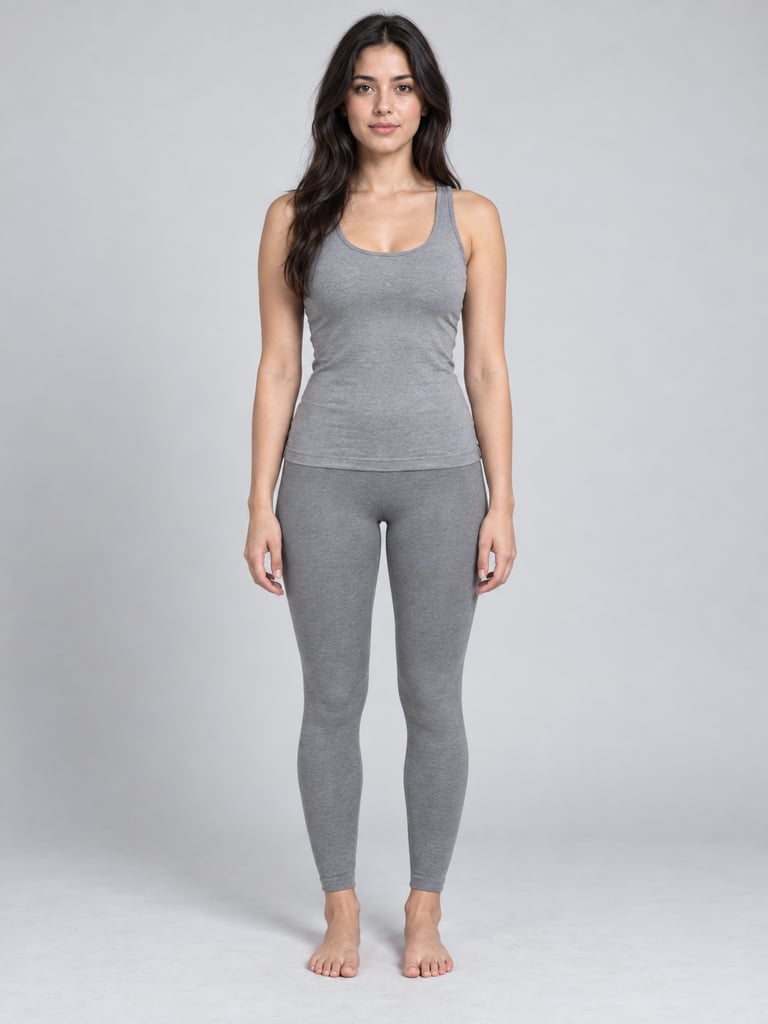
Pick a photo with clear hands and a clear face
The clip opens with both hands gripping the top edge of a number, then the face comes up. So the photo needs visible hands and a clear face. Use JPG, PNG or WebP, up to 10 MB.
- Works
- One person, one cat or one dog. Front view, with hands and body visible. A sitting or lying pose is fine.
- Weak
- Group shots, side profiles, sunglasses, head only. Gloves or hands in pockets blur the grip on the edge.
- Not allowed
- Children, celebrities, public figures, and anyone who has not agreed. Use only yourself or an adult who agreed.
For a pet, use a photo with the whole animal in frame. The cat in our sample is lying down in its photo. In the clip it climbs onto the number, stands on its back legs and spreads its front paws.

Change the numbers, mountain and backdrop in Your idea
Leave Your idea empty and you get matte white stone numbers on a rocky summit at sunset. To change that, write one line in Your idea. The climb and the pull-back stay the same, and the number is always 2027.
- Number color. Write "make the numbers a shiny red" and all four digits turn red.
- Backdrop. Write "the backdrop is space, a blue Earth far below, the numbers glow gold". The 2027 floats among the stars, and Earth shows below after the pull-back.
- Mountain. Write "a snow-covered mountain". In our sample the rocks on the summit got a layer of snow, not a full snow peak. For more snow, describe it in more detail.
- Clothes. Leave them out and the clip keeps the outfit from the photo.
Check four spots before you download
Start with the opening, where both hands should sit on the top edge of the number. Then check that the face still matches the photo during the climb. Around second 4 the climber stands straight with arms wide. After the pull-back the climber is small, so count the digits. There should be four, all complete, reading 2027.
If a digit is missing or the digits crowd together, shorten Your idea and run it again. A technical failure returns the credits for that run. Not liking the result does not.
The clip comes with newly generated music. To use a specific song, add it when you post.
These clips are examples made by our team, not user results. See the Welcome 2027 AI video examples