How to Make a Hotel Lobby AI Video From Two Photos
Make a Hotel Lobby AI video, also called the Quavo and Takeoff AI video, from two photos. First photo stands left, second right. 10 seconds, 16:9, with new rap.
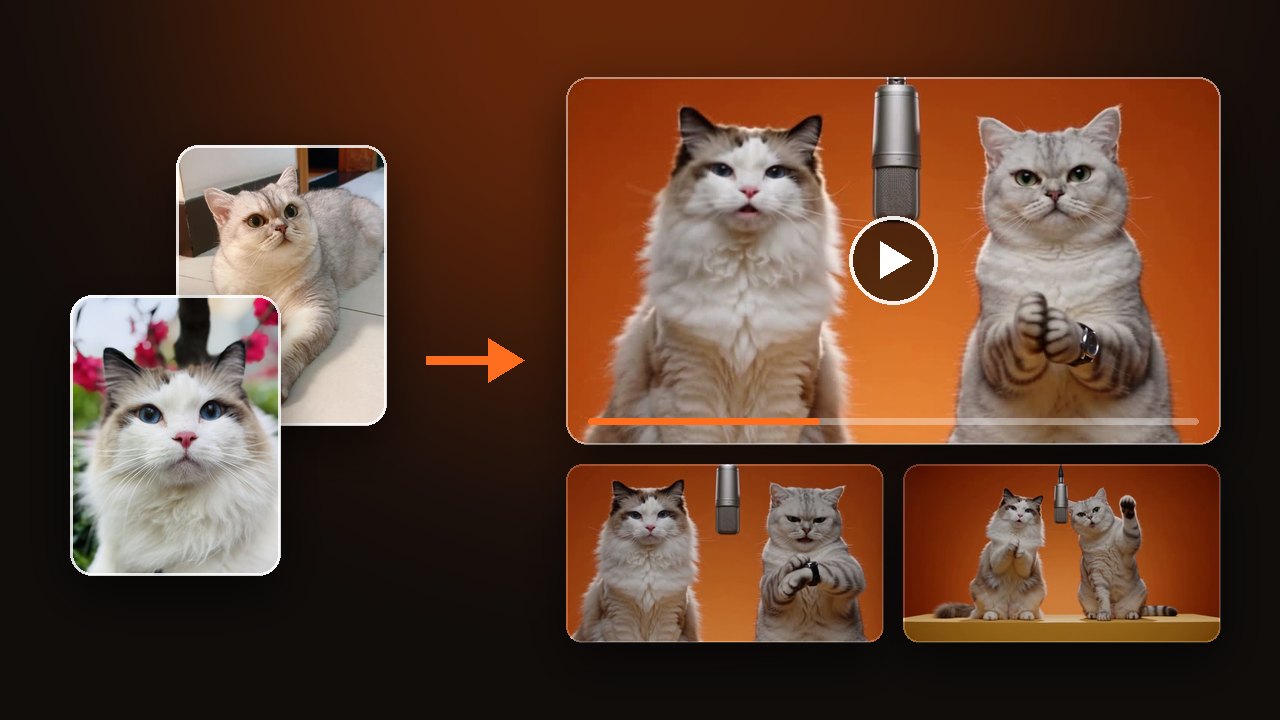
Upload two photos, one subject in each. The first stands left of the hanging mic and the second stands right, and by default you get a 10-second, 16:9 duet with sound. New to the meme? Read about the Hotel Lobby trend first.
Decide who stands left and who stands right
Upload order sets the positions. The first photo stands left of the hanging mic and the second stands right. You cannot swap them after the video is made.
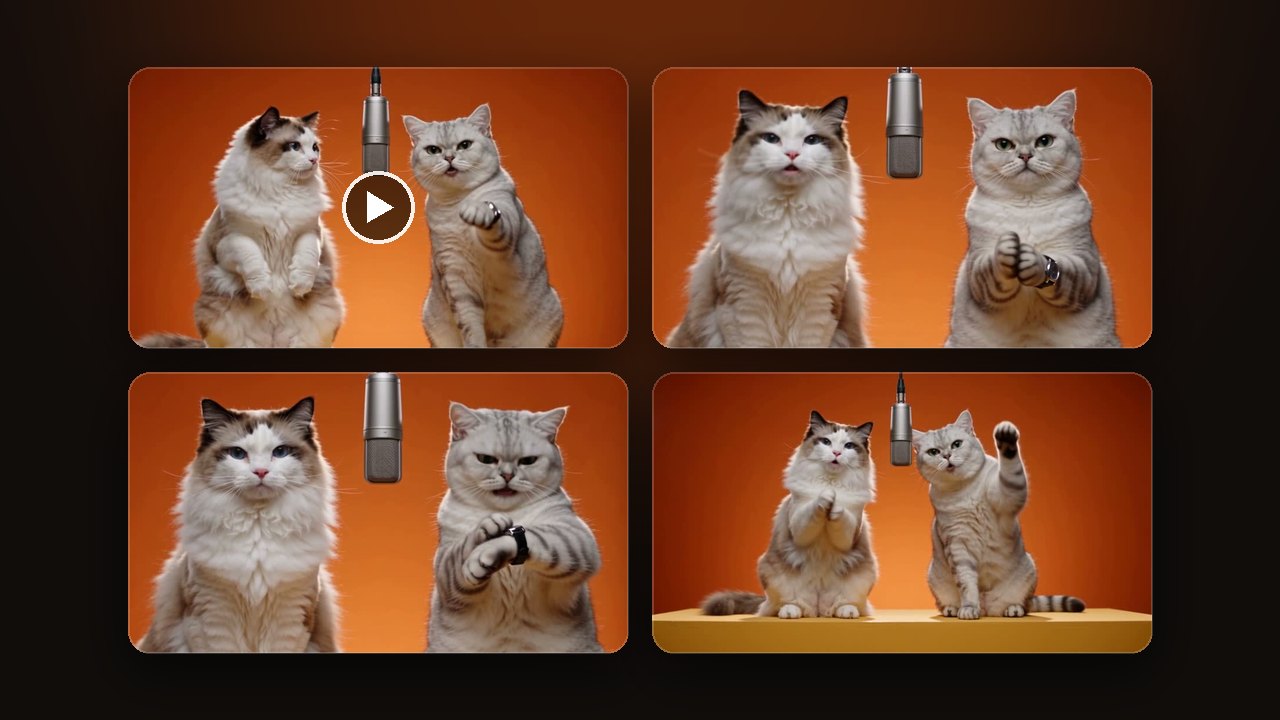
In all three samples on ImgAI, the one who checks the watch stands on the right, which is the second photo. To give someone that moment, try them as the second photo first.
The frame is 16:9 because the two stand side by side at one mic. The default is 10 seconds with sound. Pick the length in the settings, and choose a shorter one for a first look.
Upload two photos and make a Hotel Lobby AI video
Use one subject per photo, mouth visible
Put one subject in each photo, with a clear face and an uncovered mouth. A person, a cat, a dog, a portrait painting or a cartoon character you designed all work.
- Works
- One subject per photo, facing the camera or slightly turned, mouth visible. A waist-up or full-body photo carries the outfit into the booth.
- Comes out worse
- Group shots, side faces, sunglasses, masks. A duet depends on seeing who opens their mouth, and a covered mouth hides whose turn it is.
- Not allowed
- Children, celebrities, public figures, or anyone who did not agree. Use only yourself or adults who said yes.
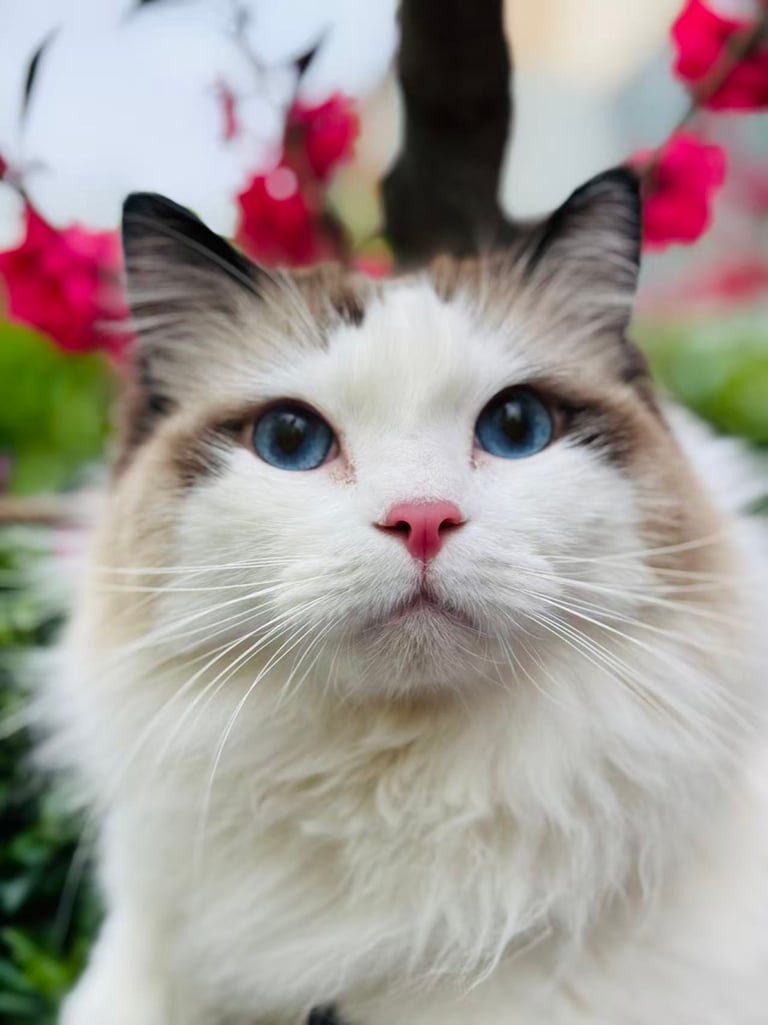
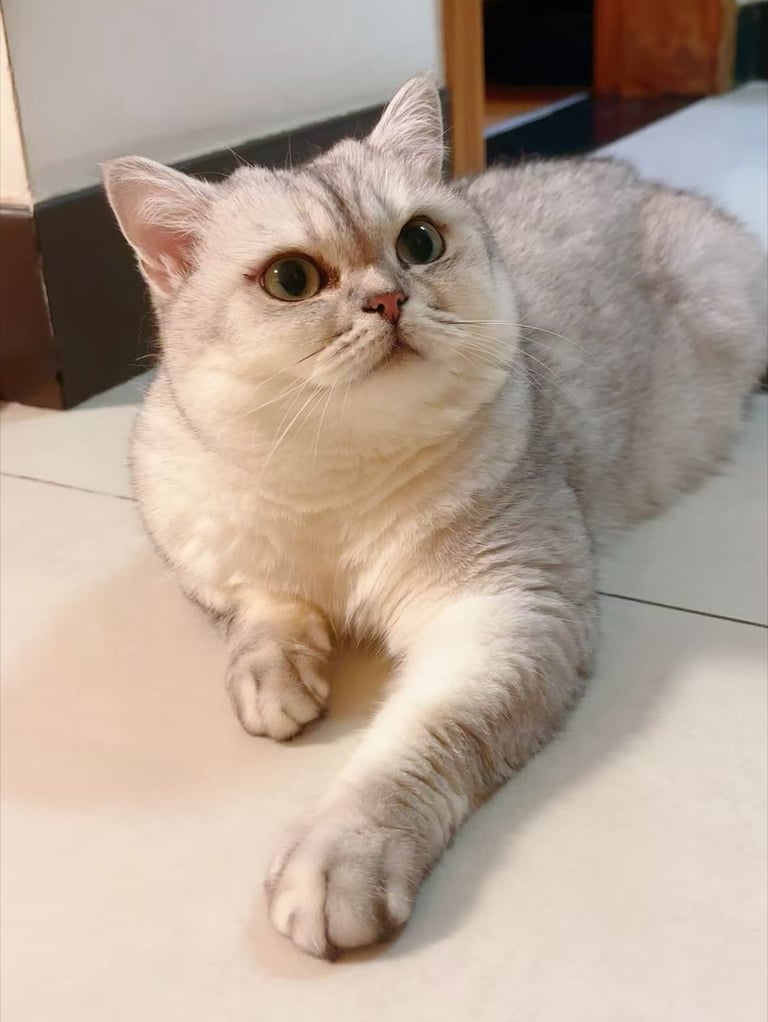
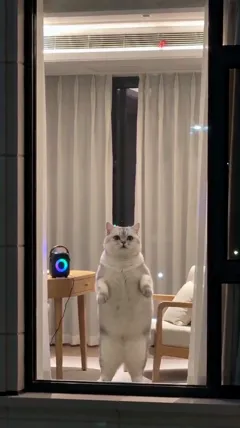
These two photos made the cat video above. The ragdoll photo shows only a face, so the body in the video was filled in. For your own clothes to show up in the booth, use a waist-up or full-body photo.
If both people are in one group shot, crop it into two photos first. One photo is not enough, because this duet needs two.
Write the topic or language in Your idea
Leave Your idea empty and the two battle over who raps better. To change the topic, the language or the room, write one line in Your idea.
- Set a topic, like who gets the last slice of pizza or who does the dishes tonight. The two trade lines about it.
- Change the language. Write “rap in Spanish”.
- Change the room. The orange booth can become somewhere else. The hanging mic stays and the two still take turns.
The beat, the words and the voices are generated new for each video, so no two come out the same. The song Hotel Lobby itself is not in the video.
There are only two positions, left and right. Do not write a third person into Your idea.
The two videos above are samples made by our team, not results from users. Yours will vary with the photos you upload.
Check left and right, the mouths and the wide shot
Start by confirming the first photo is on the left and the second is on the right. Then watch the turns. Whoever has the line should be the one opening their mouth. If both mouths move the whole time, make it again.
In a 10-second video, the watch check comes at 6 to 7 seconds, and the last two seconds cut to a wide shot with both on a yellow platform. Look at the hands and the full bodies in those two spots. A pet may gain a watch or a ring on its paw. That comes with the performance.
A technical failure returns the credits for that try. Disliking the result does not. Upload the two photos separately again, or shorten the topic, and try once more.