How to make a Dime Dime Baby video with one photo
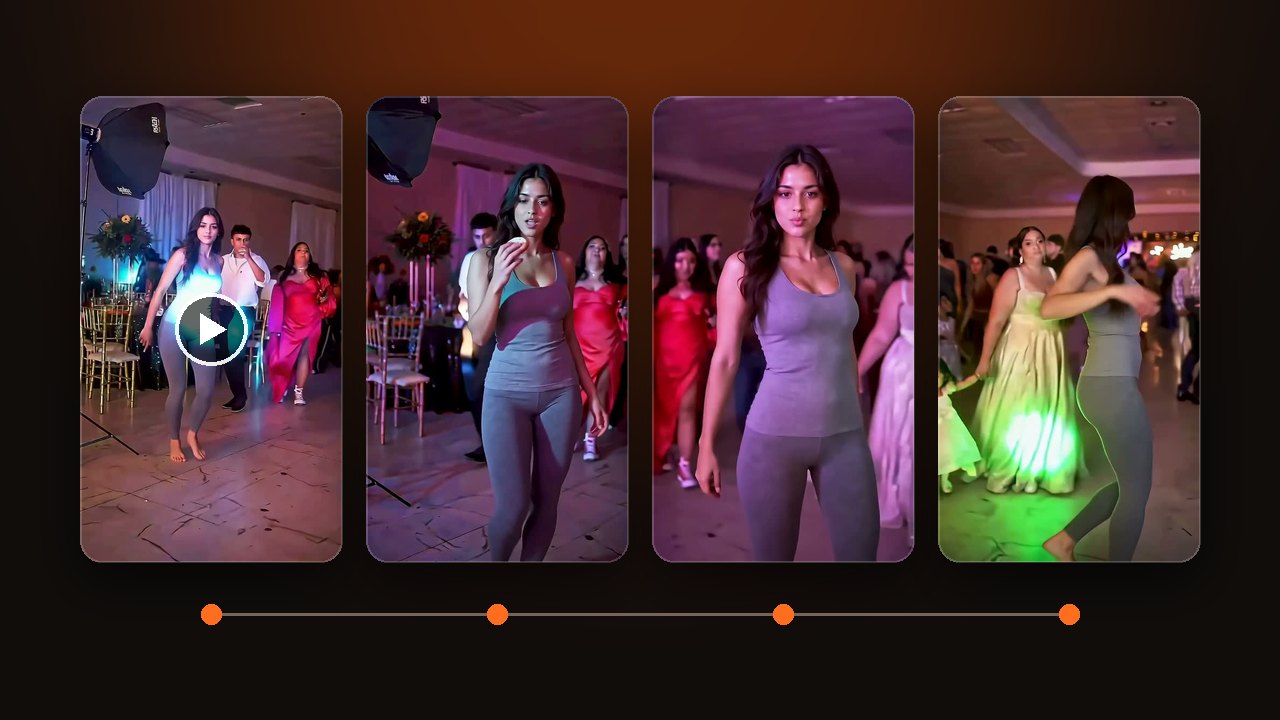
How to make a Dime Dime Baby video, also called the Bby Wow guy. One dancer per photo. 7 seconds is the full dance. 5 seconds leaves out the final turn.
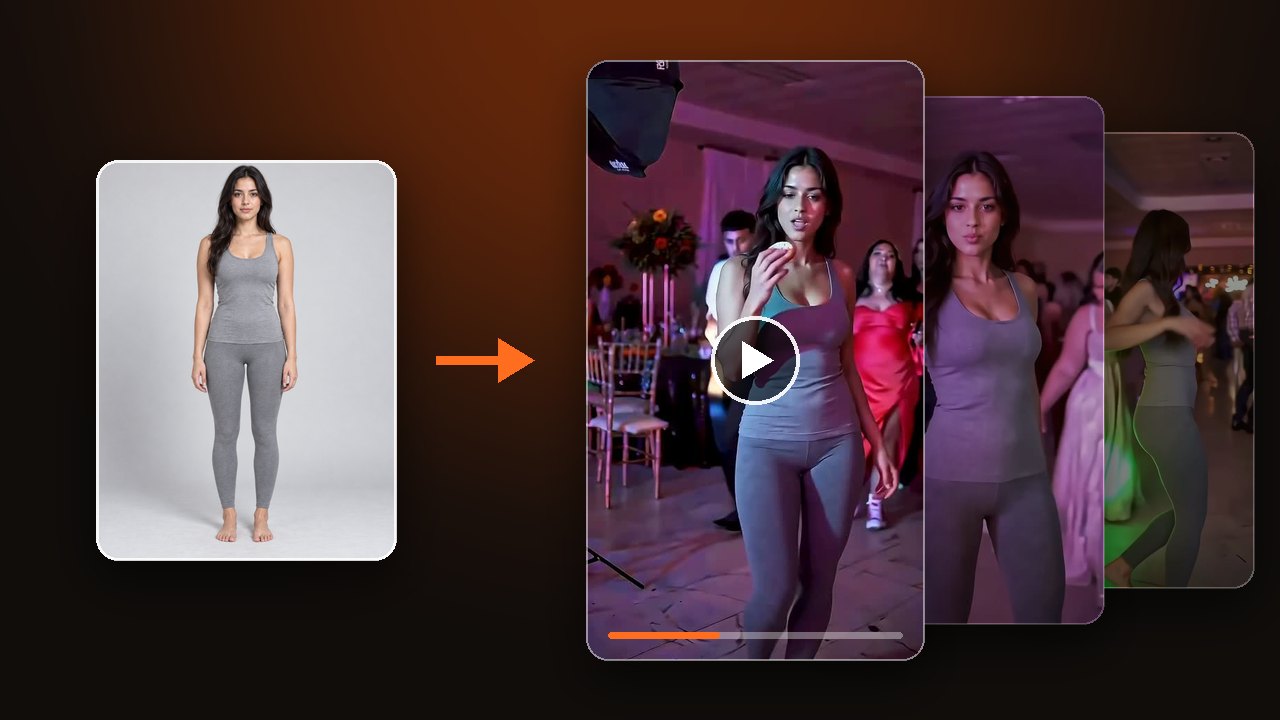

Decide whether you want the full dance or the shorter one. The dancer walks toward the camera, takes a bite of bread, looks at the camera, then turns. For the name and the song, read What is Dime Dime Baby.
Pick the version first
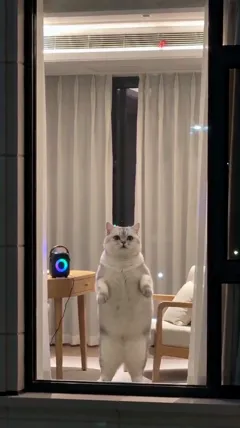
One dancer at a time. A person, a cat, or a dog. Do not use a group photo.
7 seconds is the full dance, with the turn at the end. 5 seconds is shorter and leaves that turn out. Choose the length in the settings, not in Your idea.
Upload a photo and make a Dime Dime Baby AI video
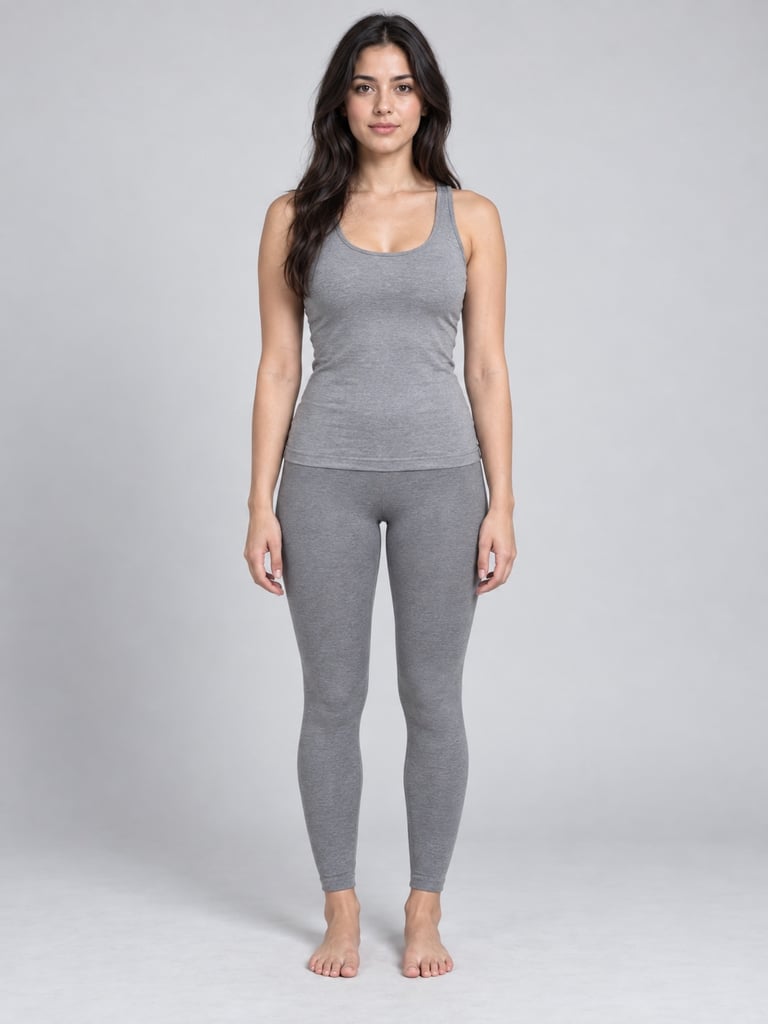
Upload one clear photo
Use JPG, PNG, or WebP. One subject in the photo.
- Works
- A clear face, with some of the body in frame. A person, a cat, or a dog.
- Comes out worse
- A group photo, a side face, sunglasses, or only the head. If a hand or a mask covers the mouth, the bite is hard to see.
- Not allowed
- Children, celebrities, public figures, and anyone who did not agree.
The word baby in the name is not a baby video, and it does not allow a child's photo.
For a cat or a dog, upload a photo of only that animal. The bite is less clear than on a person.

Write the place or the clothes in Your idea
Leave Your idea empty for the party dance floor.
- Change the place: an outdoor wedding, an office party, a beach party. The background becomes the place you named.
- Change the clothes: a suit, or a dress. Leave it out and the clothes stay as in the photo.
There is no second photo slot. Do not write a second person into Your idea.
Watch the whole clip before you download
Check that the face still matches the photo, then the mouth and hands at the bite. If you chose 7 seconds, check for the turn at the end.
A technical failure returns the credits for that try. Disliking the result does not. Use another photo, or write the place and the clothes more clearly, and try again.
The dance music is on by default. For newly generated sound, turn on AI-generated sound in the settings.