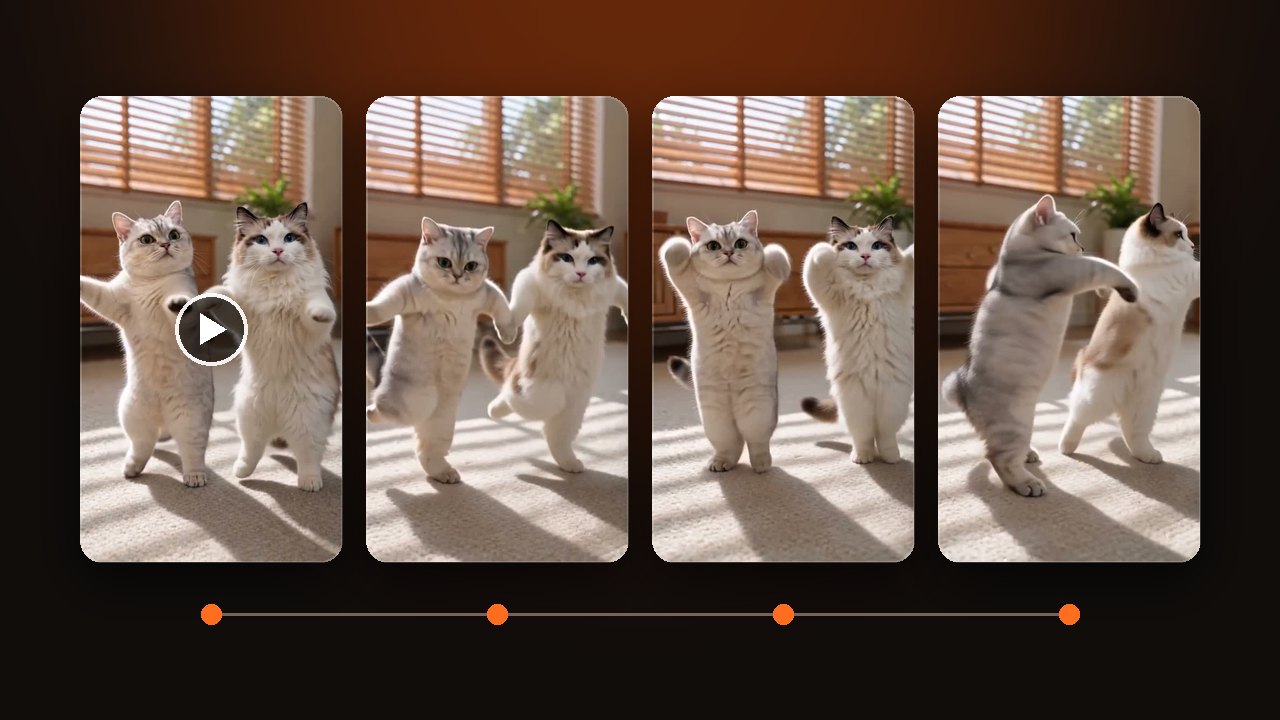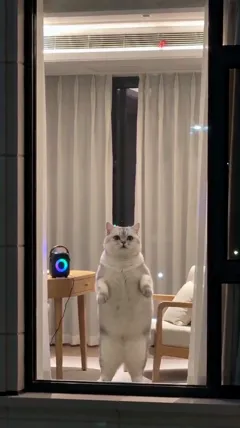
How to make a cat dance AI video from your photo
How to make a cat dance AI video, also called dancing cat. Pick the pet or person version. The first photo stands on the left. Only 15 seconds has the turn.
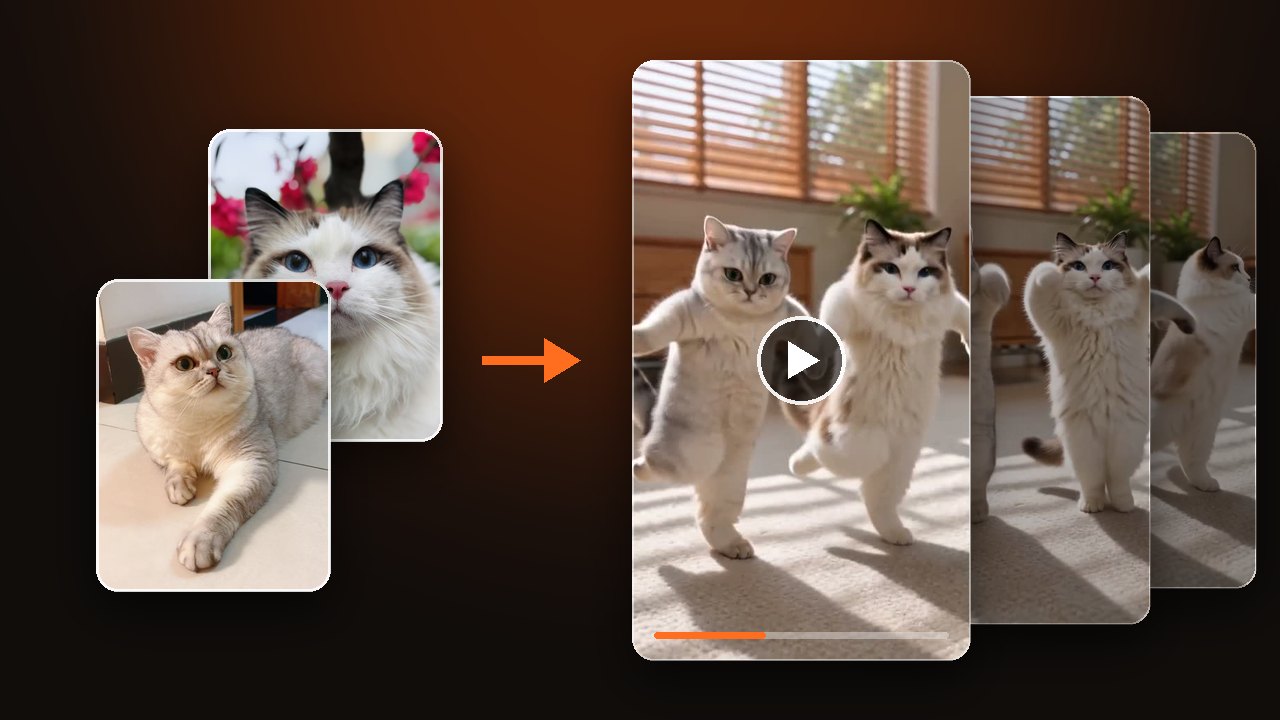
Upload one photo, pick the pet version or the person version, then choose 5, 10 or 15 seconds. That gives you a cat dance AI video. For the moves beat by beat, read what the cat dance trend is.
Pick the pet version or the person version
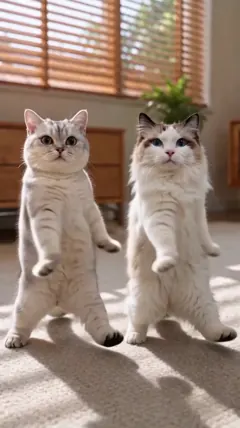
Cats and dogs go in the pet version, and adults go in the person version. Leave the pet version empty and you get a sunny living room, with light from the blinds striping the carpet. Leave the person version empty and you get the beach.
The wrong version throws the body proportions off. Decide who is dancing, pick the version, then upload.
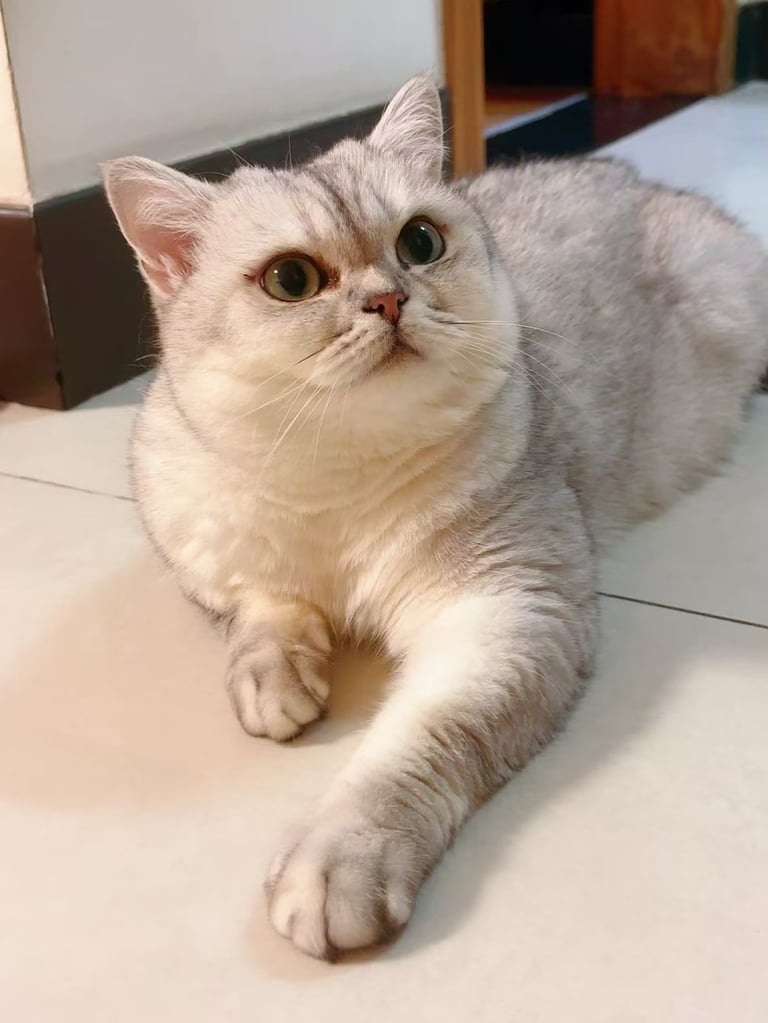
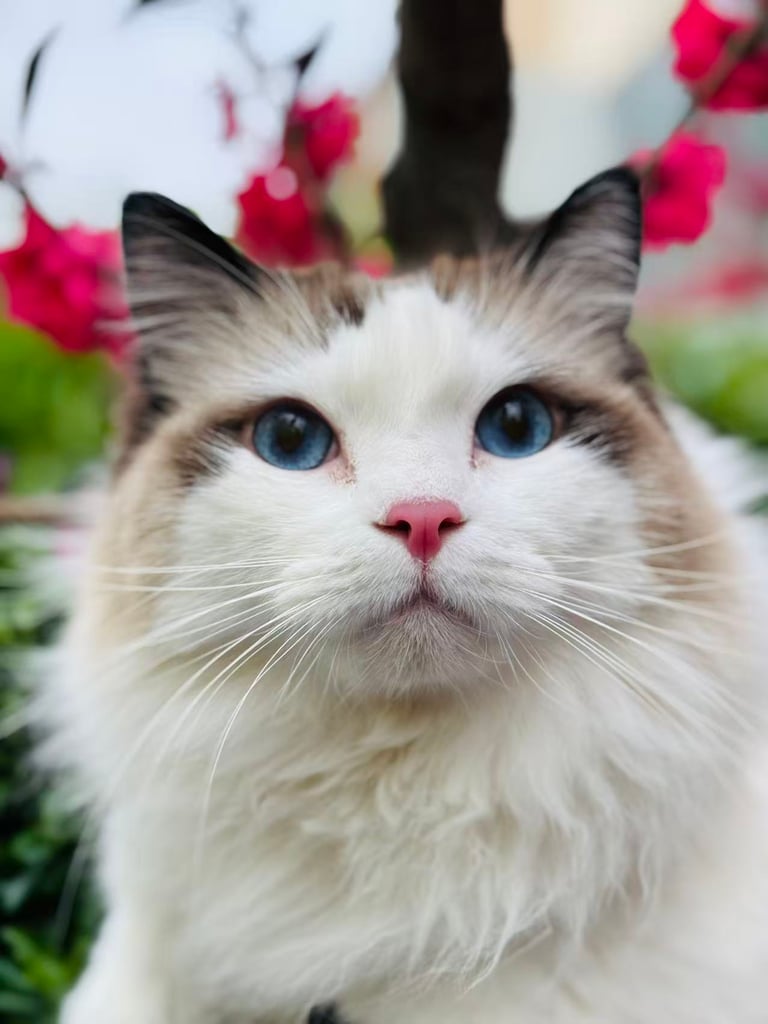
Upload a photo and make a cat dance AI video
Choose a photo for the cat dance
Put one dancer in each photo. Use JPG, PNG or WebP.
- Works
- One cat, one dog or one person. Clear face, body in the frame. A cat lying down or sitting is fine.
- Comes out worse
- Two pets squeezed into one photo, a side profile, a head-only shot. A second face, a poster or a portrait on the wall can show up as an extra dancer.
- Not allowed
- Children, celebrities, public figures, and anyone who has not agreed.
Want two dancers? Add a second photo. The first photo stands on the left and the second stands on the right. You can leave the second slot empty.
For people, use a photo of yourself or of an adult who has agreed.
Change the room, the outfit and the length
You can swap both the living room and the beach. Write a place in Your idea, such as a bedroom, a balcony or a stage. Clothes go there too, so describe the whole outfit. Leave it out and the dancer wears what is in the photo.
Pick the length in the settings, not in Your idea. 15 seconds is the full dance. Around second 10 the dancer turns away from the camera, then turns back and points at the lens. The 5 and 10 second cuts stop before the turn.
The clip comes with the dance music. For newly generated sound, turn on AI-generated sound in the settings.
Watch the turn before you download
Check that the face and fur still match your photo. Then scrub to seconds 10 to 12. The dancer is closest to the camera during the turn, so watch the face and paws second by second.
With two dancers, they pass very close in those two seconds. Look for fur colors that jumped from one cat to the other, and for an extra dancer. If you picked 15 seconds, confirm the dancer turns back at the end.
A technical failure returns the credits for that try. Disliking the result does not. Try a photo with a cleaner background, or switch to the other version.
The clips on the page are examples made by our team, not customer results. The person in the person version example is a generated model.